
Luma Ai VS Google Veo 3.1
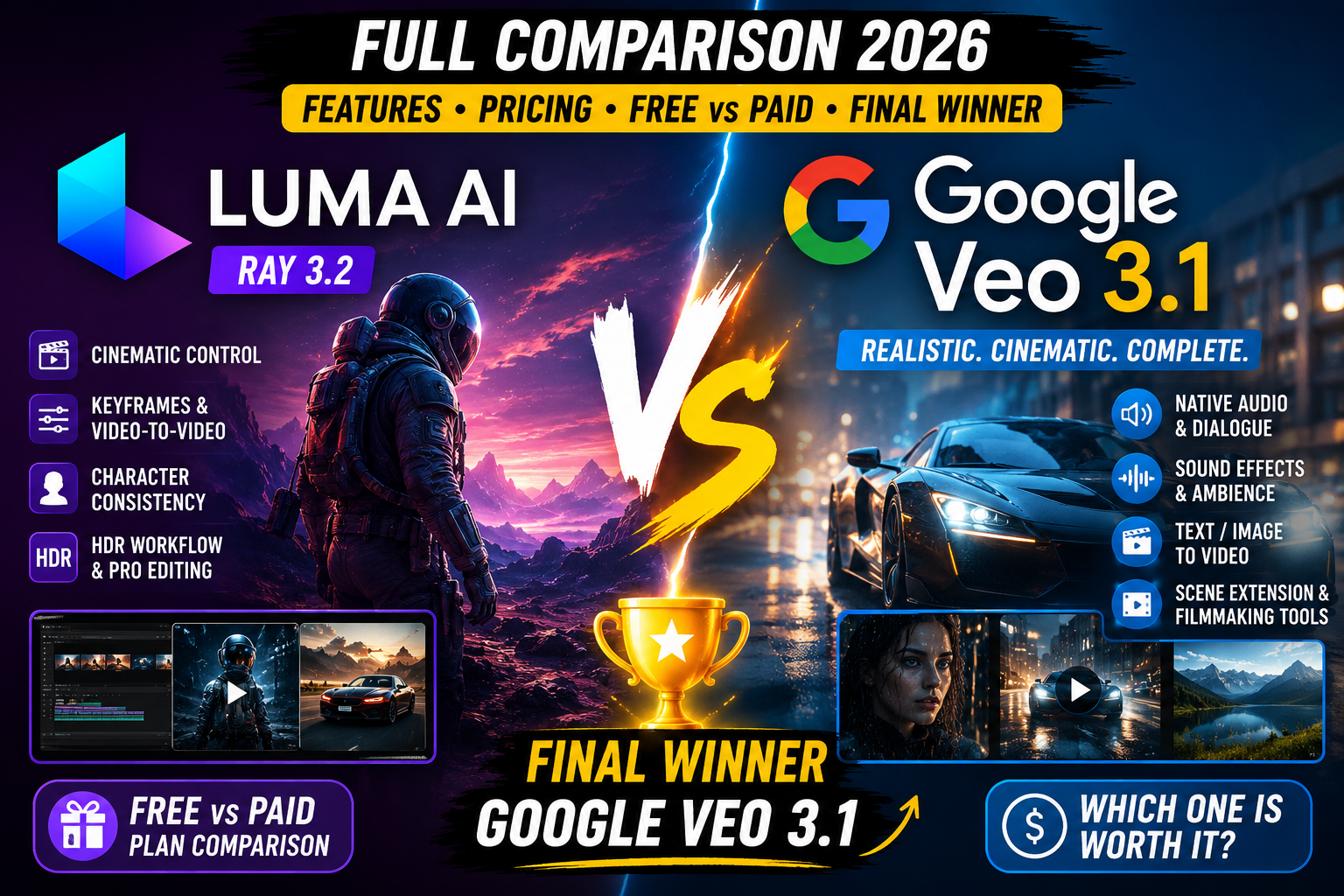
🎥 Luma AI vs Google Veo 3.1 (2026) ✨
A full comparison of Luma's Ray video ecosystem and Google's Veo 3.1 — visual quality, native audio, editing control, pricing, and which one fits your creative workflow.
| Feature | Luma AI / Ray | Google Veo 3.1 | Winner |
|---|---|---|---|
| Text-to-Video | ⭐⭐⭐⭐⭐ | ⭐⭐⭐⭐⭐ | Tie |
| Image-to-Video | ⭐⭐⭐⭐⭐ | ⭐⭐⭐⭐⭐ | Tie |
| Video Realism | ⭐⭐⭐⭐⭐ | ⭐⭐⭐⭐⭐ | 🏆 Veo 3.1 |
| Prompt Adherence | ⭐⭐⭐⭐⭐ | ⭐⭐⭐⭐⭐ | 🏆 Veo 3.1 |
| Native Audio | Limited/model dependent | ✅ Yes | 🏆 Veo 3.1 |
| Dialogue | Good workflow | Excellent | 🏆 Veo 3.1 |
| Sound Effects | Model-dependent | ✅ Native | 🏆 Veo 3.1 |
| Physics | Excellent | Excellent | 🏆 Veo 3.1 |
| Character Consistency | Excellent | Excellent | Tie |
| Video-to-Video | ✅ Strong | Available via workflow | 🏆 Luma |
| Character Reference | ✅ Strong | Strong | 🏆 Luma |
| Keyframe Control | ✅ Strong | ✅ Strong | Tie |
| HDR Workflow | ✅ Native HDR | Excellent quality | 🏆 Luma |
| Professional Post-Production | ⭐⭐⭐⭐⭐ | ⭐⭐⭐⭐⭐ | Tie |
| Cinematic Filmmaking | ⭐⭐⭐⭐⭐ | ⭐⭐⭐⭐⭐ | 🏆 Veo 3.1 |
| Editing/Control | ⭐⭐⭐⭐⭐ | ⭐⭐⭐⭐½ | 🏆 Luma |
| Ease of Use | ⭐⭐⭐⭐⭐ | ⭐⭐⭐⭐⭐ | Tie |
| Overall | ⭐⭐⭐⭐⭐ | ⭐⭐⭐⭐⭐ | 🏆 Veo 3.1 |
- Ray family focuses on creative control & production workflows
- HDR generation, visual annotation, keyframes
- Strong video-to-video capabilities
- Ray3 Modify: character-reference controls across shots
- Text-to-video, image-to-video & text-to-audio+video
- Improvements in realism, prompt adherence & creative control
- Ingredients to Video, Scene Extension, First/Last Frame
- Object Insertion for a strong filmmaking workflow
Free vs Paid Plans
Luma sells standalone video subscriptions; Veo 3.1 is bundled into Google's Gemini & Flow ecosystem
Luma AI Pricing
- Limited generations, Ray draft video, watermarked output
- 3,200 credits, priority processing, 1080p images
- 10,000 credits, no watermark, commercial use
- 10,000 fast credits + unlimited relaxed generations
- Enterprise features, privacy & custom requirements
Google Veo 3.1 / Google AI Plans
- Limited/free access, varies by product & region
- More video-generation access, 200 Flow credits/mo
- Expanded video generation, 1,000 Flow credits/mo
- 5 TB storage
- Highest video-generation access, 10,000 Flow credits/mo (5× tier)
- 20 TB+ storage, higher Ultra access on 20× tier
Video Quality & Audio
Veo 3.1 is explicitly built around video + audio generation together, with realistic physics and strong prompt following.
🏆 Veo 3.1Editing & Control
Luma's video-to-video, character-reference and keyframe workflows give creators deeper hands-on control.
🏆 Luma AIHDR Workflow
Ray's native HDR supports 10-, 12- and 16-bit HDR/EXR formats for professional compositing.
🏆 Luma AICinematic Storytelling
Veo 3.1's Ingredients to Video, Scene Extension and Object Insertion create a particularly strong filmmaking workflow.
🏆 Veo 3.1Best for YouTubers
Complete AI-generated scenes with dialogue, sound effects and fast text-to-video creation favor Veo for most creators.
🏆 Veo 3.1Value Subscription
Google AI Pro bundles video generation with Gemini, Flow and 5 TB storage in one $19.99/mo subscription.
🏆 Google AI ProLuma AI vs Google Veo 3.1
Editorial comparison score based on the feature-by-feature assessment above.
Overall Winner & Needs Match
Google Veo 3.1
- Excellent visual quality & realism
- Native audio, dialogue & sound effects
- Strong prompt adherence
- Cinematic workflow via Google Flow
- Bundled Google AI value
- YouTubers
- Filmmakers
- Social-media creators
- Fast text-to-video creation
- Complete AI-generated scenes
🤝 Best for Different Needs
| Need | Winner |
|---|---|
| Video Realism | Veo 3.1 |
| Native Audio | Veo 3.1 |
| Cinematic Storytelling | Veo 3.1 |
| Video-to-Video | Luma |
| Character Reference | Luma |
| HDR Workflow | Luma |
| Editing & Control | Luma |
| Best Value Subscription | Google AI Pro |
| Overall | Veo 3.1 |
🎨 Choose Luma if you want:
- Cinematic B-roll
- Video-to-video editing
- Character replacement & consistency
- Keyframe control & HDR workflows
- More hands-on creative control
🎬 Choose Veo 3.1 if you want:
- Complete AI-generated scenes
- Dialogue & sound effects
- Cinematic storytelling & realistic people
- Social-media & YouTube videos
- Fast text-to-video creation
🥇 Overall Winner: Google Veo 3.1
Google Veo 3.1 wins the 2026 overall comparison. If your priority is the best-looking AI videos with realistic motion, strong prompt understanding, cinematic scenes and especially native audio, choose Veo 3.1. If your priority is professional creative control, video-to-video, character references, keyframes and HDR/post-production workflows, Luma remains the better specialist tool.