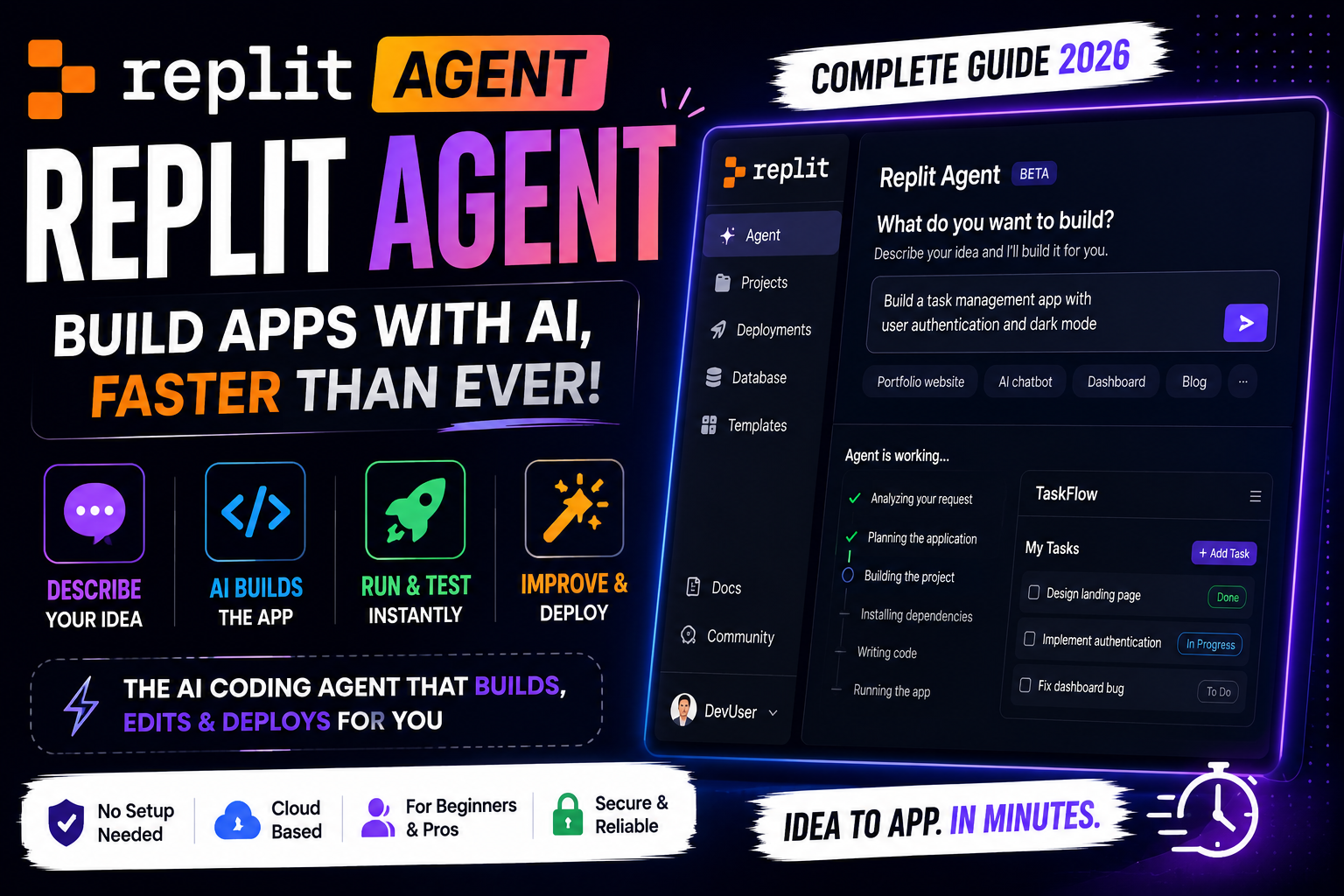
Imagine building, debugging, and launching software just by telling an intelligent system what you want. The world of programming is changing fast, and Replit Agent is leading this change. It automates complex tasks, so you can focus on the big ideas, not the small details.
In this guide, we’ll show you how to use this tech to speed up your coding in 2026. It doesn’t matter if you’re an expert or just starting out. Learning how to use Replit can make you much more productive. We’ll cover the main features, prices, and how to use it for your projects.
By the end of this article, you’ll know how to make strong apps quickly. Let’s get started on how to use Replit Agent to make your coding easier.
Key Takeaways
- Learn how to build full-stack applications by using natural language prompts.
- Understand the core features that differentiate this tool from standard coding assistants.
- Evaluate the current pricing models to determine the best plan for your projects.
- Discover step-by-step workflows to debug and deploy software faster.
- Gain insights into how Replit is shaping the future of software development in 2026.
What is Replit Agent?
Modern software creation is changing fast, and Replit Agent is at the center of this change. It’s an intelligent helper that makes your development work easier by doing repetitive tasks for you. It works right in your Online IDE, so you can focus on the important stuff.
Overview of Replit Agent
Replit Agent is an advanced layer on top of the Coding Platform. It knows your whole project, making smart suggestions that fit your goals. It doesn’t just give you code snippets; it helps you build, run, and deploy apps all in one place.
This tool makes coding easier, whether you’re new or experienced. It turns your browser-based workspace into a partner that guesses what you need next.
Key Functionalities
This assistant is great at handling complex development tasks. It makes the technical parts easier, so you can work faster. Here are some key ways it helps on this Coding Platform:
- Automated Project Setup: It sets up environments and installs what you need, all by itself.
- Intelligent Code Generation: It creates code based on what you tell it, in your own words.
- Real-Time Debugging: It finds errors and tells you how to fix them, keeping your code clean in your Online IDE.
- Deployment Assistance: It shows you how to get your project from a local test to a live app.
How to Get Started with Replit Agent
Starting your journey with Replit Agent is easy. Just follow a few simple steps. You’ll go from a new user to a productive developer fast.

Sign-Up Process
First, go to the official website and click sign-up. You can use your email or link it to GitHub or Google.
After verifying your account, you get to the Replit Agent dashboard. This is your main place for coding and managing projects.
Installing Replit Agent
Replit Agent works in the cloud, so you don’t need to install it on your computer. This makes it easy to start coding right away.
It’s a Code Editor in your browser. So, you can work on projects from any computer with internet. This keeps your coding environment the same everywhere.
Initial Setup Tips
When you open the Code Editor for the first time, explore the layout. Knowing the sidebar and command palette will make coding faster.
“The secret of getting ahead is getting started.”
To work efficiently, follow these setup tips:
- Connect your version control to keep your code in sync.
- Change your theme to avoid eye strain during long coding.
- Learn the Replit Agent shortcuts from the documentation.
Setting these preferences early makes your Code Editor fit your needs. This lets you focus on coding without distractions.
Key Features of Replit Agent
Transform your development process with the unique features of this environment. It’s a Web Development Platform that has everything you need. You can build, test, and deploy apps right from your browser.
Real-Time Collaboration Tools
This system shines with Collaborative Coding. Invite team members to join your workspace instantly. This lets multiple developers edit files and debug code at the same time.
This shared space cuts down on the usual version control issues. Your team can stay in sync and productive, even on complex projects.
Integration with Other Services
The platform connects your projects to the digital world. You can link your code to databases, cloud storage, and APIs easily. All without leaving your editor.
These integrations make your Web Development Platform the heart of your stack. It handles tasks like managing secrets and deploying to production for you.
Customization Options
Every developer is different, and this tool gets that. It offers lots of settings to customize your environment. You can change themes, keybindings, and scripts to fit your style.
By making your workspace your own, you create a highly efficient space. This flexibility is a key benefit for those who want to improve their coding routine.
Pricing Plans for Replit Agent
Choosing the right subscription is key to your coding journey. Think about how your project needs match the service levels. The right Coding Tool keeps you productive without spending too much.

Free vs. Paid Plans
The platform has a flexible start for beginners. The free tier gives you basic access to the core environment. It’s great for trying out code and making simple apps.
Paid plans offer more power for your projects. You get faster compute, more storage, and advanced AI help. These features help you grow your ideas into full-fledged software.
“The best investment you can make is in the tools that allow your creativity to flow without technical friction.”
Features Comparison by Tier
When comparing tiers, look at resource limits and support. Higher tiers give you priority access to new AI models. This makes your Replit experience smoother, letting you run complex scripts and databases.
- Starter Tier: Great for hobbyists and students.
- Pro Tier: Ideal for professional developers needing high performance.
- Teams Tier: Best for teams and big projects.
Value for Different Types of Users
Your choice should match your goals. Students can learn with the free version. It’s perfect for mastering basic concepts without spending much.
For independent builders and pros, paid Replit plans are worth it. They save time and boost collaboration. Make sure to pick a plan that fits your needs for the best value.
Using Replit Agent for Projects
Modern development needs a flexible Programming Environment that fits your project needs. It uses smart automation to let you focus on the important stuff. This makes going from idea to live app much faster.
Ideal Use Cases
This platform shines when you’re building prototypes or testing ideas fast. It works like a strong Online IDE, letting you test things live without local setup headaches. It’s great for developers who want to check an idea before diving deep.
It’s perfect for making microservices or small web apps. You can quickly try out different frameworks without messing up your computer. Efficiency is the big win in this cloud-based world.
Leveraging for Educational Purposes
Teachers face a big challenge in setting up a consistent Programming Environment for all students. A browser-based solution means everyone gets the same tools, no matter their computer. This makes learning fair and lets students focus on the basics.
Teachers can share templates or starter code easily. This speeds up feedback, as you can see how students are doing right away. It turns the classroom into a place where everyone learns together, even when debugging.
Examples of Successful Projects
Many have built full-stack web apps using this Online IDE. For example, developers have made automated data scrapers that run on their own. These projects show how automation can handle the routine stuff.
Another success is in making interactive dashboards for data. With built-in libraries, you can create top-notch interfaces ready for use. Consistency and ease of access are key to these successes, showing you don’t need a big local setup to make great software.
Troubleshooting Common Issues
Working with a coding platform can sometimes lead to unexpected questions. These issues might be minor setup problems or interface quirks. Knowing how to fix these problems keeps your work flowing smoothly.

FAQ for New Users
Most new users face simple setup errors or misunderstand certain features in the code editor. Start by checking the official documentation. It covers installation steps and environment variables. Common questions often involve file permissions, library imports, or sync delays.
- How do I reset my workspace if the environment becomes unresponsive?
- Where can I find logs to debug my current project?
- What are the standard requirements for running complex scripts?
- How do I manage multiple active sessions simultaneously?
Contacting Support
If you can’t find answers on your own, contact the official support team. This coding platform has dedicated support for technical bugs and account issues. Always include your project link and a detailed error description to help solve your problem faster.
Community Forums and Resources
Talking to other developers is a great way to learn. The community forums are full of users who have solved similar problems. Active participation in these discussions can help you fix bugs and learn more about development.
Best Practices for Maximizing Replit Agent
Boost your coding speed with a few key strategies. Improve how you work with your environment to keep projects scalable and easy to manage. These habits help you focus on solving problems, not fighting with tools.

Tips for Improved Collaboration
Collaborative Coding needs clear communication and shared standards. Always document your changes so others can follow your thought process. This clarity prevents confusion and keeps the team on track.
“The best code is the code that is easy to read, easy to maintain, and easy to share with others.”
Use Replit Agent‘s features for real-time feedback. A tidy workspace makes it easier for others to help with debugging or adding features. Regular Collaborative Coding practices cut down on manual syncing time.
Code Management Strategies
Keeping your codebase clean is key for project health. Break big tasks into smaller files for easier tracking and bug isolation.
- Use descriptive naming for functions and variables.
- Commit often to keep a clear development history.
- Remove unused code to keep projects lightweight.
A well-organized Replit Agent workspace saves time. Logical file structure means less searching and more building. This discipline is essential for professional coding.
Enhancing Performance and Efficiency
Focus on performance to get the most from your tools. Monitor resource usage to ensure smooth app performance. Replit Agent helps spot bottlenecks early.
Learn keyboard shortcuts to work faster. This reduces mouse use and keeps your coding flow. Collaborative Coding works best when everyone is comfortable with the environment.
Test code in small steps to verify changes. This approach catches errors early and keeps development moving smoothly. By following these tips, you’ll get the most from your Replit Agent.
User Reviews and Testimonials
User experiences give us a peek into the benefits of this modern development environment. By looking at how professionals and teachers use it, we can see its impact. This Programming Environment is known for making complex tasks easier.

Experiences from Educators
Teachers say this platform makes learning easier. They note that it helps students overcome early hurdles. Educators love how easy it is to set up, letting them teach without tech troubles.
Teachers also say students work better together thanks to the platform. This makes learning more fun and interactive. Students feel more confident when they get instant feedback on their work.
Feedback from Professional Developers
Professional developers love how fast and efficient this platform is. They say it’s great for complex projects without needing a lot of setup. The AI features save a lot of time on routine tasks.
Some users wish for easier customization, but most are happy. They praise its reliability and speed during tight deadlines. It’s a go-to for quick prototyping and sharing ideas.
Overall Satisfaction Ratings
The community loves this Coding Tool. It’s seen as a top choice for learning and work. Its mix of simplicity and power is key to its popularity.
Most users find it makes development easier. Even though everyone’s needs are different, the tool is seen as exceptional value. The support and updates keep users happy over time.
Future of Replit Agent
The world of software making is always changing. This is thanks to new automation tools. By using a modern Web Development Platform, you’re at the edge of this evolution.
Upcoming Features and Improvements
Developers are making Replit Agent better for complex coding tasks. Soon, it will work better with cloud services and have smarter debugging tools. These updates will make your work easier and better.
Community Engagement and Development
Your input helps shape Replit Agent’s future. By giving feedback, you help guide updates. Talking with other creators lets you share ideas and learn new ways to use the platform.
How to Stay Updated on Changes
Keep up with the latest by following the official blog and social media. Always check the current documentation before planning your projects. This way, your work stays efficient and safe all year.