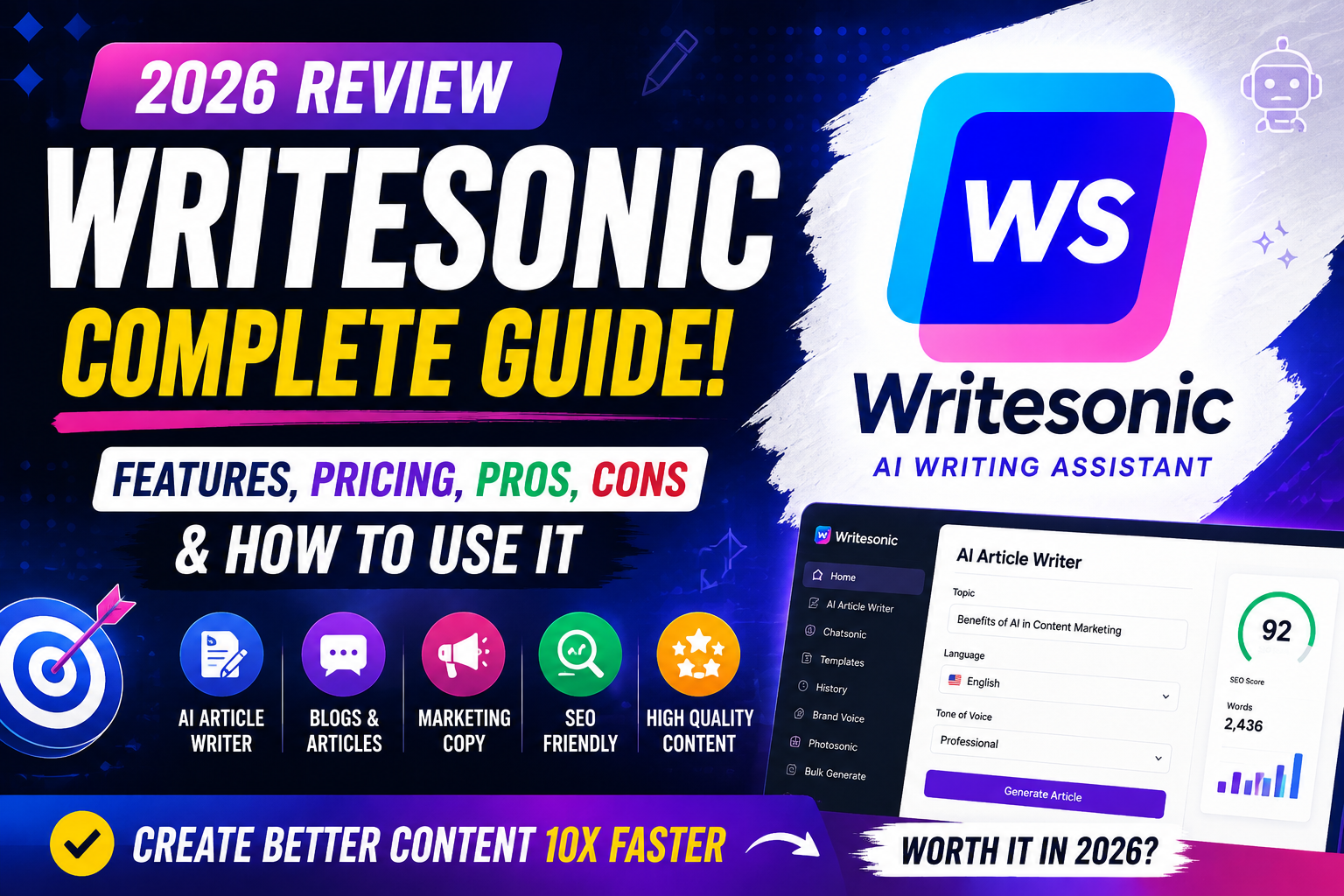
Creating top-notch content today is not just about being creative. It’s about being efficient too. If you’re a marketer or business owner in the United States, you know AI writing tools can save you a lot of time. This Writesonic review 2026 will help you figure out if this platform is right for your content needs.
We’ll cover the main features, pricing, and how to use the platform. You’ll learn how to use these tools to enhance your SEO and make blogging easier. Our goal is to give you a honest assessment so you can see if it fits your work needs.
Whether you’re new to content creation or have experience, knowing the pros and cons is key. By the end of this Writesonic analysis, you’ll have a clear plan to improve your writing. Let’s explore this detailed review to see how you can change your writing process today.
Key Takeaways
- Understand the core capabilities and AI-driven features of the platform.
- Evaluate the current pricing plans to see if they fit your budget.
- Identify the primary advantages and limitations for your SEO projects.
- Learn practical workflows to speed up your content creation process.
- Determine if the tool meets your specific professional writing requirements.
What Is Writesonic?
Writesonic is a tool for bloggers and business owners. It helps you write high-quality text fast. This AI assistant makes creating marketing and editorial content easy.
Writesonic Overview
This tool uses advanced language models to create text that sounds like it was written by a human. With Writesonic features, you can avoid writer’s block. It makes writing faster and easier.
“Artificial intelligence is not here to replace human creativity, but to amplify it, allowing writers to focus on strategy and storytelling.”
Who Is Writesonic For?
Writesonic is for anyone who needs to write a lot without losing quality. It’s great for:
- Content Marketers who need to write for many channels.
- Bloggers who want to post regularly.
- Business Owners looking to improve their website and product descriptions.
- Freelance Writers who need help with research and writing.
What Can Writesonic Create?
Writesonic is very versatile. It can create many types of content. This keeps your brand’s voice consistent everywhere.
You can make:
- Engaging blog posts and long articles.
- Persuasive landing page copy and ad headers.
- Professional emails and social media captions.
- Detailed product descriptions for online stores.
Using Writesonic features lets you tailor your content for different audiences. It’s a key tool for anyone in digital marketing.
How Does Writesonic Work?
The AI writing tool works by understanding your needs. It uses advanced language models and your input to create professional content.
How Writesonic Generates Content
When you use Writesonic, it analyzes what you need. It looks at the context, tone, and subject to match your expectations.
The system uses lots of data to find the best words for your topic. This makes sure the text is clear, accurate, and fits your audience.

Writesonic AI Writing Process
It starts when you enter your idea. You choose a template, add details, and refine the draft.
“Quality content is not just about words; it is about the precision of the intent behind those words.”
After the first draft, you can review and edit. This lets you make the content fit your brand perfectly.
Creating Content With Prompts
For the best results, give clear instructions. The quality of your content depends on how specific your input is.
Here are some tips to get better results:
- Define your audience: Tell who you’re writing for to adjust the tone.
- Set formatting expectations: Say if you need bullet points, headers, or a specific word count.
- Provide context: Give background info or key points you want covered.
With these tips, Writesonic becomes a key tool for your content. Regular use will make your writing faster and more accurate.
Key Features of Writesonic
This platform uses advanced technology to make your writing workflow smoother. By understanding the core Writesonic features, you can create professional content faster and more accurately.
AI Article Writer
The AI article writer helps you write long articles from scratch. It makes complex topics easy to read, saving you lots of time.
But remember, automation is just the start. Always check facts, edit, and review for your brand’s voice and accuracy.
Blog Content Generation
Busy content teams will love this feature. It creates many high-quality blog posts quickly. This keeps your editorial calendar full without losing quality.
SEO Optimization
Being seen online is key, and this platform helps with that. It suggests keywords and optimizes meta descriptions. This makes your content search-engine friendly right away.
Content Rewriting
Need to refresh old articles? The rewriting feature is perfect. It helps you update content, making it clearer or fitting for new audiences. This keeps your website fresh and engaging.
How to Create a Writesonic Account
Ready to make your writing easier? Follow this easy guide to sign up. Starting with this AI platform is quick and simple, taking just a few minutes.

Visit the Official Website
First, go to the official website with your favorite browser. The site is easy to use and gets you started right away. Look for the big sign-up button in the top right corner to start your account.
Sign Up for an Account
Click the sign-up button to enter your details. You can use your email or Google account for a quicker sign-up. Creating a secure Writesonic account is theS first step to using AI writing tools that can change your content strategy.
Select a Plan
After verifying your email, pick a subscription that suits you. Writesonic has free trials and professional plans for all users. Think about how much content you need before choosing to get the best deal.
- Review the features included in each tier.
- Compare monthly versus annual billing options.
- Select the plan that aligns with your current goals.
Open the Dashboard
After confirming your payment or trial, you get full access. Now, you can open the Writesonic dashboard to see all the templates and tools. This is where you manage your projects, track your use, and create top-notch text for your blog or business.
The intuitive layout of the Writesonic dashboard makes it easy to find what you need. Just pick a tool from the menu to start your first project and see the power of AI writing for yourself.
How to Use Writesonic for Blog Writing
Creating a professional article is easy with a structured approach. Using a top-notch AI article writer helps turn ideas into polished drafts. This method keeps your blog writing engaging and relevant to your audience.
Select an AI Writing Tool
Start by picking a reliable AI writing tool that meets your content needs. Look for tools with easy-to-use interfaces and features for creating long articles. A good tool helps you get past writer’s block and keeps your brand’s voice.
Enter Your Topic
After choosing your tool, define a clear topic. A specific subject helps the software understand your message. Specificity is key for accurate and useful content for your readers.
Add Keywords and Instructions
Next, add relevant keywords and instructions. This step is critical for aligning your draft with search engine needs and your content strategy. Clear parameters help the AI article writer create informative and visible content.
Generate Your Article
After inputting your requirements, the system will create a draft. Treat this as a starting point, not the final version. It’s important to check the content for accuracy, originality, and readability to meet your standards.
Refine the tone and flow to connect with your audience. Human oversight is key to adding personality and expertise to your blog writing. Once you’ve reviewed and verified the details, your content is ready to be published.
Writesonic for SEO Content
An AI writing tool can really help you make better digital content. It speeds up your work, but don’t forget to use your own judgment. Think of it as a smart helper that makes your ideas clearer and more search-friendly.

Keyword Optimization
Good keyword optimization is more than just adding keywords. They should fit naturally in your writing. This tool helps you use keywords in your titles, descriptions, and text without losing your writing’s quality.
SEO Article Generation
For SEO content, how you structure your article matters a lot. Use the tool to create clear headings that guide readers. Also, add internal links to connect your new content to your site’s other pages.
Search Intent Optimization
The main goal of writing is to answer the reader’s question. Search intent optimization makes sure your content meets their needs. Whether they want to learn, buy, or find something, align your content with their search intent to rank higher.
To get the best results, follow these essential steps when using AI for your strategy:
- Always verify the accuracy of the information provided by the AI.
- Use your own voice to add unique value that machines cannot replicate.
- Focus on search intent optimization to keep your audience engaged.
- Review all generated headings to ensure they provide a clear roadmap for your readers.
- Prioritize keyword optimization that feels helpful, not forced.
Writesonic Pricing
Choosing the right investment for your content strategy starts with evaluating your specific needs. Understanding the Writesonic pricing structure helps you align your budget with your growth goals. Whether you are a solo blogger or managing a large team, finding the right balance is essential for success.

Free Plan
If you are just starting out, you might want to test the platform before committing to a monthly fee. The free AI writing tool access allows you to explore core features without any initial financial risk. This is a great way to see if the interface and output quality meet your expectations.
Keep in mind that free access usually comes with specific usage limits. These constraints are designed for experimentation, not high-volume production. Once you exhaust your initial credits, you will need to consider upgrading to unlock more consistent capabilities.
Paid Plans
When your content requirements grow, moving to paid AI writing plans becomes a logical step. These tiers offer higher word counts, access to advanced models, and priority support. By choosing a paid subscription, you gain the stability needed for professional content workflows.
These plans are built to scale alongside your business. You can often find options that cater to different levels of demand, from individual creators to growing agencies. Investing in a higher tier ensures you have the advanced tools necessary to maintain a competitive edge in search rankings.
Which Plan Should You Choose?
Selecting the best option depends on your unique content volume and collaboration needs. If you only produce occasional blog posts, a lower-tier plan might suffice. But if you need heavy SEO workflows and team collaboration, look for plans with robust project management features.
Consider your long-term goals before making a final decision. If you need consistent, high-quality output for multiple clients, the cost of a premium plan is often offset by the time saved. Always review the specific limits on each tier to ensure you are not paying for features you do not use.
Pros and Cons of Writesonic
Exploring AI content generation is about finding a balance between speed and quality. These tools can change how you work, but they’re not perfect for every task. Knowing what they can and can’t do helps you see if they’re right for you.

Pros
The main Writesonic pros are about being fast and flexible. You can make high-quality drafts much quicker than writing by hand. This is a big help for those who are always busy.
- Rapid Drafting: Quickly create blog posts, ad copy, and social media captions.
- Workflow Convenience: Make your content planning easier with a simple, all-in-one dashboard.
- Brainstorming Support: Use the tool to get past writer’s block and find new ideas and outlines.
- Multiple Formats: Find many templates for different marketing channels.
“The best content strategy mixes AI’s speed with human creativity’s touch.”
Cons
There are important Writesonic cons to remember. Relying too much on automation can cause problems if you don’t check your work well.
- Variable Output Quality: Some text might need a lot of work to sound like your brand.
- Fact-Checking Requirements: AI can sometimes get facts wrong, so you need to check them yourself.
- Originality Concerns: Without careful editing, your content might sound too generic or the same.
- Human Oversight: You must stay involved to make sure your content is valuable to your readers.
Using Writesonic successfully means seeing it as a tool, not a replacement for your skills. By understanding its limits, you can use it to improve your work.
Writesonic Alternatives
Looking for something new? Several platforms offer great options. They differ in brand consistency, marketing, and SEO. These Writesonic alternatives have unique features that might fit your content goals better.

Jasper AI
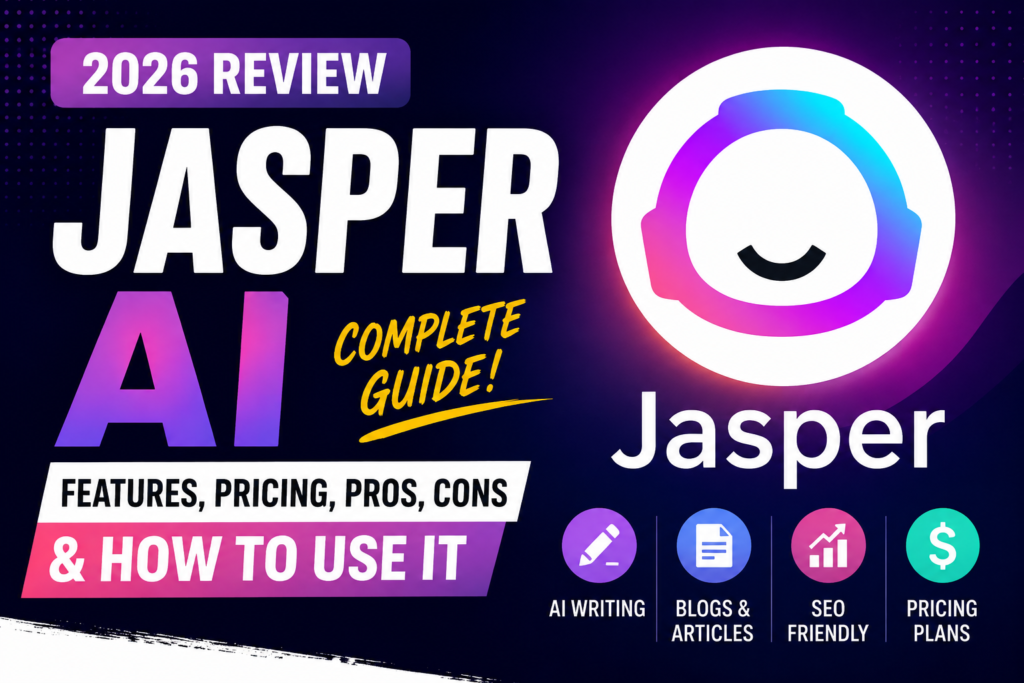
Jasper AI is known for its brand voice features and big business tools. It keeps your brand’s voice consistent across all marketing. It’s perfect for big teams aiming to create lots of quality content while staying true to their brand.
Copy.ai
Copy.ai is all about marketing automation and quick writing. It’s fast, letting you make social media, emails, and ads quickly. It’s great for making lots of short content fast.
Scalenut
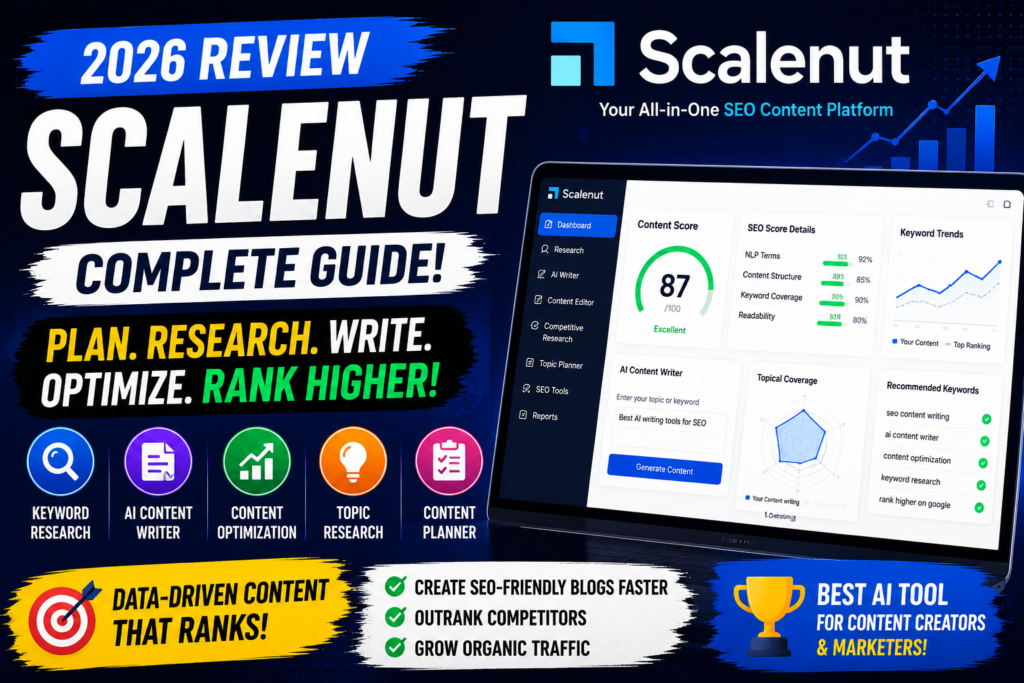
Scalenut is for those who focus on SEO writing and understanding what people search for. It has tools for finding keywords and planning content. It’s perfect for boosting organic traffic with content that ranks well.
KoalaWriter
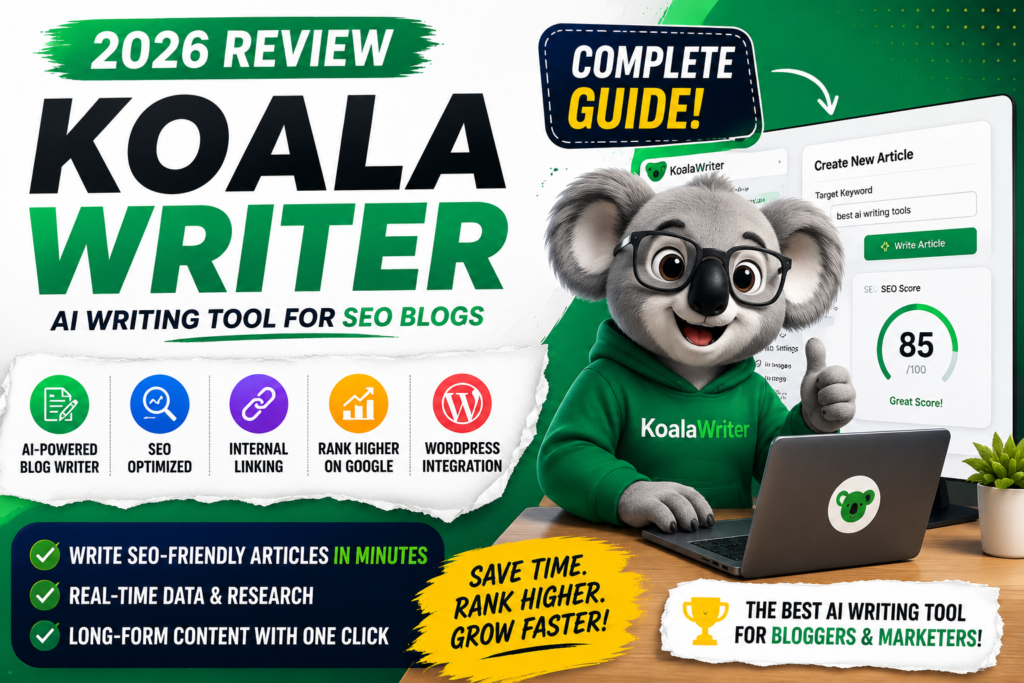
KoalaWriter makes blogging easy and fast. It’s simple and efficient, helping you write long articles quickly. It’s a good choice if you want a tool that’s easy to use and gets the job done.
Choosing the right platform depends on what you need. Try out these tools with a trial to see which one works best for you. This way, you can decide which one fits your content needs best before committing.
Is Writesonic Worth It?
Figuring out if Writesonic is worth it means looking at its strong points and what you need for your content. This Writesonic review 2026 shows how it helps creators in many ways. By comparing its features and Writesonic pricing, you can see if it fits your budget and needs.

Best Use Cases
The platform shines in several areas that make creating content easier. It’s great for:
- Blog Ideation: Coming up with new topics and outlines to beat writer’s block.
- First Drafts: Making solid, structured content for your final work.
- Content Expansion: Turning brief ideas into detailed articles.
- SEO-Focused Production: Adding keywords to boost your search rankings.
Who Should Use Writesonic?
Digital marketers who need to produce more content quickly will find it helpful. Small business owners can save a lot of time each week. Agencies also benefit from handling different client needs.
But, if you only need simple proofreading, you might find it too much. Think about your workflow before signing up.
Final Verdict
This Writesonic review shows it’s a top choice in AI tools. It balances speed, SEO, and ease of use well. While there are other Writesonic alternatives, this one excels in quality and SEO.
If you want to boost your content strategy, the Writesonic pricing is flexible. Compare it with other Writesonic alternatives to find the best match. For most, the time saved is very valuable.
Frequently Asked Questions
Understanding automated content creation is key. This Writesonic FAQ answers common questions. It helps users streamline their digital publishing workflow.
Is Writesonic good for blogging?
Writesonic is great for quick blog posts. It’s an AI article writer that helps you avoid writer’s block. It keeps your brand voice consistent on your site.
Is Writesonic free?
You can try a free trial to see what it can do. But, a paid subscription gives you more features and word counts for professional content.
Is Writesonic good for SEO?
Writesonic has tools for keyword research and optimization. This helps your content rank better in search results. Always check the output to meet your search intent goals.
Can Writesonic write long-form articles?
Writesonic supports long-form writing with special templates. These templates are for detailed content. Always review and edit the text for accuracy and a natural flow before publishing.
Getting the most from AI tools requires clear prompts and fact-checking. Use these tips to improve your drafts. This keeps your content at high editorial standards for your readers.