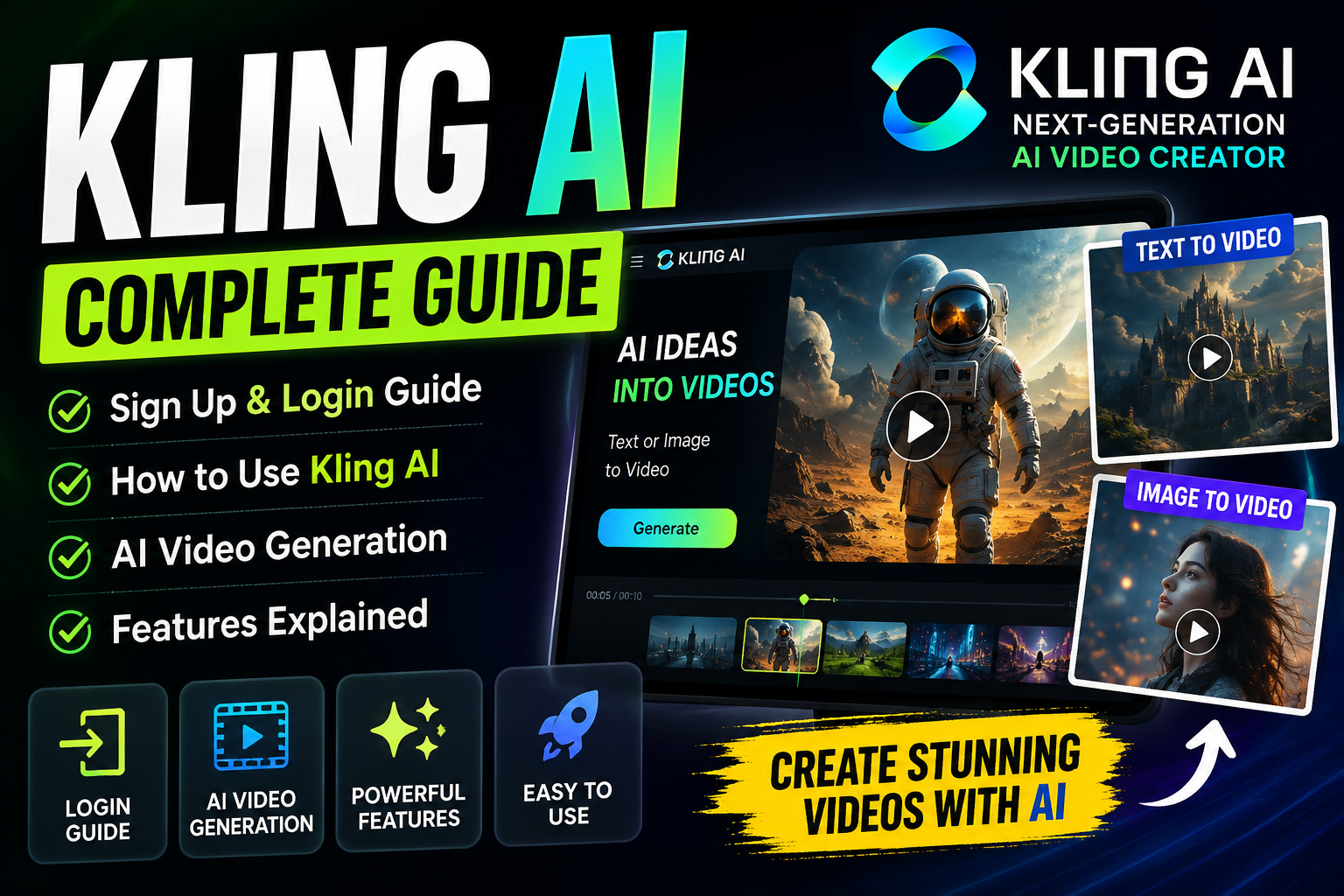
Imagine turning a simple text or image into a stunning video in just a few clicks. You don’t need to be a pro editor to make high-quality motion graphics. This 2026 guide shows you how to use modern tools to bring your digital ideas to life.
This detailed tutorial will teach you how to use the platform, manage your account, and use advanced features for your projects. We’ll cover everything from signing up to complex customization. Whether you’re a marketer or a curious creator, this guide gives you the practical steps to succeed.
You’ll also learn how to improve your videos and explore new developments in the field. Like Luma AI, this tech is changing visual storytelling in the United States. Get ready to start your journey into automated media production’s next generation.
Key Takeaways
- Master the account setup and login process for seamless access.
- Learn to convert text prompts and images into professional-grade videos.
- Explore advanced customization tools to enhance your creative output.
- Understand the pricing structures and available free plan options.
- Gain insights into the latest features and future platform updates.
What is Kling AI and How Does It Work?
Ever wondered how software turns simple text into movies? You’re in the right spot. Kling AI is a smart platform that makes your creative ideas come to life easily. It uses artificial intelligence to turn basic inputs into top-notch visual stories that look pro.

Understanding the Technology Behind Kling AI
This platform uses advanced neural networks to understand your instructions. These systems learn from huge datasets, recognizing patterns in movement, lighting, and texture. When you give a prompt, the artificial intelligence creates frames that meet your needs.
The tech uses diffusion models to build images from scratch, making them perfect for your description. This ensures your video isn’t just random pixels but a real story. You can count on these automated systems to handle the hard work of rendering and frame interpolation.
The Role of Artificial Intelligence in Video Creation
This tech aims to be your creative partner for projects. It automates tough tasks, letting you focus on the story. This artificial intelligence connects your idea to the final digital file.
Whether you’re new or experienced, these tools offer essential help in creating scenes fast. You don’t need expensive gear or years of training to make great content. Instead, you can try out different styles and formats quickly.
Getting Started with Kling AI
Starting your creative journey with Kling AI is easy. Just a few steps to get ready and you’re off. This ensures the platform works its best for you.
Preparation is the key to unlocking the full power of modern creative tools. With the right setup, you can dive into your art without worrying about tech issues.
System Requirements and Compatibility
For a smooth experience, use a modern web browser. Google Chrome, Mozilla Firefox, or Microsoft Edge are good choices. Make sure your browser is up to date for the best performance.
A fast, reliable internet connection is essential for smooth uploads and rendering. Even though Kling AI is cloud-based, a good connection keeps your workflow uninterrupted.

Signing Up for an Account
Creating your account opens the door to powerful tools. You’ll need a valid email and a strong password for the official website.
“The future of creativity lies in the partnership between human imagination and intelligent software.”
After signing up, the platform uses machine learning to get to know you. This machine learning tech makes your workflow smoother and faster, helping you create top-notch videos.
Here’s what you’ll need for sign-up:
- A verified email address for account confirmation.
- A strong, unique password to protect your projects.
- Basic information to personalize your user profile.
Once you’ve done these, you’re all set to explore the interface. The machine learning integration makes your experience both intuitive and efficient from the start.
How to Log Into Your Kling AI Account
Getting into your Kling AI dashboard opens up your creative world. After signing up, logging in is fast and safe. This keeps your projects safe while you work.
The platform uses natural language processing to turn your ideas into great videos. This tech makes working with the software smooth and easy, as you fine-tune your ideas.

Step-by-Step Login Instructions
Start by going to the Kling AI website and find the login button in the top right. Type in your email and password from when you first signed up.
“The most sophisticated technology is that which disappears into the background, allowing the user to focus entirely on their creative vision.”
After you enter your details, the system checks if you’re who you say you are. If you are, you’ll get to your workspace. There, you can start or pick up where you left off with your video projects.
Troubleshooting Common Login Issues
Having trouble logging in? Don’t worry, it’s usually something simple. Here are a few things to check:
- Verify your credentials: Make sure your caps lock is off and you’re using the right email for your account.
- Password recovery: If you forgot your password, click “Forgot Password” to get a reset email.
- Browser compatibility: Try clearing your browser cache or using a different browser if the page won’t load right.
If problems keep happening, contact the support team for help. As you get used to the interface, you’ll see how natural language processing makes your work easier. You can focus more on creating great videos and less on technical stuff.
Key Features of Kling AI
Exploring this platform opens a new world of visual storytelling. It offers a full toolkit that makes complex tasks easy for all creators. With advanced machine learning, you can get pro results without a huge budget.

AI Video Generation Capabilities
This platform’s main strength is turning text into high-quality videos. You can give detailed descriptions to match your vision. This dynamic generation process speeds up creating scenes that would take hours to animate by hand.
“The true power of artificial intelligence in creative fields is not to replace the artist, but to amplify the speed and scale of their imagination.”
With this AI software, you get access to several key features:
- Text-to-Video conversion: Make simple sentences into detailed visual stories.
- Motion control: Change the movement in your frames.
- High-resolution rendering: Get clear and detailed final clips.
Customization Options for Your Videos
You have a lot of control over your videos’ look. You can adjust style, lighting, and camera movement. This ensures your content is unique and fits your brand.
The platform has easy controls to help you achieve your vision. By trying different settings, you can make a generic clip into a unique piece. Whether it’s for social media or presentations, this AI software helps you stand out.
Using Kling AI for Video Creation
Starting your first project with Kling AI is easy. It uses advanced generative models to create amazing visuals in minutes. This makes complex tasks simple, so you can focus on your creative vision.

Creating Your First Video Project
First, go to the project dashboard and click “Start New Generation.” Then, write a text prompt that describes what you want. Be as specific as possible so the system gets it right.
After writing your prompt, set the video’s duration and aspect ratio. Then, submit it. The system will create a video preview for you. You can then tweak your prompt if needed.
Navigating the User Interface
The Kling AI interface is easy to use. You’ll see a central area for your video previews and toolbars for settings. Learning these controls helps you manage projects without getting lost in technical details.
The core of Kling AI is deep learning technology. It turns your prompts into smooth, realistic videos. You don’t need animation skills to get great results.
Check out the sidebar menus for saved assets and history. Keeping your workspace tidy lets you easily go back to previous work. With these tools, you’re ready to make engaging videos.
Tips for Maximizing Your Experience with Kling AI
To get the best out of Kling AI, it’s key to clearly share your ideas. Improving how you write prompts can make sure your vision is turned into top-notch videos.
Best Practices for Video Content
For eye-catching visuals, start with detailed scene planning. Break your project into smaller parts. This helps you keep control over the story’s flow.
For a professional look, keep your content consistent. Here’s how:
- Write prompts that include details like lighting, camera angles, and character actions.
- Check the generated content for any tweaks or re-generations needed.
- Use the same keywords for a consistent visual style in your prompts.

Leveraging AI for Efficient Production
The platform uses neural networks to understand and create visuals from your prompts. These systems can spot complex patterns, making it easier to create detailed animations.
Knowing how these neural networks work can help you write better prompts. This means you can focus more on the creative side of your projects. The software will handle the technical parts like rendering frames and synthesizing motion.
Using AI wisely can save you time and open up new creative possibilities. Try different prompt styles to see what works best for you.
Editing and Finalizing Your Videos
Turning raw AI output into a masterpiece needs focus and timing. The first step uses computer vision to understand your ideas. But, the final touches are up to you. Taking time to perfect your project makes sure it matches your vision.
Accessing the Editing Tools
After your video is done, you can start editing from your project dashboard. This area has tools to help you fine-tune your video. You can trim clips, change playback speed, and manage layers easily.
The editing space is easy to use. You can move things around to make your video look better. Consistency is key with AI videos. Make sure scenes flow well together. If something’s off, you can adjust it with sliders.
Exporting Your Finished Product
Before you’re done, check your video’s flow and timing. Make sure it tells your story well and the pace is right. The computer vision models help, but your touch makes it professional.
When you’re happy, go to the export settings. Pick your resolution and file type. High-definition settings are best for most platforms. Then, click export to share your video with everyone.
Pricing and Subscription Options
Choosing the right AI software involves understanding your workflow. Before you decide on a plan, analyze your creative output. Track how many videos you make each month to find the best fit.
Overview of Plans Available
Kling AI has plans for all creators, from hobbyists to pros. Each tier offers different features like generation limits and editing tools.
Prices can change, so always check the latest 2026 plans on the Kling AI website. Most services have these common plans:
- Free Tier: Great for trying out basic features.
- Standard Plan: Perfect for regular creators needing more.
- Professional/Enterprise: For teams needing fast service and commercial use.
Is Kling AI Worth the Investment?
Deciding if Kling AI is worth it depends on how you use it. Analyze how much time you save to see if it’s worth the cost.
Think about these points when deciding:
- How many videos you make monthly.
- The time you save with AI compared to manual editing.
- Exclusive features that improve your work.
If you make a lot of videos, a premium plan might be the best value. Match your needs with the right plan to support your growth.
Case Studies: Success Stories Using Kling AI
AI video generation is changing how we make videos. Teams use smart technology to make their work faster and better. This helps them turn ideas into real videos quickly.
How Businesses Are Benefiting from Kling AI
Companies in the U.S. are using these tools to make videos faster. Creative directors can now make prototypes in minutes, not weeks.
This change lets them try out more ideas without spending a lot. They see big benefits like:
- Rapid Ideation: Quick visual ideas to get everyone on board.
- Cost Efficiency: Save money by not needing expensive locations.
- Scalability: Make many versions of a campaign to see what works best.
- Consistency: Keep your brand look the same in all videos with automated settings.
User Testimonials and Reviews
User feedback gives a real look at how these tools work every day. Creators say it’s easy to learn, as long as you know what you want.
“The ability to iterate on visual ideas in real-time has fundamentally changed how our agency approaches client pitches. It is not just about speed; it is about the quality of the creative exploration we can now offer.”
It’s key to look at real stories, not just what companies say. Users who use smart technology for specific tasks get the best results. Setting clear goals helps make sure your move to AI video production is worth it.
Future Updates and Innovations in Kling AI
The world of generative video tech is always changing fast. You’ve learned the basics from setting up your account to mastering editing tools. This guide is your starting point for 2026.
To stay ahead, keep an eye on what’s new in the industry. Luma AI is always pushing the limits of what’s possible. Watch for updates from both Kling AI and Luma AI to see how they compare.
Upcoming Features and Enhancements
Developers often release updates that make things faster and better. Soon, you’ll see better integration with other creative tools. These changes can really impact how you work every day.
Staying Updated on Kling AI News and Developments
For the latest news, check the official website and forums. Using trusted sources means you’ll always have the newest tools for your projects. Staying current helps you stay ahead in the digital world, even when compared to Luma AI.