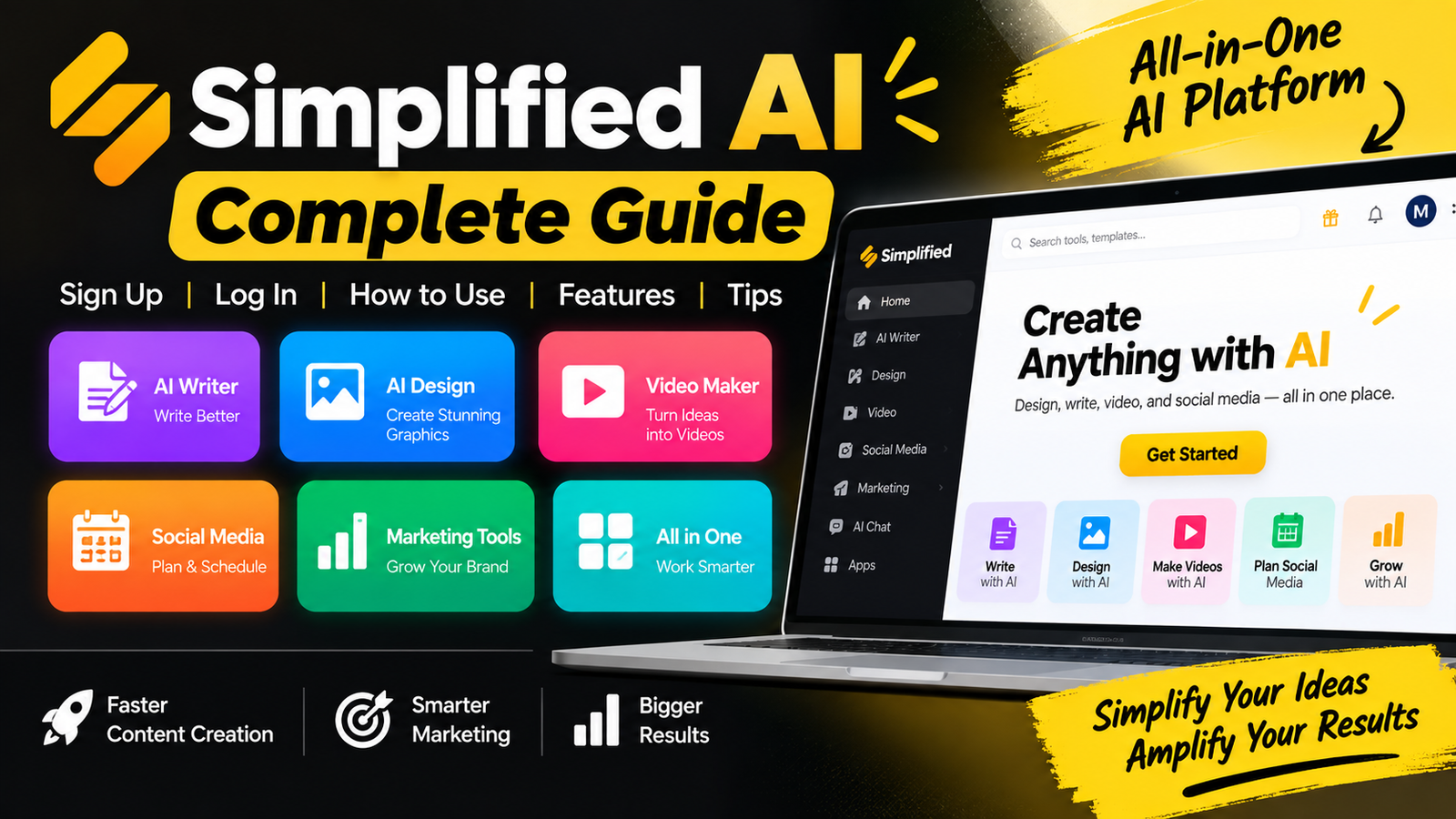
Digital marketing can feel like a juggling act. You may need to write copy, design graphics, and schedule social media posts. An all-in-one platform can simplify these complex workflows. This is where simplified ai helps creators and business owners.
Our complete simplified ai guide explains each step. You will learn to set up your account, use the main dashboard, and create high-quality content. We also cover key features, pricing structures, and possible limits, so you can judge whether this software meets your needs.
Whether you are a beginner or a seasoned marketer, this tutorial gives you clear steps for daily work. Let’s explore how to maximize your productivity starting today.
Key Takeaways
- Discover how to centralize your design and writing workflows.
- Learn the step-by-step process for account setup and navigation.
- Explore powerful features for video creation and social media management.
- Evaluate the pros and cons to determine if the platform suits your goals.
- Compare the software against popular industry alternatives.
What Is Simplified AI?
Simplified AI combines writing, design, and video editing in one easy-to-use workspace. By bringing these creative tools together, it helps you manage your digital presence without switching between software subscriptions.
You may wonder about how does simplified ai work in real situations. It combines advanced machine learning models with simple design templates. This connection keeps your text, visuals, and video assets consistent across every project.
Simplified AI Overview
At its core, this platform serves as a central hub for creative work. It connects complex technical tasks with efficient content production. You can draft a blog post or design a social media graphic while keeping your workflow organized.
This system handles many media types in one dashboard. You can move from creating AI-written copy to editing a professional video clip with a few clicks. This integration makes simplified ai for beginners and experts a strong choice for modern digital tasks.
Who Can Use Simplified AI?
The platform serves many users, whatever their technical background. Content creators can use its writing and video tools to produce more content. Marketers and business owners can maintain a consistent brand identity across all marketing channels.
Social media managers can schedule posts and create eye-catching visuals in one place. Easy-to-use tools help you create high-quality results without advanced design skills. Anyone seeking to save time and improve digital work can use this platform as an invaluable asset each day.
What Can You Do With Simplified AI?

Simplified AI offers tools that support your complete creative workflow. Instead of managing many subscriptions, you can run your marketing lifecycle on one platform. This unified approach keeps your brand voice consistent across every channel and asset.
AI Writing and Content Creation
The platform excels at simplified ai content creation, helping you create high-quality text in seconds. It creates blog posts, email newsletters, and ad copy for your tone and audience. Automating drafts gives you more time for strategy and creative refinement.
Graphic Design and Templates
For visual branding, the simplified ai design tool offers an intuitive experience for every skill level. It includes many professional templates you can customize to match your brand identity. This efficient workflow helps you create polished, high-impact graphics without advanced design software or costly training.
AI Image and Video Creation
Beyond text and static graphics, the platform helps you create AI images and dynamic videos. Turn simple text prompts into unique visuals that capture attention in crowded digital feeds. These tools create engaging multimedia assets that support broader marketing goals and help your brand stand out.
Social Media Management
Integrated scheduling and publishing features simplify your online presence. Plan your content calendar, preview posts, and analyze performance metrics in one place. This centralized management helps you post consistently and keep your audience engaged throughout the week.
How to Sign Up for Simplified AI
Start your digital transformation with a quick, efficient registration. Complete the simplified ai sign up process to unlock automated design and writing tools. These steps provide full access to the platform’s robust suite of features.
Visit the Official Simplified AI Website
First, visit the official Simplified AI website in your preferred web browser. When the homepage loads, find the prominent “Sign Up” or “Get Started” button in the top right corner. Click it to open the registration portal and begin your journey.
Create Your Account
Learning how to sign up for simplified ai is straightforward because the platform offers several convenient entry points. Register with your email address or link an existing social media account for faster access.
- Enter a valid email address and create a secure password.
- Verify your email through the confirmation link sent to your inbox.
- Alternatively, use Google or Facebook single sign-on options to bypass manual entry.
“Choosing a strong, unique password is the best way to protect your creative assets and sensitive marketing data from unauthorized access.”
Choose Your Workspace or Preferences
After you verify your account, the platform guides you through a brief onboarding survey. This step helps the system tailor the interface to your specific needs. You will identify your primary goals, such as content writing, graphic design, or social media management.
Choose preferences that match your intended tasks, so your dashboard shows the most relevant tools first. Mastering how to sign up for simplified ai effectively prepares you for a productive, seamless workflow. After these selections, you can explore the full potential of your new workspace.
How to Log In to Simplified AI

If you are ready to create, learning how to login to simplified ai is essential. After registering, you can quickly open your dashboard and reach your creative projects.
Log In With Email or Available Account Options
Go to the official website and find the sign-in button. Enter your registered email address and password to access your workspace.
Many users enjoy the convenience of single sign-on (SSO) options. If you linked Google or social media accounts during registration, click the matching button to open your dashboard without a password.
What to Do If You Cannot Log In
If you have trouble with your simplified ai login, first check that you are signing in, not creating an account. People often confuse these processes, so check that you are on the correct page before troubleshooting.
If problems continue, try these practical steps:
- Check your credentials: Ensure your email address is typed correctly and that your Caps Lock key is disabled.
- Reset your password: If you have forgotten your password, use the “Forgot Password” link to receive a secure reset email.
- Verify your inbox: If you are waiting for a verification code, check your spam or junk folders to ensure the message was not filtered out.
- Clear browser data: Sometimes, outdated cache or cookies can interfere with the login process; clearing your browser data often fixes this.
If these steps do not restore access, contact the support team for help. Keeping your account information secure is vital for a productive workflow.
Simplified AI Dashboard Explained
The dashboard is your central hub for creative tasks and project management. When you log in, you see a clean interface that helps you find what you need without clutter. Learning this layout helps you understand how to use simplified ai tools efficiently.
Main Navigation and Workspace
The main navigation bar usually sits on the left side of the screen. This sidebar is your command center for switching between projects, brand kits, and account settings. Staying organized keeps your creative assets easy to find.
The central workspace is where your work happens. It changes based on your selected task and gives you a focused place to work. Whether you start a document or refine a graphic, the workspace keeps your tools nearby.
AI Tools and Content Areas
The platform groups features into clear categories to simplify your workflow. You will find sections for writing, graphic design, video editing, and social media management. These simplified ai tools help you switch creative mediums without losing momentum.
Learning how to use simplified ai tools starts with exploring these content areas. Each section offers specialized templates and generators for specific outcomes. Taking a few minutes to browse these categories helps you find features that support your current project goals.
How to Use Simplified AI Step by Step

Professional results become easier when you understand the platform’s main workflow. This simplified ai tutorial can improve your creative work and save time each day.
Choose the Right AI Tool
Start by choosing the tool that fits your project. For blog posts, social media graphics, or short videos, the dashboard offers specialized modules.
Enter a Prompt or Content Brief
After choosing a tool, give the engine clear instructions. Learning how to use simplified ai well starts with clear details about your audience, format, tone, and length.
A detailed brief helps the system understand your goals. The more context you provide, the more accurate the initial output will be.
Generate and Edit Your Content
After you submit a prompt, the system creates a draft for review. Remember that AI is a powerful assistant, not a replacement for human judgment.
Proofread the generated text for accuracy and flow. Human oversight ensures that your content remains authentic and free of errors.
Customize the Output
The final stage of this simplified ai step-by-step guide is refinement. Adjust formatting, replace images, or change the tone so the piece matches your brand identity.
Use the built-in editing features to polish your work until it meets your standards. Consistent customization is the secret to making AI-generated content feel truly personal and professional.
Key Features of Simplified AI

You can improve your digital presence with this platform’s many built-in features. It brings creative tools into one workspace, helping you stay consistent across digital channels. Exploring these simplified ai features helps you improve daily tasks.
AI Content Writer
The simplified ai writing tool creates high-quality text in seconds, speeding up your drafting process. Use it for blog posts, ad copy, or email newsletters, with variations for your chosen tone. Always remember that human review remains essential for accuracy and brand alignment before you hit publish.
AI Design Tools
Professional visuals are easy to create with the platform’s large template library. Customize layouts, fonts, and colors to match your brand without advanced design skills. These tools help you make high-quality assets that capture your audience’s attention instantly.
AI Video Tools
Video content engages followers, and this platform makes production much easier. Use automated editing tools to trim clips, add transitions, and include text overlays. This feature helps creators make polished videos without spending hours in complex editing software.
Social Media Features
Integrated social media tools simplify scheduling and publishing. Plan your content calendar ahead of time, so posts reach your audience at effective times. Combine these tools with the simplified ai writing tool to share engaging content across platforms with little effort.
Simplified AI Pricing and Plans

Choosing the right plan depends on your project needs and how often you use it. Before subscribing, compare each tier with your creative workflow and output goals.
Free Plan and Its Limitations
The simplified ai free plan is a useful starting point for people exploring the platform’s core capabilities. It lets you test writing and design tools without paying upfront.
However, this tier limits project volume and access to premium features. Advanced automation and high-resolution exports may be restricted, so it better suits casual users or people in the initial testing phase.
Paid Plans and Main Differences
When your needs grow beyond basic tasks, a paid subscription may become necessary. Evaluating simplified ai pricing requires considering team collaboration, more storage, and advanced AI models unavailable in the entry-level version.
Paid tiers support professional workflows with higher usage limits and priority support. They give businesses handling large daily content volumes the flexibility they need.
- Advanced Tools: Unlock specialized features for complex design and video editing.
- Collaboration: Enable team workspaces to streamline communication and project management.
- Export Options: Gain access to high-quality formats and professional-grade assets.
- Scalability: Increase your monthly output capacity to match your growing business demands.
Ultimately, choose based on whether your current output justifies a premium tier. If you need steady, high-volume production, paid plans’ features may provide a significant return on investment.
Pros and Cons of Simplified AI

A comprehensive simplified ai review should weigh an all-in-one platform’s convenience against its limits. Every digital tool has trade-offs. Understanding them can help you decide whether this software fits your creative and marketing goals.
Pros of Simplified AI
This platform’s main strength is its ability to streamline your entire creative process in one interface. It combines writing, design, and social media management, so you need fewer subscriptions.
- Centralized Workflow: Manage your content calendar, graphic design, and AI-generated copy in one unified dashboard.
- Beginner Accessibility: The intuitive interface allows users with little technical experience to produce professional-grade assets quickly.
- Broad Functionality: You gain access to a wide array of templates and AI tools that cater to diverse marketing needs.
- Time Efficiency: Automated features significantly reduce the time spent on repetitive tasks like resizing images or drafting social media captions.
Cons of Simplified AI
This platform offers impressive versatility, but a balanced simplified ai review should also note its limits for power users. Automation is convenient, but it can reduce control and depth.
- Editing Requirements: AI-generated content often requires manual refinement to ensure it matches your unique brand voice perfectly.
- Plan Restrictions: Certain advanced features or higher output limits are locked behind premium tiers, which may impact your budget.
- Feature Complexity: Because the platform includes so many tools, new users might feel overwhelmed by the sheer number of options available.
- Consistency Issues: As with many AI-driven tools, the quality of output can vary, necessitating consistent oversight to maintain high standards.
This platform is a powerful ally for people who value speed and integration. If you learn the interface and refine its outputs, it can become a cornerstone of your digital strategy.
Who Should Use Simplified AI?

You might ask whether this platform can streamline your creative and business work. By using simplified ai marketing tools daily, you can save time while maintaining high quality across all your projects.
For Content Creators
If you write or create visual art, this platform acts as a versatile partner in your creative process. It helps you draft content, brainstorm ideas, and create striking visuals without advanced technical skills.
You can easily connect text and design. This helps you maintain a consistent brand voice while creating professional assets for your audience.
For Marketers and Businesses
Businesses often struggle to keep campaign assets organized and easy to access. With simplified ai marketing tools, you can centralize promotional materials and keep every team member aligned with the current strategy.
The platform makes marketing collateral easier to develop, so you can scale your output. Managing complex campaigns becomes a more fluid and efficient experience for your entire department.
For Social Media Managers
Social media managers face constant pressure to maintain a frequent posting schedule. This tool automates repeatable tasks, letting you focus on strategy instead of manual data entry.
You can quickly create content for each platform and manage creative assets in one place. These simplified ai marketing tools can greatly boost your workflow efficiency and keep your brand active on every social channel.
Simplified AI Alternatives

This simplified ai complete tutorial shows how all-in-one platforms can help. Other tools may better fit your needs. Each creator works differently, and a specialized tool may suit daily tasks better than a broad suite.
Judge software by your main workflow, not its feature count. A platform may offer dozens of tools, but using only three means paying for needless complexity. Efficiency often comes from simplicity and focus.
Popular Alternatives to Consider
When comparing alternatives, consider how each platform meets specific creative needs. Some tools focus on long-form writing, while others support graphic design or fast social media scheduling.
Here are a few notable options to compare with your current setup:
- Canva: Renowned for its massive library of design templates and intuitive drag-and-drop interface, making it a leader in visual content creation.
- Jasper: A powerhouse for high-quality, long-form copywriting and brand voice consistency, ideal for heavy content marketing needs.
- Copy.ai: Excellent for quick, short-form marketing copy and brainstorming sessions, offering a very low barrier to entry for beginners.
- Adobe Express: Provides professional-grade design assets and advanced editing capabilities that cater to users needing more depth in their visual projects.
Compare writing quality, design depth, and video capabilities when choosing a platform. Test each tool’s team collaboration and social media scheduling features. Pricing varies widely, so match each cost with its daily value.
The best tool removes friction from your creative process. Reviewing this simplified ai complete tutorial with these alternatives can support your long-term goals. Choose the platform that empowers your unique style and helps you reach your audience more effectively.
Frequently Asked Questions About Simplified AI
New users often ask about the platform’s features and access. These answers help you work faster as you begin your creative journey.
Is the platform free?
Simplified AI offers a free plan with basic features. You can test its tools to see whether they meet your needs before choosing a paid subscription.
Is the interface user-friendly?
The interface is simple for beginners and professionals. Its streamlined dashboard makes navigation easy while you learn how to create content with Simplified AI.
Can I generate professional content?
You can create high-quality text, images, and videos with a clear workflow. Start by selecting a tool and entering a detailed prompt. Generate the draft, then apply final edits to customize the output.
Is mobile access available?
You can access your account on various devices and manage projects while traveling. Check your account interface for current mobile browser or application features.
Mastering Simplified AI takes practice and exploration of its workspace. Start using the platform today to streamline your creative output and strengthen your digital presence.