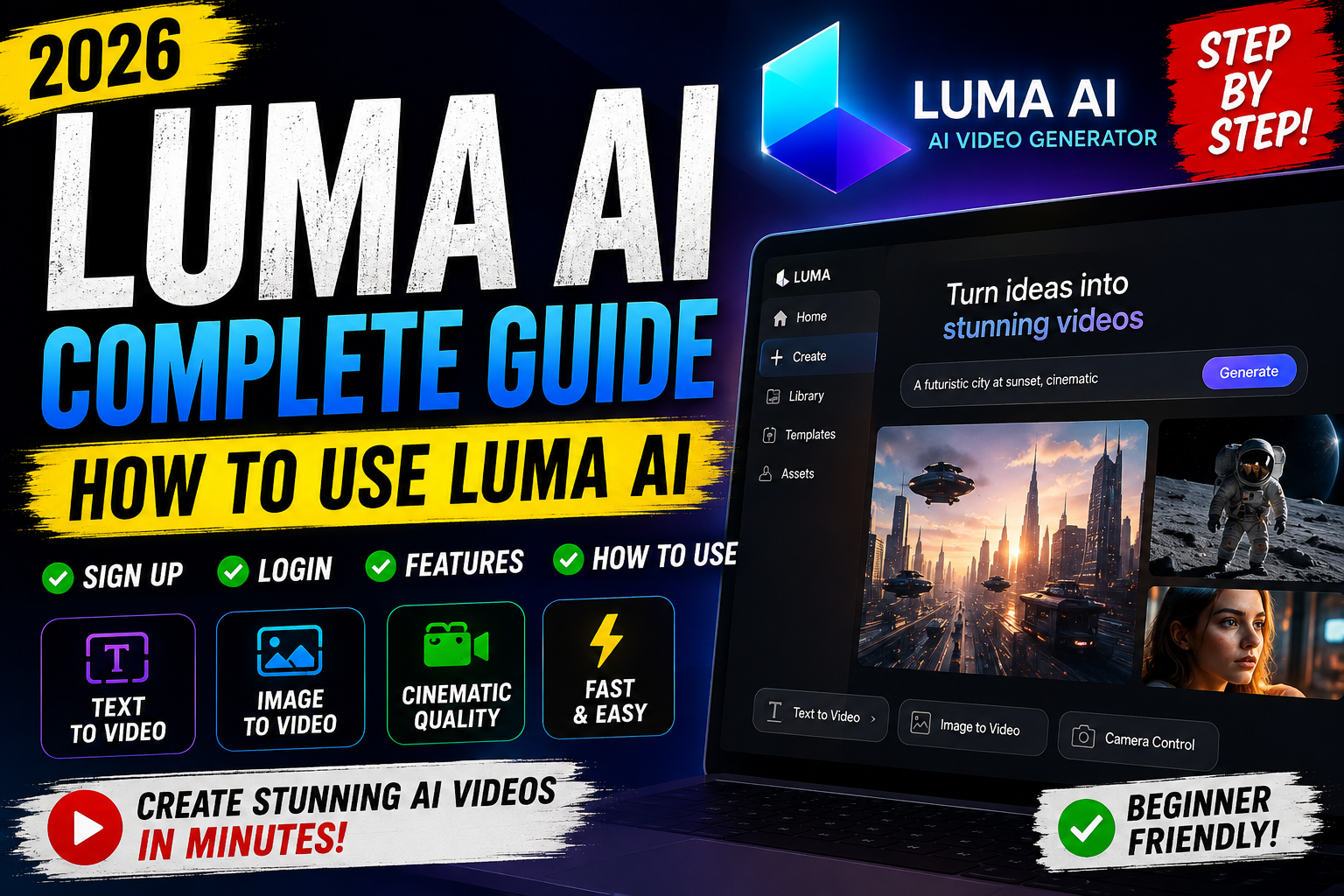
Want to turn a simple idea into a polished video? This guide shows you how the Dream Machine workflow can help you create short visual clips with clear prompts and image-to-video tools. You do not need editing experience to begin.
Our 2026 verdict: the platform delivers fast video generation and smooth motion, but it has limits. Dream Machine caps generations at five seconds, so it works best for quick concepts, social posts, and visual tests. It may not fit projects that need audio, long scenes, or detailed editing control.
You will also review the Plus, Pro, and Ultra plans. As of August 2026, the pricing page no longer shows a standing free tier. The company has received $70 million from Andreessen Horowitz and NVIDIA, supporting wider artificial intelligence research.
This video review also points you toward Hailuo, Kling, Google Veo 3.1, Runway, and CapCut when your results or content needs go beyond the tool’s scope.
Key Takeaways
- Learn the basic workflow for creating short clips.
- Understand the five-second generation limit.
- Compare current paid plans and practical value.
- See where the platform fits your creative goals.
- Explore alternatives for longer or more precise projects.
What Is Luma Ai and How Does Dream Machine Work?
Behind each short clip sits a larger creative platform. Founded by Apple Vision Pro alumni, Luma Labs develops artificial intelligence tools for visual production. Its $70 million funding from Andreessen Horowitz and NVIDIA supports research for professional creators and businesses.

Luma Labs and the Dream Machine Video Model
Dream Machine runs on Ray2, a large-scale generative model. You can enter text, images, or both, then guide the scene with Camera Motion Concepts and keyframes. Ray2 aims for coherent motion, strong visual quality, and hyper-realistic results. These features give you more control than basic text-to-video tools.
The broader Luma Labs Dream ecosystem also includes Genie for rapid 3D asset creation. Adobe Firefly integration, a partnership with Saudi Arabia’s HUMAIN, and Dream Lab LA connect the company with enterprise teams, studios, and Hollywood talent.
How Luma Agents Support Creative Workflows
Luma Agents can research, generate, and refine video, images, audio, and text. This makes the workflow useful when one project needs several media types. In short, the machine supports more than clip creation: it links models, ideas, and production steps in one workspace.
Who Should Use Luma AI in 2026?
This platform suits people who need fast visual drafts rather than full production software. Its five-second limit keeps each video focused, which helps you test ideas, social posts, concept art, and short promotions.
Best Fit for Creators and Marketing Teams
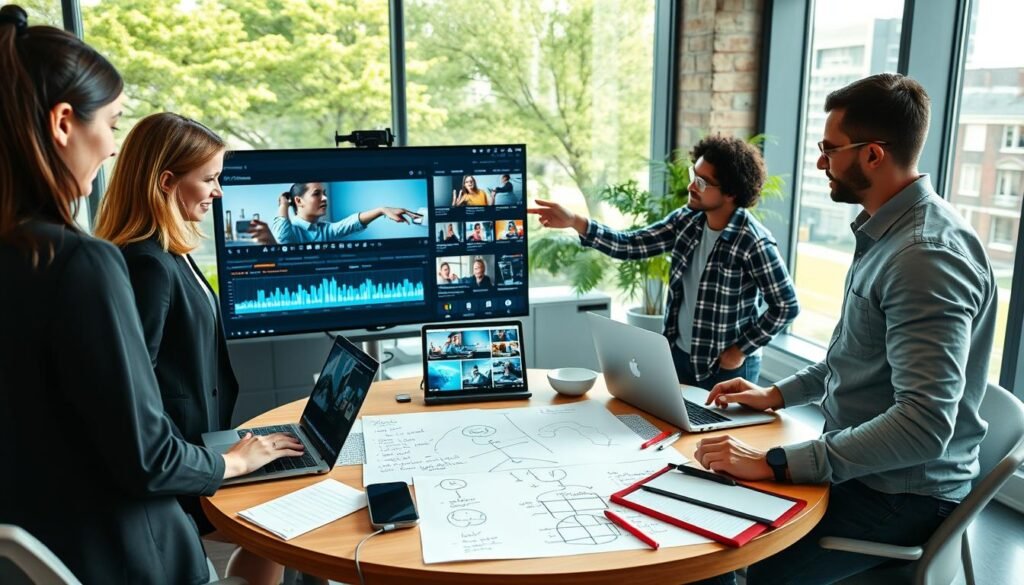
Creators can turn still images into moving clips with a simple workflow. Marketing teams may find the Pro plan useful for quick campaign drafts, product teasers, and visual content that does not need native audio.
“The best tool is the one that matches the job.”
Luma Labs works well when speed matters more than detailed control. Still, check your budget before buying. As of August 2026, Luma Labs no longer lists a standing free plan.
When Luma AI May Be Overkill
Long-form projects, audio-synced scenes, and advanced camera work may require an alternative. Hailuo offers daily free access without a hard cap, while Kling supports clips up to 10 seconds with built-in audio. Kling’s roughly $7.99 monthly option may suit cautious buyers.
The professional learning curve can also slow simple tasks. Review your expected results, access needs, and production volume before choosing a tool.
Key Luma AI Features for Video Generation
Short scenes become easier to shape when you combine text, images, and camera direction. Dream Machine gives you a focused tool for social posts, marketing ideas, and visual storyboards. Its five-second limit also keeps each video simple and fast to test.

Text-to-Video and Image-to-Video Generation
Ray2 accepts a written prompt, a still image, or both. This model can turn a product photo into a moving video or build a scene from your description. You can use Dream Machine to explore several concepts before choosing one for production.
Coherent Motion and Cinematic Output
Ray2 aims for coherent motion, natural transitions, and strong visual quality. The output can look cinematic, though complex scenes may still show flaws. Luma Labs also offers Genie, which supports fast 3D asset generation for broader creative work.
Modify Video, Keyframing, and Camera Motion Controls
Modify Video includes Adhere, Flex, and Reimagine modes. These options help preserve movement while changing objects, settings, characters, or style. Keyframing and Camera Motion Concepts add control when you need more precise movement than a basic prompt provides.
How to Use Luma AI Dream Machine
Turn a clear concept into a focused five-second scene with a simple, repeatable process. The video workflow starts in the Dream Machine app and ends with a saved file ready for your project.

Write Prompts and Choose Your Video Settings
Open the app and tap the plus sign to reach the prompt box, design options, and suggested ideas. Describe the subject, setting, visual style, camera movement, lighting, and effects. Keep each prompt concise so the generation stays focused.
Under Describe, choose an aspect ratio that fits your content. A vertical format works well for mobile posts, while a wide frame suits presentations. Remember that each generation caps the scene at five seconds.
Generate, Review, and Save Your Clips
Tap Generate, then check the results for smooth motion, clear details, and prompt accuracy. If the first clips miss your goal, adjust one detail and try again. This method helps you compare results without changing the whole idea.
When you find a strong result, save the video to your device. You can then add the clips to editing software, presentations, social posts, or other videos. The Luma Dream Machine process keeps each step quick, while Luma Dream tools support fast visual testing.
How Luma AI Performs in Real-World Video Workflows
In practical production, speed can matter more than perfect detail. This video review finds that rapid testing is the main strength of the workflow. You can create several clips, compare the results, and refine one idea without a long wait.

Generation Speed and Iteration
Dream Machine limits each clip to five seconds, so it fits short-form projects and storyboards. In March 2026, Luma Labs moved toward a usage-capacity system built around Luma Agents. That change may make your affordable generation total harder to predict.
- Test one prompt at a time.
- Change one detail between attempts.
- Save strong clips for later editing.
Output Quality, Prompt Adherence, and Motion Reliability
Ray2 targets coherent motion and hyper-realistic output. Yet reported results include physics failures, temporal glitches, time warping, and uneven quality. The model may miss a subject, action, camera direction, or small visual detail.
“Fast iteration helps you find a usable result, but it does not replace careful review.”
The absence of native audio limits finished videos. You may also face a professional learning curve when seeking precise control.
Luma AI Pricing, Credits, and Luma Agents
Choosing the right tier depends on how often you create and how much control your team needs. Every paid option includes Dream Machine text-to-video, image-to-video, and Genie 3D asset generation. The core features stay the same across all tiers.

Plus, Pro, and Ultra Plans
The Plus plan costs $30 per month, or $25 monthly with annual billing. It includes 10,000 credits and suits individual creators. Pro costs $90 monthly, or $75 with yearly billing, and provides 40,000 credits for small teams.
Ultra costs $300 per month, or $250 monthly when billed yearly. With 150,000 credits, it targets studios and high-volume production. This tier makes sense when frequent generation supports active client work.
What the Credit and Usage-Capacity Model Means
In March 2026, Luma Agents moved to a usage-capacity model. As a result, your credit balance does not promise one fixed number of clips. Processing demand and task complexity can affect actual output.
“Match the subscription to your workflow, not just the headline credit total.”
For a careful budget, Plus offers the clearest starting point. Pro fits growing teams, while Ultra suits consistent commercial demand. The free plan is not listed as a standing option by Luma Labs, so review current terms before subscribing to Luma Dream services.
Is There a Free Luma AI Plan?
As of August 2026, the pricing page lists Plus, Pro, and Ultra, so it does not show a continuing free plan. New accounts may receive limited trial credits, but the offer is not guaranteed to recur.
That distinction matters if you want ongoing video production. A trial credit balance can help you test the tool, yet it does not provide reliable access for regular projects.
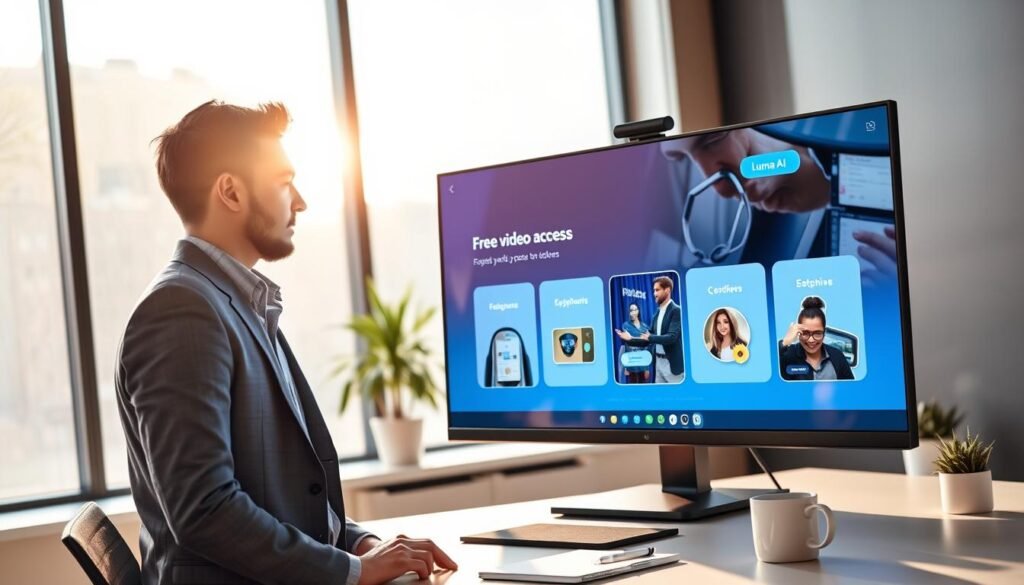
The usage model also needs attention. Luma Agents can adjust capacity based on demand and task complexity. As a result, your balance may not translate into a fixed number of generations. This setup makes testing less predictable than a simple no-cost subscription.
If you need free access before paying, Hailuo offers daily free generations without a hard cap. It gives you a practical alternative for exploring prompts, motion, and short-form content.
Check the official pricing page before you plan a campaign. Terms, trial offers, and limits can change. Treat starter access as temporary, and choose a paid tier only when its value matches your workload.
Luma AI Pros and Cons for Your Creative Workflow
A strong creative tool should save time without hiding its limits. This video review finds clear value for quick concepts, social posts, and visual tests. However, your needs should guide the final choice.
Advantages of Fast Generation and Smooth Motion
Dream Machine offers fast generation and often delivers smooth motion. Its cinematic output can help creators build storyboards, product teasers, and short videos. Genie adds fast 3D asset generation, which broadens the platform’s value for visual projects.
These features make it useful when you want several results before selecting a final direction. Good prompt writing can also improve quality and output.
Limitations Including Short Clips, No Native Audio, and Learning Curve
Each result stops at five seconds. That limit works for short clips but may hinder longer narratives or commercial content. The system also lacks native audio, so you must add sound in another editor.
Reported problems include poor prompt adherence, physics failures, temporal glitches, time warping, and uneven results. Modify Video, keyframing, and Camera Motion Concepts provide advanced features, but the learning curve can slow your workflow. You gain more control only after practice.
Safe Use, Ownership, and Practical Considerations
Before you publish a generated video, check who may use it and where. Read the ownership terms, commercial permissions, privacy rules, and client agreements. Safe use starts with clear approval for every project.
Luma Labs was founded by Apple Vision Pro alumni and now works with Adobe Firefly. Its partnership with Saudi Arabia’s HUMAIN and Dream Lab LA also signals a wider enterprise focus. These connections make governance and responsible artificial intelligence use important factors for businesses.
Keep source files, prompts, approvals, and edit histories for commercial work. This record supports your video workflow if a client asks about authorship, revisions, or licensing.
Dream Machine does not create native audio. Reserve time for licensed music, voiceover, sound effects, mixing, and captions. This step helps make your videos more accessible and reduces rights concerns.
- Check results for accidental likenesses.
- Remove copyrighted references and misleading details.
- Review visual defects before releasing content.
- Get written client approval for final use.
Luma AI Alternatives for Audio, Control, and Budget Needs
Different projects call for different strengths. Compare each tool by clip length, audio, quality, speed, budget, and editing control before you commit.
Hailuo for Free Access and Daily Generations
Hailuo is a strong alternative when you want free access. It offers daily generations without a hard cap, making it useful for testing ideas and building short videos on a limited budget.
Kling for Longer Clips and Built-In Audio
Kling starts near $7.99 per month. It supports clips up to 10 seconds and includes built-in audio. Choose it when longer scenes and sound matter more than rapid output.
Google Veo and Runway for Premium Output and Camera Control
Google Veo 3.1 targets premium realism with native audio. Runway adds ad-grade camera control and a clear ownership stance on output. CapCut AI Lab offers 29-plus styles, over 30 templates, narration, effects, and one-click video content creation.
“Choose the workflow that solves your main production problem.”
The original platform still offers faster generation and bundled Genie 3D assets, so it may suit rapid visual exploration.
Conclusion
Your best choice depends on the job, budget, and level of control you need. Dream Machine stands out for fast, smooth five-second generation. It suits creators and marketing teams that value quick testing over long scenes or built-in audio.
Luma Dream Machine is worth considering when motion quality matters most. The Plus plan offers a practical starting point, but no standing free plan is listed in August 2026. Review pricing and usage limits before you commit.
For free access, sound, longer clips, or advanced control, compare Hailuo, Kling, Google Veo 3.1, Runway, and CapCut. Ray2, Genie, and Luma Agents show strong potential, yet results and capacity can vary. Use the final output carefully, follow safe use practices, and choose the workflow that helps you create better videos and content.