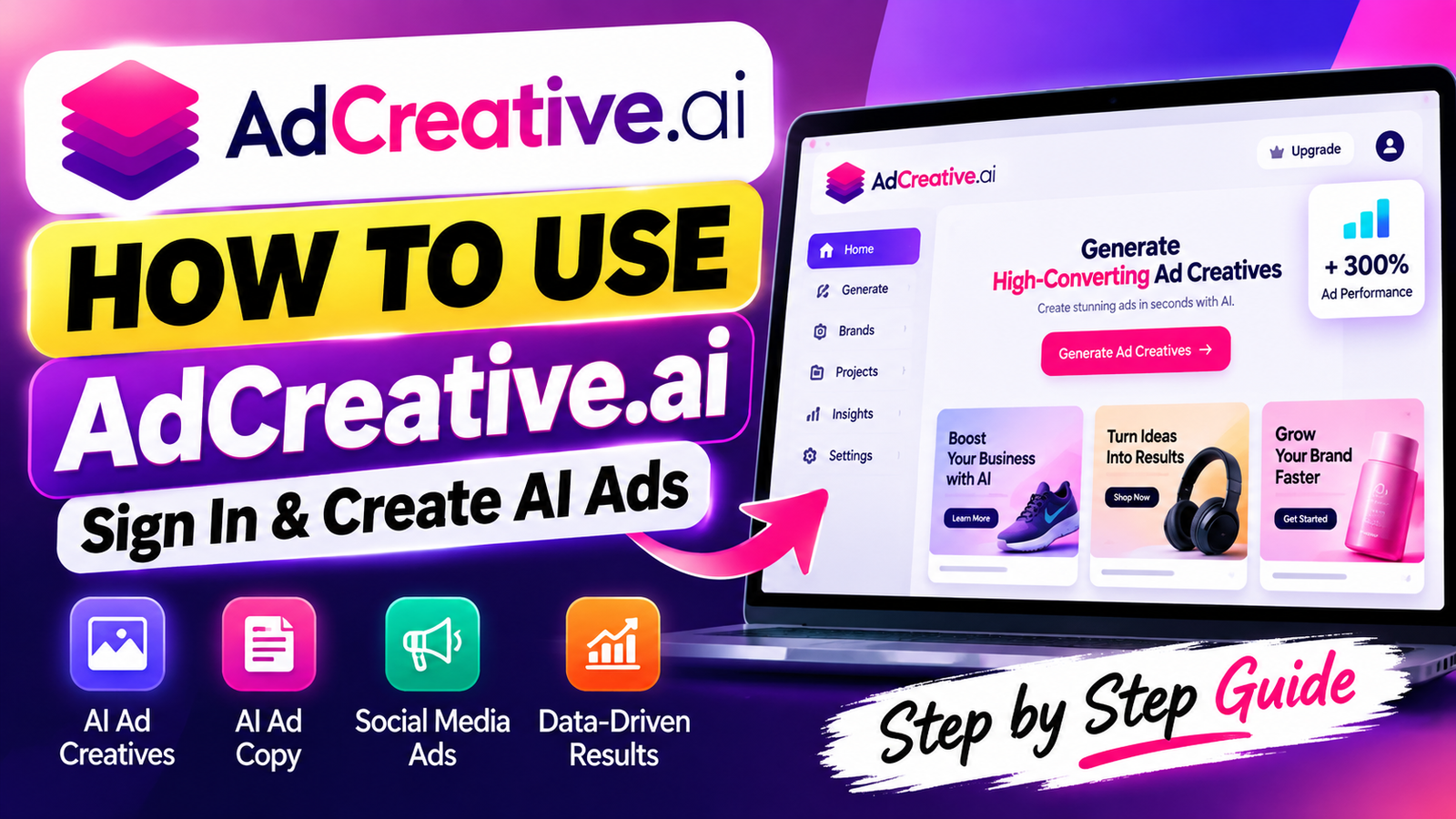
Creating high-converting advertisements can take hours of brainstorming, design work, and performance testing. You may wonder whether a faster way exists to manage your marketing creative needs. This adcreative.ai tutorial explains how modern technology can automate your workflow.
Smart automation helps you create professional marketing assets within minutes. This adcreative.ai guide takes you from account setup to launching your first campaign. You will learn to use the dashboard, apply core features, and optimize results for better performance.
Beginners and seasoned marketers can save significant time by mastering these tools. We cover essential pricing tips and explore alternatives, helping you choose the best option for your business. Let’s get started and transform your advertising strategy today.
Key Takeaways
- Learn how to quickly sign up and access your new dashboard.
- Discover how to generate high-converting visuals and copy in minutes.
- Understand the core features that drive better campaign performance.
- Get practical advice on optimizing your assets for maximum reach.
- Explore pricing options and platform alternatives to fit your budget.
What Is AdCreative.ai?
Understanding how adcreative.ai works helps you build a stronger online advertising strategy. This platform uses machine learning to create effective ad designs in seconds. It automates design and removes technical barriers that can delay marketing campaigns.
What Does AdCreative.ai Do?
The platform creates professional visuals and copy that match your brand identity. It studies your input data and builds layouts for maximum conversion rates across social media channels. You can avoid hours of resizing images or testing color palettes.
The system also offers data-based suggestions to improve your results. Using advanced adcreative.ai features, you can support each launched asset with insights, not guesswork. This method keeps your visual style consistent while helping your advertising grow.
Who Can Use AdCreative.ai?
AdCreative.ai supports many users, whatever their design experience. Solo entrepreneurs and large organizations can both adapt the tool to their needs.
- Small Business Owners: Create professional ads without hiring an expensive design agency.
- Digital Marketers: Streamline your workflow and launch multiple campaigns simultaneously.
- E-commerce Operators: Generate product-focused visuals that drive direct sales.
- Advertising Agencies: Deliver high-quality assets to clients faster than ever before.
Its intuitive interface helps you focus on your core business goals. The platform connects complex design needs with fast, effective advertising.
AdCreative.ai Key Features

You can improve your advertising strategy with this platform’s powerful tools. Advanced machine learning helps you create strong campaigns with little manual work. Small business owners and experienced marketers can scale their digital presence with ease.
AI Ad Creative Generator
The ai ad creative generator creates high-converting visuals in seconds. Upload your product images and basic brand guidelines to begin. It analyzes your inputs, then creates hundreds of professional layouts for various social media platforms.
AI Ad Copy Generator
The platform also creates compelling text for your target audience. The adcreative.ai ad generator tool studies your product benefits and writes headlines and descriptions that drive clicks. The AI suggests versions for different marketing goals, so you can avoid writer’s block.
Creative Insights
Data-driven decisions matter for every successful campaign. The platform offers detailed creative insights to show which ad elements perform best. Review these metrics to refine your strategy and spend more on designs with the highest return on investment.
Brand Management
A consistent look across ads helps build brand recognition. The brand management feature stores your logos, color palettes, and fonts in one central location. This keeps every generated asset aligned with your identity and saves time on manual design changes.
How to Sign Up for AdCreative.ai
Ready to transform your ad campaigns? Follow this guide to register your account. Registration starts your automated creative workflow and can improve your return on investment. After registering, use the adcreative.ai sign in feature to access your dashboard each day.
Step 1: Visit the Official AdCreative.ai Website
Visit the official domain to protect your data. Type the correct URL directly into your browser to avoid phishing sites. Security is your top priority when creating any new professional account online.
Step 2: Click Sign Up
On the homepage, find the prominent registration button. It usually appears in the top right corner of the screen. Click it to open the secure registration form and begin setup.
Step 3: Enter Your Account Details
Enter accurate information in the required fields so your account works correctly. You will typically need:
- A valid business email address.
- A strong, unique password that meets security requirements.
- Basic information about your company or brand.
Step 4: Verify Your Account
After submitting your details, check your inbox and click the verification link to activate your profile. Then you will understand how to sign in to adcreative.ai using your new credentials. If trouble arises, follow screen prompts to resend the verification email or contact support.
How to Log In to AdCreative.ai

After registration, you can return to your workspace quickly. Secure access keeps your marketing projects organized and protected. The adcreative.ai login opens your AI-powered tools.
Step 1: Open the AdCreative.ai Login Page
Open the official website in your preferred web browser. Find the sign-in button in the homepage’s top-right corner. Select it to reach the secure portal and enter your credentials.
Step 2: Enter Your Email and Password
Enter the email address and password from your initial registration. It is essential to turn off caps lock and avoid typing errors. If you forgot your password, use the recovery link to reset access quickly.
Step 3: Access Your Dashboard
After you submit your details, the system verifies your identity and opens your main dashboard. This central hub manages your creative tasks. Manage brand assets, view previous projects, and start a new adcreative.ai login session to optimize your advertising strategy.
How to Use AdCreative.ai
Learning how to use AdCreative.ai for beginners helps you save time and improve ad performance. A clear workflow gives the AI the data needed to create strong results. This guide explains how to use adcreative.ai for beginners, from setup to campaign review.
Step 1: Create a New Project
Click the “Create a Project” button on your main dashboard to begin. This opens a workspace for organizing your campaign goals. Defining your project early helps the system tailor suggestions to your business.
Step 2: Add Your Brand Information
Upload your brand assets to keep all generated content consistent. You will need to provide the following items:
- Your company logo in a high-resolution format.
- Primary and secondary brand colors.
- Your preferred font styles to match your website.
These details help the AI create a professional look that matches your existing identity.
Step 3: Choose an Ad Format
Select the format you need for your advertisements. Different platforms use different dimensions for strong performance. Choose the right size for social media feeds or display networks because it is crucial for visual impact.
Step 4: Add Your Product or Service
Enter details about the product or service you want to promote. This step is vital when learning how to use AdCreative.ai effectively. You should include:
- A clear, high-quality image of your product.
- A compelling headline that grabs attention.
- A strong call-to-action that encourages clicks.
After you submit the details, the platform creates several creative options for review. Choose the best options to launch your campaign with confidence.
How to Create Better Ads With AdCreative.ai

Learning how to create ads with AdCreative.ai effectively takes more than clicking buttons. Your input guides the AI, so better data leads to stronger results. Follow these steps to help your campaigns stand out online.
Use Clear Product Images
Your audience notices the visual first. Upload high-resolution images that show your product from its best angle. Avoid cluttered backgrounds that distract viewers from your main offering.
Provide Specific Campaign Information
When setting up your project, give clear details about your goals. Define your target audience and the action you want users to take. These details help the AI create copy and layouts that fit your ideal customers.
Test Multiple Creative Variations
One effective way to create social media ads with ai is to test different ideas. Do not accept the first design the platform creates. Use these testing practices:
- Generate at least three distinct visual styles to see which performs best.
- Rotate your ad copy to identify which headlines drive the most clicks.
- Use different call-to-action buttons to measure conversion rates.
- Analyze the performance metrics provided by the tool to refine future designs.
Keep Your Branding Consistent
A consistent look helps build trust with your audience. Keep your logo, color palette, and fonts aligned with your brand identity. When you consistently apply these elements, your business stays recognizable, and your ads feel authentic and professional.
AdCreative.ai Pricing and Plans
Choosing the right plan requires a clear look at the current adcreative.ai pricing structure. Before subscribing, compare your creative volume and team size with the available options. This helps you earn better returns as you scale digital campaigns.
Free Trial or Free Options
Many users begin with a trial period to explore the platform. You can test the interface and decide whether its AI-generated assets meet your quality standards. Always verify the current terms on the official website because trial lengths and limits can change.
Paid Plans
When you are ready to scale, several paid tiers support different business needs. They serve everyone from individual freelancers to large advertising agencies. Choose a tier that matches your monthly output to optimize your budget.
What Is Included in Each Plan?
Understanding the specific adcreative.ai features and pricing helps you make an informed decision. Plans typically set different limits for creative generations, brand profiles, and user seats. Review the official pricing page for exact billing intervals and usage caps for your chosen tier.
It is important to note that features may change as the platform updates its technology. Check the official site for the most accurate subscription details. This helps you avoid unexpected costs and gives your team the tools needed for success.
Pros and Cons of AdCreative.ai

When you assess any ai advertising tool, weigh faster work against automated systems’ limits. This adcreative.ai review offers a balanced view to help you decide whether the platform suits your marketing needs.
Pros
The main benefit is a significant reduction in production time. You can create hundreds of ad variations in minutes, instead of spending hours on them with a design team.
- Streamlined Workflow: Centralized brand inputs ensure that every asset stays on-brand automatically.
- Creative Exploration: The system allows you to test diverse layouts and color schemes that you might not have considered.
- Data-Driven Insights: It provides feedback on which creative elements are likely to perform best based on historical data.
“AI is not here to replace human creativity, but to act as a powerful force multiplier for marketers who need to scale their output efficiently.”
Cons
This software is impressive, but it cannot fully replace a professional graphic designer. You must understand its limits when using this ai advertising tool.
- Output Quality Control: Automated designs sometimes require manual adjustments to ensure they meet your specific aesthetic standards.
- Input Dependency: The quality of the generated ads is strictly tied to the quality of the images and copy you provide.
- Cost Considerations: For smaller businesses, the subscription fees might represent a significant portion of the monthly marketing budget.
Ultimately, this adcreative.ai review shows that the platform works best as a support tool. It handles repetitive tasks well, so you can focus on high-level strategy and campaign optimization.
AdCreative.ai Use Cases
Whether you run a local shop or global agency, AdCreative.ai helps streamline your creative work. Use its features for your goals to improve campaign performance.
For Small Businesses
Small business owners often handle many roles, leaving little time for complex design work. With adcreative.ai ai ads, you can keep a professional brand image without a design team.
- Generate high-quality social media posts in minutes.
- Maintain consistent branding across all platforms.
- Save time by automating repetitive design tasks.
For Digital Marketers
For multiple campaigns, speed and data-based choices matter most. Learning how to create ai ads with adcreative.ai helps you test creative versions quickly and find what your audience likes.
- Run A/B tests with multiple visual variations.
- Analyze performance metrics to optimize future spend.
- Scale your output without sacrificing quality.
For E-commerce Stores
E-commerce success depends on showing products in an appealing way. Use the platform to feature key items and create visuals that drive clicks and conversions.
- Create product-focused ads that highlight key features.
- Update your creative assets for seasonal sales or promotions.
- Drive traffic directly to your store with compelling calls to action.
For Advertising Agencies
Agencies must deliver results for many clients under tight deadlines. AdCreative.ai helps your team manage more accounts while keeping creative standards high.
- Manage multiple brand identities within a single dashboard.
- Produce high volumes of ad content for various platforms.
- Collaborate efficiently to meet client expectations and campaign goals.
Mastering how to create ai ads with adcreative.ai helps keep your advertising strategy competitive. Whether you work alone or on a large team, these workflows create adcreative.ai ai ads that stand out.
AdCreative.ai Alternatives

AdCreative.ai is a powerful tool, but other platforms may fit your needs better. Choose an AI advertising platform based on your marketing goals and budget.
Learning how to generate ad creatives using adcreative.ai shows what high-quality automation can do. Other tools may offer stronger video editing or advanced social media scheduling.
AdCreative.ai vs Other AI Ad Tools
To choose wisely, compare platforms on key factors. Check creative speed, AI copy quality, and brand control.
Use these criteria when comparing your options:
- Creative Insights: Does the tool provide data-backed suggestions to improve your conversion rates?
- Format Variety: Can the platform handle diverse ad sizes for platforms like Meta, LinkedIn, and Google?
- Integrations: Does it connect seamlessly with your existing CRM or ad management accounts?
- Ease of Use: Is the interface intuitive enough for your team to start immediately?
Efficiency often guides busy marketing teams. Some competitors focus on artistic flair, but AdCreative.ai emphasizes data-driven performance and speed. This makes it a top choice for businesses that need more ads quickly without losing quality.
Before subscribing, review the adcreative.ai step-by-step tutorial. It can show whether the workflow fits your daily operations.
If you need special integrations or brand controls, compare them with other industry leaders. Choose the tool that cuts manual work and improves return on ad spend.
Frequently Asked Questions About AdCreative.ai
Digital advertising takes the right tools to save time and improve results. This adcreative.ai tutorial for beginners helps you use the platform with confidence.
What Is AdCreative.ai?
AdCreative.ai is an automated platform that uses machine learning to create high-converting ad visuals and copy. It simplifies design for businesses and marketers who want professional results without manual work.
Use this software to manage brand assets and test creative layouts for social media campaigns. When ready, revisit the earlier steps, set up your account, and launch your first project.
The platform offers flexible pricing plans for different needs, from small startups to large agencies. Explore dashboard features to see how data-driven insights can improve your return on ad spend. Use this adcreative.ai tutorial for beginners to bring smarter advertising strategies into your daily workflow.