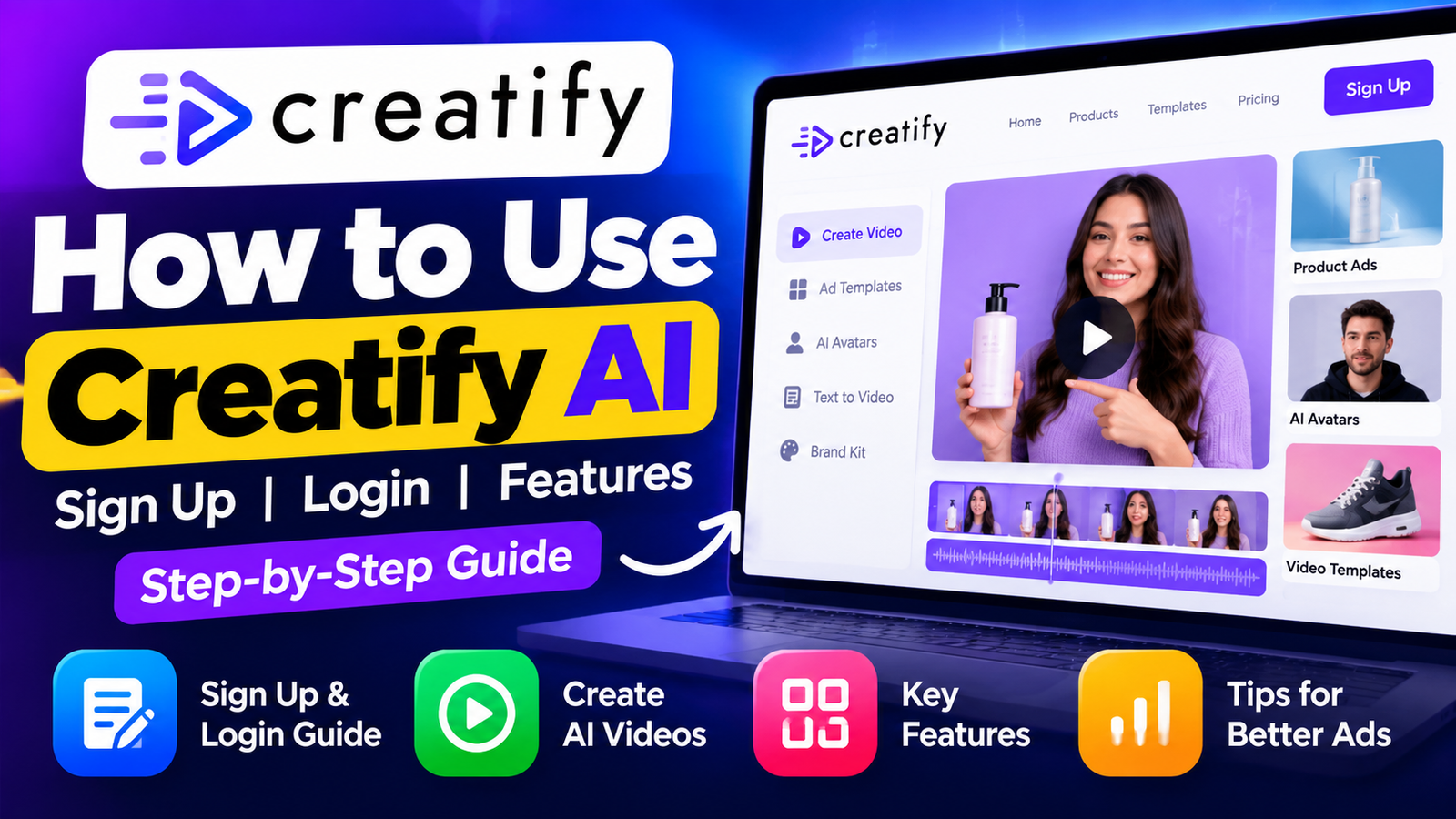
Making professional marketing videos can take hours of writing, filming, and editing. Many business owners cannot meet these demands while managing daily operations. Modern software helps by automating complex design tasks.
This practical guide shows you how to master this innovative platform. You will learn to set up your account and use the dashboard with ease. It explains features that turn simple product links into high-converting advertisements.
Whether you are a beginner or seasoned marketer, this creatify ai tutorial provides clear steps to elevate your brand. By following these instructions, you will discover how to use creatify ai to produce engaging content in minutes. Let’s transform your creative process and start building better ads today.
Key Takeaways
- Learn the essential steps to register and log in to your account.
- Discover how to convert product URLs into professional video advertisements.
- Understand the primary features that streamline your video production workflow.
- Gain confidence in using automated tools for your marketing campaigns.
- Master techniques to create high-quality content without needing advanced editing skills.
What Is Creatify AI?
Creatify AI is a powerful platform that makes professional video ads easier to create. It acts as an intelligent assistant, linking complex video editing with marketing content that converts. You can create engaging visuals without advanced technical skills or costly production equipment.
If you are new to video ads, this creatify ai tutorial for beginners helps you use the platform. The software is easy to use, so you can focus on your brand message instead of video rendering. It helps anyone scale advertising efforts quickly.
How Creatify AI Works
The creatify ai workflow is straightforward and efficient. First, provide a product URL or basic information about your item. The system analyzes your content for key selling points and visual themes.
After processing the data, the AI creates a polished video advertisement for your needs. You can customize it with templates, voiceovers, and avatars. These options help the result match your brand identity.
Who Can Use Creatify AI?
This platform serves many users, from small business owners to professional marketing agencies. E-commerce store managers can create product showcases that drive sales. Creatify ai removes the need for a dedicated video production team.
Content creators and social media managers can use these tools to keep a consistent posting schedule. Whether you are a complete novice or an experienced marketer, the platform offers features to strengthen your digital presence. It is a versatile solution for producing high-quality video content at scale.
Key Features of Creatify AI

These tools can transform your advertising strategy. They automate complex production tasks, so you can focus on your creative vision. These creatify ai features help you make professional content with less effort.
AI Video Ad Creation
The platform creates high-quality marketing assets quickly. As a sophisticated creatify ai video generator, it studies your needs and builds cohesive narratives. You do not need expensive equipment or a large production crew for a successful campaign.
Product URL to Video
You can turn a simple website link into a full video. It automatically extracts key information, images, and branding elements from your product page. This streamlines the entire workflow and keeps your ads consistent with your website’s identity.
AI Avatars and Voiceovers
Adding a human touch to digital ads is easier than ever. Choose from various AI avatars that deliver your message with natural-sounding voiceovers. This feature helps you connect personally with your audience without traditional filming sessions.
Ad Templates and Customization
Flexibility helps when you manage multiple campaigns. The platform offers many ad templates that you can adapt to your needs. You control the final look by adjusting colors, text, and layouts to match your brand guidelines perfectly.
How to Sign Up for Creatify AI
You can create professional video ads in minutes with our guide. It explains the creatify ai sign up process and how to sign up for creatify ai. The user-friendly platform helps beginners register without technical problems.
Open the Official Creatify AI Website
Open the official Creatify AI website in your preferred web browser. Check the domain to protect your personal information and use the latest software version. When the homepage loads, find the “Sign Up” or “Get Started” button, usually at the top right.
Create Your Creatify AI Account
After you click the registration button, a secure form will ask for your credentials. This step is essential for creating your workspace and saving future video projects. You will typically provide the following information:
- A valid email address that you check regularly.
- A strong, unique password to secure your account.
- Basic details about your business or intended use case.
Verify Your Account and Log In
After you submit your details, the system sends a verification link to your registered email. Click the link to confirm your identity and activate your profile. After successful verification, use the creatify ai login page to open your dashboard.
If you forget your credentials, a simple recovery tool can help restore access. Learning how to login to Creatify AI helps you return to your projects at any time and refine marketing assets.
How to Use Creatify AI Step by Step

Creating professional-grade marketing content is easier with this step-by-step creatify ai video creation tutorial. Follow a clear workflow to produce high-quality advertisements that capture audience attention. Learning how to create videos with creatify ai helps you scale content production without expensive equipment or editing skills.
Step 1: Start a New Project
To begin, log into your dashboard and find the button for a new project. This opens the main workspace, where you build your advertisement from the ground up. Starting fresh gives you full control over your video’s creative direction.
Step 2: Add Your Product or Website URL
The platform makes data collection simple by letting you enter product details directly. Paste your website URL into the correct field so the system can review your brand assets. The AI automatically extracts key information, such as product images and descriptions, to streamline your workflow.
Step 3: Choose an Ad Style
After loading your product data, choose an ad style that matches your marketing goals. Choose from templates made for different social media platforms and audience groups. Selecting the right aesthetic helps your message connect with potential customers.
Step 4: Generate Your AI Video
After finalizing your settings, click the generate button to bring your vision to life. This creatify ai video creation tutorial shows how the engine uses your inputs to make a polished, ready-to-use advertisement. Knowing how to create videos with creatify ai in this way helps you meet marketing needs with speed and precision.
How to Create an AI Ad With Creatify AI
Learning how to make ai ads with creatify ai helps you scale marketing efforts quickly and efficiently. A clear workflow can turn simple product concepts into high-converting video assets that capture audience attention.
Choose Your Product
A successful ad starts with good information. Choose a product URL or upload high-resolution images showing your item’s best features.
- Ensure your product images are well-lit and professional.
- Provide a concise description of the main benefits.
- Select a target audience profile to help the AI tailor the messaging.
Consistency is key when you enter data. Specific brand voice and selling points help produce a stronger final ad.
Generate the Ad
After you upload your assets, the platform creates a draft. This creatify ai ad generator tutorial explains how machine learning matches products with trending video styles.
The AI suggests scripts, voiceovers, and visual transitions for your industry. Review the drafts to check whether their tone fits your marketing goals.
Optimize the Ad for Social Media
A draft is only the first step. Refine the video so it works well on TikTok, Instagram, or Facebook.
Make these essential adjustments to your final creative:
- Adjust the aspect ratio to fit the platform requirements.
- Edit the text overlays to ensure they are readable and punchy.
- Review the pacing to keep viewers engaged within the first three seconds.
Remember that refinement remains important even with advanced automation. Manually adjust the final output so your brand identity shines through every frame.
Creatify AI Pricing and Plans

Choosing a plan is an important part of any thorough creatify ai review. Before you subscribe, compare each tool with your marketing goals and budget.
Software providers often change their plans. Check the latest creatify ai features and pricing on the official website before signing up. This helps you confirm usage limits and available credits.
Free Plan and Features
Many users begin with the free version to test the platform’s tools. This plan usually lets you explore the interface and make a limited number of videos. You can judge whether the quality meets your standards.
The free plan is useful for experimentation, but it may include watermarks or limit premium templates. It lets you learn the workflow without paying upfront.
Paid Plans and Features
Paid plans provide more value when you need to increase video production. They usually offer higher-resolution exports, more AI avatars, and branding removal for final clips.
Paid subscriptions suit businesses that need consistent output and professional-grade assets. Higher tiers add advanced customization tools, helping ads stand out on competitive social media feeds.
Is Creatify AI Worth Using?
The tool’s value depends on how many videos you produce. Turning product URLs into engaging video ads with AI can save time and provide a substantial return on investment.
Many marketers find the subscription worthwhile because they can quickly test different ad ideas. For streamlined workflows and steady, high-quality content, this platform offers a practical solution for modern digital advertising.
Pros and Cons of Creatify AI
To judge the creatify ai advertising tool, review its strengths and limits. Choose this platform by comparing its benefits with your marketing goals.
Pros of Creatify AI
Its significant speed can improve your creative workflow. It automates video production, so you can make high-quality ads in minutes, not hours.
Users value the intuitive interface for turning a product URL into a finished video. Its professional template library gives content a polished, modern look without advanced design skills.
Cons of Creatify AI
The creatify ai advertising tool is powerful, but it still needs human oversight. You may need to edit its output to match your brand’s voice and visual identity.
Plans may limit exports or advanced features. Automated generation can also reduce creative control compared with traditional video editing software. Ultimately, the value of this creatify ai advertising tool depends on your budget, customization needs, and your team’s marketing objectives.
Creatify AI Use Cases

This creatify ai complete guide shows how to fit the platform to your needs. It suits small online shops and large-scale campaigns. The tool supports flexible video production across professional workflows.
For E-commerce Businesses
If you sell products online, your main goal is turning viewers into buyers. The platform turns existing product URLs into high-converting video ads in minutes.
You can showcase your inventory without a professional film crew. Automated visuals highlight key product features and help your brand compete in a crowded marketplace.
For Marketers and Agencies
Marketing teams often produce large volumes of content under tight deadlines. This creatify ai complete guide helps agencies scale campaign development significantly.
You can quickly test different ad styles to find what best engages your target audience. This makes A/B testing faster and more cost-effective for clients.
For Content Creators
Content creators often test new formats to keep social media channels engaging. This creatify ai complete guide lets you quickly make professional-looking videos that capture attention on TikTok or Instagram.
The tool lets you focus on creative storytelling instead of technical editing hurdles. Automation gives you more time to refine your brand voice and connect with your community.
Creatify AI Tips for Better Results
Professional AI video results start with clear inputs. The software does much of the work, but your data shapes the final video. A structured creatify ai text to video tutorial approach helps turn your vision into a polished advertisement.
Write Better Ad Prompts and Inputs
The AI uses your instructions to understand your video’s tone and style. Avoid vague phrases, and be specific about the result you want. Define the target audience and ad goal clearly, so the engine creates more relevant scenes.
- Use descriptive adjectives to define the mood, such as “energetic,” “professional,” or “minimalist.”
- Specify the pacing of the video to match your brand’s energy.
- Include clear calls to action to guide your viewers effectively.
Use Strong Product Information
Your product URL or description gives the video its foundation. accurate and detailed information helps the AI highlight your item’s key features. Thin input may leave the content without enough context to convince potential customers.
Include high-resolution images and clear text descriptions when possible. This effort gives the AI better assets, helping it create a more cohesive, persuasive product. Think of these assets as the exact ingredients for a high-quality ad.
Customize Your Branding
Consistency builds brand recognition across social media platforms. Align your video’s visual elements with your existing brand identity. Customizing colors, fonts, and logos makes each video feel like a natural extension of your business.
Adjusting these settings keeps your ads from looking generic. Your unique brand style creates a memorable experience for your audience. This attention to detail separates a standard video from one that truly connects with your target market.
Creatify AI Alternatives

Exploring AI video tools reveals several powerful options beyond Creatify AI. For beginners, learning how to use creatify ai for beginners offers a useful starting point for automated marketing.
Your project may need features from specialized software. Comparing these options helps you choose technology that matches your brand goals.
Creatify AI vs Other AI Ad Tools
When comparing platforms like InVideo, HeyGen, or Canva, review several practical criteria. Each tool balances creative control with automation speed differently.
“The best tool is not necessarily the one with the most features, but the one that integrates most seamlessly into your existing workflow.”
Consider these factors when evaluating your options:
- Ease of Use: Does the interface allow for quick edits without a steep learning curve?
- Video Formats: Can the platform export content optimized for TikTok, Instagram Reels, and YouTube Shorts?
- Customization: How much control do you have over brand colors, fonts, and AI avatar movements?
- Workflow Speed: Does the tool generate high-quality assets in minutes or hours?
- Pricing: Is the subscription model sustainable for your current marketing budget?
If you are learning how to use creatify ai for beginners, its streamlined, template-driven approach may suit you better than complex editors. Advanced users may want deeper manual editing or more varied voiceover libraries.
Your choice depends on your experience and the production control you need. Testing several platforms can reveal which AI assistant offers the most value for your advertising campaigns.
Frequently Asked Questions About Creatify AI

Learning a new AI tool is easier with clear information. These common questions explain how creatify ai can simplify your marketing workflow.
What Is Creatify AI Used For?
This platform helps businesses and marketers create video ads that convert well. It turns simple product links or text into engaging visual content with advanced technology.
Is Creatify AI Free?
The platform offers flexible options for different needs. You can explore basic creatify ai features through a free trial or entry-level plan before choosing a paid subscription for growth.
Can Beginners Use Creatify AI?
Yes, the simple interface helps beginners get started. You need no video editing experience to create professional-looking results with creatify ai.
Can Creatify AI Create Video Ads?
Creating video ads is this software’s core function. For social media or targeted campaigns, creatify ai automates production to save time and effort.
Final Verdict
Creatify AI turns raw product data into high-converting video assets quickly. This creatify ai tutorial shows how to turn simple website links into professional marketing content.
Compare the platform’s features with your production needs. It offers strong templates and AI avatars, but success depends on your branding and inputs. Learning how to use creatify ai helps you produce more ads without hiring a full production team.
The platform is a strong choice for e-commerce brands and agencies seeking simpler creative workflows. Try the free plan to test the interface and check whether its output matches your brand identity. Review pricing tiers based on your monthly video volume and needed features.
Experiment with ad styles and prompts to learn what connects with your audience. This tool’s efficiency can strengthen your marketing strategy. Explore the platform today to see whether it supports your unique business goals.