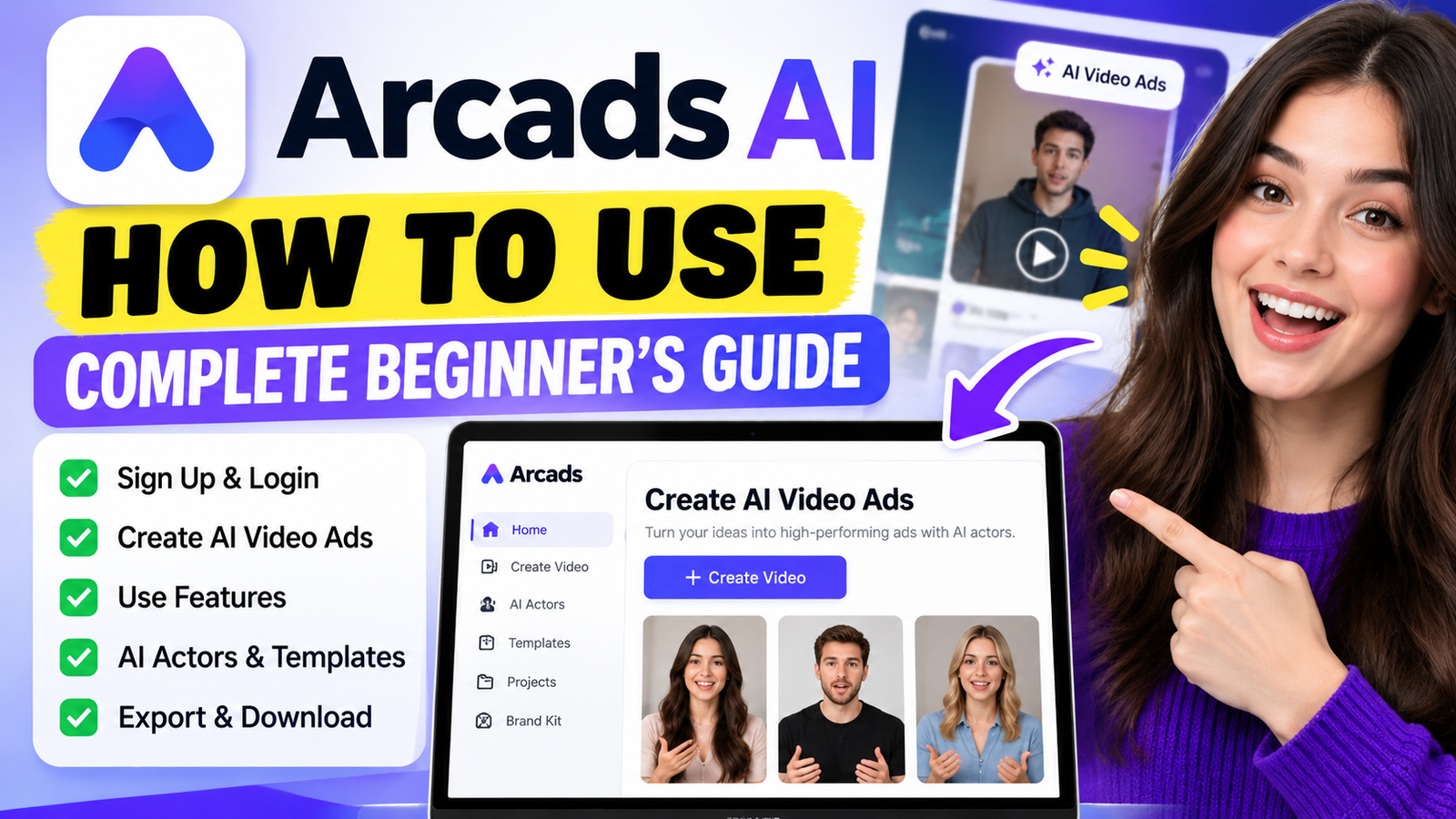
Making professional video ads can take time, money, and special editing skills. Modern technology makes this difficult process easier for everyone. This arcads ai complete tutorial for beginners helps you turn simple ideas into high-converting visual content within minutes.
With automated tools, you can create polished marketing materials without a film crew. This guide covers the full process, from setting up your account to launching your final campaign. You will learn to use Arcads AI, navigate the dashboard, choose realistic digital actors, and write effective scripts for your target audience.
Whether you own a small business or work in marketing, this arcads ai tutorial offers practical steps. Follow it to master powerful features, improve your creative work, and strengthen your brand presence online.
Key Takeaways
- Learn how to set up your account and navigate the user-friendly dashboard.
- Discover how to generate professional scripts that drive engagement.
- Master the process of selecting and customizing digital actors for your brand.
- Understand the step-by-step workflow for creating high-quality video advertisements.
- Gain insights into testing your content and evaluating different subscription plans.
What Is Arcads AI?
Arcads AI is a powerful platform that makes professional video ads easier to create. It uses advanced artificial intelligence to produce high-quality promotional content without expensive equipment or film crews.
This arcads ai guide gives you the key knowledge needed to build effective campaigns. It connects complex video editing with the need for fast, high-converting marketing assets.
Arcads AI in Simple Words
Arcads AI is a digital studio that automates video ad production. You provide the script and product details, and its AI-driven technology creates a polished video with a realistic spokesperson.
This tool helps people improve their creative workflow. It removes technical barriers that can delay social media ads and promotional clips.
Who Can Use Arcads AI?
The platform welcomes users with many levels of technical skill. If you wonder how to use arcads ai for beginners, the interface is intuitive and straightforward.
These groups often benefit from Arcads AI’s features:
- Marketers: Professionals looking to scale their ad testing and improve campaign performance.
- Business Owners: Entrepreneurs who need high-quality video content to promote products on a budget.
- Agencies: Teams that need to deliver multiple video variations to clients quickly.
- Content Creators: Individuals who want to produce professional-looking ads for their personal brands or affiliate marketing efforts.
Whether you work alone or on a large marketing team, this platform supports consistent, engaging video content. Automation handles the heavy work, so you can focus on strategy instead of video production details.
Why Use Arcads AI for Video Ads?

Arcads AI changes how businesses create video marketing by simplifying complex production workflows. You do not need a film crew or costly studio equipment to make high-converting video ads for your brand. The platform helps match your creative work with campaign goals and audience expectations.
AI-Powered Video Ad Creation
The arcads ai ad generator lets you create professional content without traditional production barriers. You can keep quality high while creating enough content for different social media platforms. This technology keeps your message consistent and engaging for target viewers.
AI Actors and Spokespersons
A major benefit of Arcads AI is access to diverse digital talent. You can choose AI actors who fit your brand and connect with your target audience. These spokespersons create a human-like connection that keeps viewers watching until the very end of your advertisement.
Faster Ad Production
Speed matters in fast-paced digital marketing. Using an arcads ai video generator cuts the time needed to turn a script into a finished video. A streamlined workflow lets you test multiple ad variations quickly and find what performs best.
Ultimately, Arcads AI helps you stay ahead of competitors by delivering fresh content faster than traditional production methods.
Arcads AI Key Features
Use the powerful capabilities of Arcads AI to automate repetitive tasks while keeping creative control over your projects. Advanced technology saves time in your daily workflow and keeps your brand message consistent and professional.
AI Avatar and Actor Selection
A diverse digital actor library is one of the most useful arcads ai features. Choose from many avatars that fit your brand, including professional spokespeople and casual, relatable personalities.
- Diverse ethnic and age representations.
- Professional attire and casual options.
- High-fidelity movements for natural engagement.
- Customizable expressions to match your ad tone.
AI Script Generation
Writing compelling copy often takes the most time during production. With built-in AI script generation, enter product details and get a polished, persuasive script in seconds. It helps overcome writer’s block and keeps ads aligned with proven marketing structures.
Video Ad Creation
The platform’s core is its seamless arcads ai text to video capability. Provide the text, and the system manages complex rendering to create a finished advertisement. You can iterate quickly by testing visual hooks without a film crew or expensive editing software.
Voice and Language Options
Great visuals alone cannot reach a global audience. Arcads AI offers many natural-sounding voices and supports multiple languages. You can localize content for different regions, helping your message connect with viewers while maintaining high production quality across campaigns.
How to Sign Up for Arcads AI

If you are ready to improve your advertising strategy, learning how to create an arcads ai account is your first step. Arcads AI helps you move from registration to your first project within minutes.
A clear setup helps you prepare your profile for high-quality video production. This lets you focus on creative campaigns after reaching the dashboard.
Open the Official Arcads AI Website
Start by visiting the official Arcads AI website in your preferred web browser. Check that you use the legitimate site to protect your data and access the latest features. When the homepage loads, look for the Sign Up or Get Started button in the top-right corner.
Create Your Arcads AI Account
After clicking the registration button, enter your basic information. Most users find the arcads ai sign up process straightforward and need only a few essential details to begin.
- Provide a valid email address that you check frequently.
- Create a strong, unique password to secure your workspace.
- Review the terms of service to understand your user rights.
- Submit the form to initiate the account creation process.
Verify Your Account and Log In
After submitting your details, check your inbox for a verification link from the platform. Clicking this link is a crucial step to activate your account and confirm your identity. After verification, return to the login page and access your new dashboard.
Now that you have registered, you can explore the tools in Arcads AI. Start by uploading your brand assets or testing the AI script generator. This shows how quickly you can create professional-grade video content.
How to Log In to Arcads AI
Return to your projects in a few simple steps. After registration, the seamless experience helps you keep creating.
Open the Arcads AI Login Page
Open the official Arcads AI website in your preferred browser. Select the sign-in button in the homepage’s top-right corner. If you wonder how to sign up for arcads ai, use the same page; it serves returning users too.
Enter Your Account Details
Enter the email address and password from your registration. Check your credentials to prevent connection errors. If you forget your password, click the “Forgot Password” link for a reset email and quick account access.
Access the Arcads AI Dashboard
After you submit your details, the system redirects you to your personal dashboard. Use this central hub to manage projects and launch new video campaigns. Learning the arcads ai login process keeps your workflow efficient for creating professional-grade content with Arcads AI.
Arcads AI Dashboard Explained

Once you log in, the Arcads AI dashboard becomes your central hub for video production. Its simple interface lets you switch tasks without complex menus. A clean layout supports a smooth creative workflow, a key strength in any balanced arcads ai review.
Main Dashboard
The main dashboard gives you a quick view of account activity. From there, you can check recent activity and start new tasks. It works as a command center, letting you reach important tools in a few clicks.
Video Creation Tools
When you start a project, find the video creation tools in the primary navigation menu. They let you choose AI actors, enter your script, and customize your advertisement’s visual elements. Efficiency is the core goal because the platform cuts technical setup time, so you can focus on your creative vision.
Projects and Generated Videos
Managing output matters as much as creation, and the projects section keeps drafts and finished advertisements organized in one place. You can review your generated videos, download them for campaigns, or make quick edits when refining your message. This structured approach keeps your assets accessible and ready for deployment whenever needed.
How to Create an AI Video Ad with Arcads AI
Learn how to create an ai ad with arcads ai in a few simple steps to improve your marketing strategy. Arcads AI simplifies production, so you can focus on your brand message instead of technical editing.
Choose a Video Ad Type
Start by choosing the format that fits your campaign. Arcads AI offers templates for short social clips, longer promotional videos, and different platforms.
- Select the aspect ratio that fits your target channel.
- Choose a template that matches your campaign goals.
- Ensure the format aligns with your brand’s visual identity.
Add Your Product or Brand Details
After choosing a format, enter your product information. This information helps the AI understand what you sell and why it matters to customers.
Clear details help the system create more accurate and persuasive content. Include your website link, key selling points, and brand guidelines for the AI to follow.
Choose an AI Actor
Choosing the right spokesperson matters when learning how to make ai ads with arcads. Arcads AI offers many AI actors who can represent your brand with energy and professionalism.
Match the actor’s tone to your advertisement. A friendly actor may suit lifestyle products, while an authoritative figure may fit professional services.
Add or Generate Your Script
Next, create the message your actor will deliver. You can upload a script or use built-in tools to create one from your product details.
When learning how to create videos with arcads ai, you can save time with script generation. Review the generated text to ensure it matches your brand voice before finalizing the project.
How to Write a Good Script for Arcads AI

If you want to know how to make ai video ads using arcads that actually sell, start with a solid script. Technology handles the visuals, but your words give the advertisement its soul. A well-crafted script helps your AI actor deliver a message that connects with your audience.
Write a Strong Opening Hook
The first three seconds of your video are critical for capturing attention. Address a specific pain point or make a bold promise right away. When using Arcads AI, make your opening line punchy and direct so users stop scrolling.
Highlight the Product Benefits
Avoid listing technical features; focus instead on how your product improves the customer’s life. Explain the transformation your brand provides to the viewer. Keep the script focused on users, making it easier to create authentic, helpful ads with Arcads AI.
Add a Clear Call to Action
Never leave your audience guessing about what to do next. A strong Call to Action (CTA) should be simple, urgent, and easy to follow. End your Arcads AI script with clear guidance, whether viewers visit your website or sign up for a trial.
How to Get Better Results with Arcads AI
Better video marketing starts with smart use of Arcads AI tools. The platform makes production easier, but your choices still shape the final quality. With focused changes, you can turn basic clips into high-converting advertisements.
Choose the Right AI Actor
Your presenter shapes how viewers see your brand. Choose an actor whose tone and appearance match your product’s personality. A professional spokesperson may suit financial services, while a casual, energetic avatar fits lifestyle brands.
Keep the Script Clear and Concise
Viewers have short attention spans, so every word must matter. Share your main message within the first few seconds to gain attention. Learning how to use arcads ai step by step shows why shorter, punchy scripts can raise engagement rates.
Match the Actor With Your Target Audience
Effective advertising depends on relatability. Make sure your AI avatar reflects your ideal customer’s demographics. When viewers see someone who looks and sounds like them, they are more likely to trust your message and act.
Test Different Ad Variations
Do not settle for your first draft. Create several ad versions to test different hooks, actors, and calls to action. This Data-driven iteration helps you find the best combination and drive consistent results for your business.
Arcads AI Pricing and Plans

Understanding the cost of Arcads AI helps you plan video marketing growth. Before setting a production budget, compare each access model with your campaign volume and business goals.
Free or Trial Options
Many users test the platform before choosing a monthly subscription. Trial options may let you explore core software features without an immediate cost.
These trials are perfect for testing AI actors and script generation. Check the official website to confirm current availability and get accurate information.
Paid Plans
When you scale video ad production, you may need a paid subscription. The arcads ai pricing structure supports various usage levels, from small startups to larger marketing agencies.
Choose a plan based on your monthly video output. Consider these factors when selecting your tier:
- The number of video ads you plan to generate each month.
- Your need for advanced AI actor customization.
- The level of priority support required for your team.
- Access to premium features or exclusive voice models.
What You Get With Paid Plans
A paid plan typically unlocks higher usage limits and stronger creative tools. Upgrading gives you a wider library of AI actors and advanced editing tools for ads that stand out.
Most paid tiers include enhanced rendering speeds and priority project processing. Check the official pricing page for each package’s features, which may change with platform updates.
Pros and Cons of Arcads AI
Digital marketing needs the right tools to grow your creative work. Arcads AI streamlines video production while giving your brand a professional look.
Advantages of the Platform
This software speeds up promotional campaigns. You can quickly test scripts and actors to learn what appeals to your audience. Learning how to create an ai spokesperson video with arcads can save time and money over traditional film shoots.
Considerations for Your Workflow
Review each result carefully to ensure AI actors match your brand identity. Quality control helps keep scripts clear and performances natural. Arcads AI automates much of the work, but human oversight keeps the final message focused.
Compare your business needs with the subscription plans to find the best fit. Arcads AI can strengthen your advertising strategy by making high-quality video production accessible. Start your journey today and see how these tools improve your marketing results.