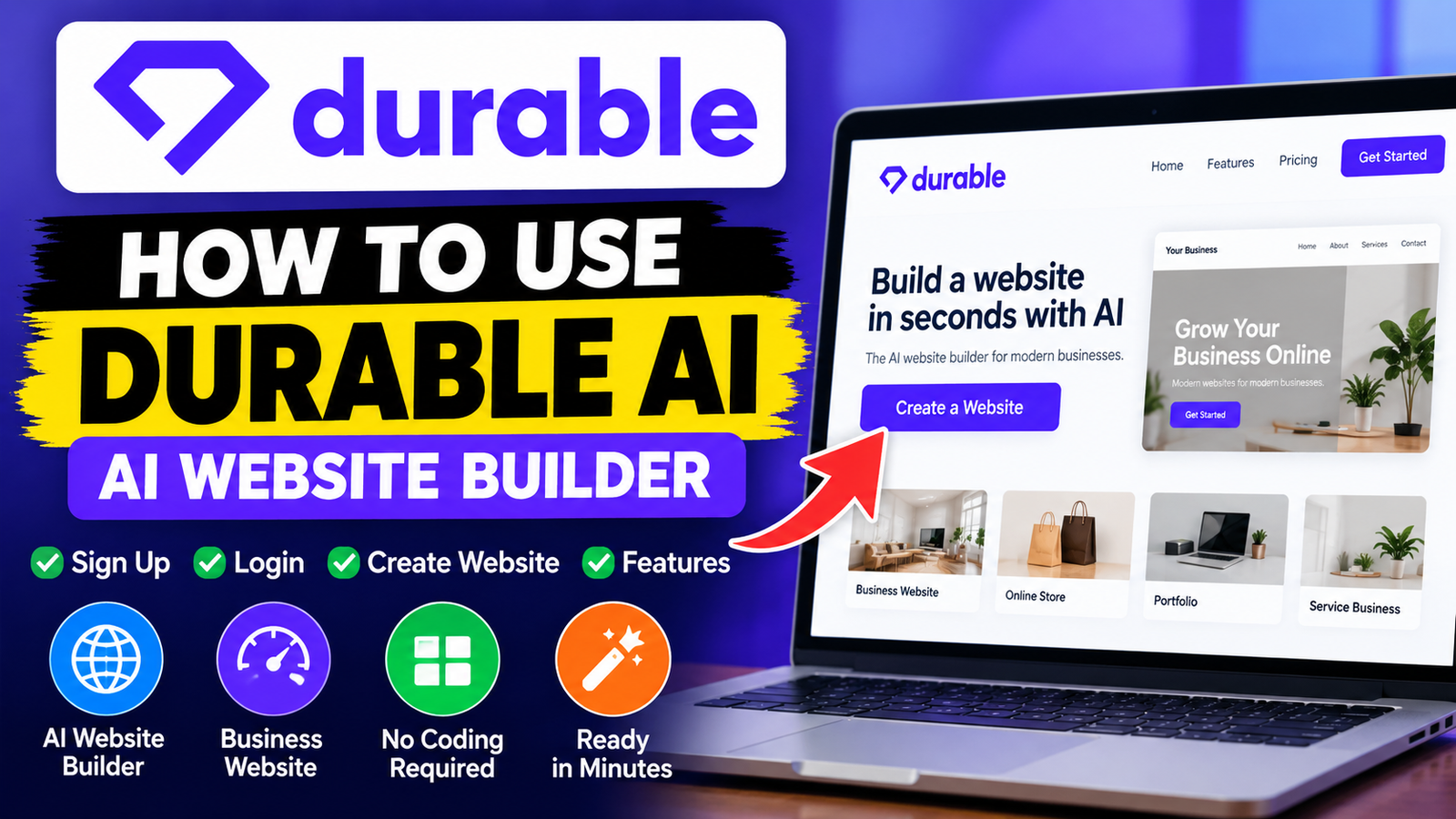
Building a professional online presence can feel daunting, especially without coding skills. You may fear spending weeks on design or hiring expensive developers to launch your business. Fortunately, a durable ai platform can generate a complete site in minutes.
This guide is a complete durable ai tutorial for learning the process with ease. You will learn to sign up, customize your layout, and launch your brand. For beginners and busy entrepreneurs, this durable ai website builder makes each technical step easier.
By following these how to use durable ai instructions, you can focus on growing your business instead of fixing code. Let’s explore how to turn your vision into a functional reality today.
Key Takeaways
- Learn the quick registration process for your new platform.
- Discover how to generate a professional site in minutes.
- Master the art of customizing pages to match your brand.
- Understand the essential features that drive user engagement.
- Gain confidence in managing your digital presence without coding.
What Is Durable AI?
If web design feels overwhelming, Durable AI offers a simple solution for your business. This smart assistant handles coding and layout design for you. It uses machine learning to turn basic business information into a working website in seconds.
“The best way to predict the future is to create it.” — Peter Drucker
This idea guides the platform’s mission, so you can focus on daily operations instead of technical problems. It is a powerful durable ai business website builder that values speed and efficiency for modern entrepreneurs.
How Durable AI Works
You start by giving the system your business name, location, and industry type. After you enter these details, the software studies your niche and creates a custom layout, images, and copy. You do not need to write one line of code to launch your site.
After the site is created, you control its design. You can replace images, change colors, or rewrite text blocks to match your brand voice. This dynamic approach keeps your site unique while automated support handles its structure.
Who Can Use Durable AI?
This tool helps people build a professional online presence without traditional web development’s steep learning curve. It suits durable ai for beginners starting their entrepreneurial journey.
The platform is ideal for a wide range of users, including:
- Small-business owners needing a quick digital storefront.
- Freelancers looking to showcase their portfolios professionally.
- Local service providers who want to attract more customers online.
- Entrepreneurs who prefer to spend time on growth rather than site maintenance.
By removing technical barriers, Durable AI helps anyone build a trusted brand identity. Whether you are new to technology or busy with work, the system adapts to your needs.
Key Features of Durable AI

Exploring this platform shows why it stands out in the crowded website-creation market. Advanced technology powers a complete set of durable ai features that saves time and effort. These tools work together to move your project from a simple idea to a fully functional online presence.
AI Website Generator
The platform’s core is its sophisticated ai website generator. It creates a complete site structure in seconds. You provide basic industry details, while the system manages the layout and design.
AI-Powered Website Editing
After the first structure goes live, you can use intuitive editing tools to refine each detail. This ai website builder lets you swap images, change color schemes, and adjust text blocks without coding. You keep full control over your brand’s final look and feel.
Business Name and Content Generation
Writer’s block and branding challenges are now easier to overcome. Built-in generators suggest professional business names and create high-quality copy for your pages. These features help keep your site consistent and engaging for your target audience.
SEO Tools
Visibility matters for every business, and built-in SEO tools can help you rank higher in search results. You can manage site settings so search engines index your content effectively. Consider these primary benefits of using the platform:
- Rapid deployment of professional websites.
- Automated content creation to save hours of work.
- Simplified design adjustments for non-technical users.
- Integrated search optimization to boost your online reach.
How to Sign Up for Durable AI
Setting up your account is the first step toward building a high-quality business website. Completing the durable ai sign up process is simple, so you can focus on your brand instead of technical tasks.
Step 1: Visit the Durable AI Website
Start by visiting the official Durable website in your preferred web browser. The homepage has a clear button to start building your site.
Check that you are using the correct domain for a secure experience. When the page loads, you can begin registration.
Step 2: Create Your Account
After you click the start button, provide basic details to create your profile. This durable ai sign up stage usually needs a valid email address and secure password.
You may also use an existing social or professional account for faster access. Choosing a strong password helps protect your business data from the start.
Step 3: Complete Your Business Details
After verification, the platform will request information about your company. Accurate details in this durable ai sign up phase help the system personalize your website layout and content.
Be ready to enter your business name, industry, and location. These details help the AI create a tailored site structure that fits your professional goals.
How to Log In to Durable AI

Returning users can quickly access their workspace. Check site analytics or update business content through the durable ai login portal.
Step 1: Open the Durable Login Page
Open the official website in your preferred web browser. Find the sign-in button in the homepage’s top-right corner. Click the button to reach the secure authentication screen and enter your credentials safely.
Step 2: Enter Your Account Details
At the sign-in screen, enter the email address and password linked to your account. Turn off Caps Lock to prevent entry errors. Submit your details to access your dashboard immediately.
If you have trouble during the durable ai login process, try these quick troubleshooting steps:
- Verify that your internet connection is stable.
- Clear your browser cache or try using an incognito window.
- Use the “Forgot Password” link if you cannot recall your login credentials.
- Ensure you are using the same email address you used during your initial registration.
How to Create a Website With Durable AI
Building a professional online presence is faster with this modern durable ai website builder. Follow its simple automated workflow to launch a fully functional business site in minutes.
“The best way to predict the future is to create it.”
Step 1: Enter Your Business Information
Begin by entering your company’s core details into the platform. Learning how to use durable ai starts with your industry, business name, and physical location in the setup wizard.
The system uses this data to tailor your site’s structure and tone. Accurate information helps the first draft match your brand identity.
Step 2: Let Durable Generate Your Website
After you submit your details, the ai website generator builds your layout. This durable ai tutorial shows how the software quickly creates a custom design with professional copy and relevant imagery.
You do not need coding skills or complex design software during this phase. The engine handles the hard work and produces a cohesive draft in under a minute.
Step 3: Review the Generated Website
When generation ends, explore your new site. This durable ai website builder tutorial recommends checking every page to ensure the content matches your vision.
Review the generated text and images to confirm they describe your services accurately. If something feels wrong, regenerate specific sections for a better result.
Step 4: Customize Your Website
The final stage is refining the design to make it yours. Knowing how to create a website with durable ai means using the built-in editor to adjust colors, fonts, and layout blocks.
As a durable ai business website builder, the platform lets you replace stock photos with your own high-quality images. When satisfied, click publish to take your business live to the world.
Durable AI Pricing Plans

The durable ai pricing plans support businesses at different growth stages. Review these costs early to match your digital strategy with your budget.
Free or Trial Features
Most users start by testing the platform’s core features. A trial often lets you build a website and explore its basic interface without paying right away.
This phase is perfect for checking whether the automated tools fit your design needs. You can see how the system uses your business information before choosing a subscription.
Paid Plan Features
When you are ready to launch, review the paid tiers. These plans unlock essential business tools unavailable in the trial version. They typically include a custom domain name, which helps build professional credibility.
Paid members also get advanced marketing tools and detailed analytics for tracking visitor behavior. A paid subscription keeps your website live and fully functional for customers. The right plan can help your business scale as it grows.
Pros and Cons of Durable AI

A balanced durable ai review helps you compare this software’s benefits and limits. This review shows whether the platform fits your business goals and technical needs.
Pros of Durable AI
The platform’s main benefit is its incredible speed. You can create a professional website in under a minute, which helps entrepreneurs launch quickly.
The durable ai features handle many tasks for you. The system creates copy, images, and contact forms, saving hours of manual design work.
- Rapid deployment: Get your site live almost instantly.
- Integrated tools: Built-in SEO and CRM features reduce the need for third-party plugins.
- User-friendly interface: You do not need any coding knowledge to manage your content.
Cons of Durable AI
The automation is impressive, but it has trade-offs. Its biggest limit is the lack of deep customization compared with WordPress or Wix.
Design templates may feel restrictive for a specific brand vision. Also, the proprietary platform makes moving your site to another host difficult.
Finally, the durable ai pricing may not suit every small business. Review your budget to ensure the monthly subscription offers enough value.
Is Durable AI Easy to Use for Beginners?

Building a website can feel intimidating, but many people share this concern. They may think a professional site needs technical skills or costly design help. However, durable ai for beginners removes these barriers through a few simple steps.
This platform helps beginners get online quickly without complex coding. Through a guided workflow, it asks simple questions about your business goals and preferences. Then, it does the hard work by creating a working site you can improve.
With durable ai for beginners, the learning curve stays short. You do not need to manage hosting, servers, or complex layout changes. Instead, focus on growing your business and connecting with customers.
These key benefits explain why the platform works well for first-time site owners:
- Zero Coding Required: You can build and manage your entire site using a simple, visual interface.
- Automated Design: The AI automatically selects professional layouts and color schemes that match your brand.
- Fast Setup: You can move from a blank screen to a live website in just a few minutes.
- Built-in Guidance: The platform provides helpful prompts that walk you through every stage of the setup process.
The platform helps you control your digital presence with confidence. Small business owners and creative professionals can create a polished site without web development experience. Simplicity is at the heart of the experience, so you can focus on your vision instead of technical hurdles.
Durable AI Alternatives

Exploring alternatives to the durable ai website builder helps you balance automation with creative freedom. Automated tools offer speed, but your business may need advanced features or custom layouts beyond basic templates.
When evaluating a new ai website builder, consider how well it supports your long-term growth strategy. Consider whether the platform offers enough flexibility to support growth as your brand changes.
Compare potential platforms using these critical factors before making an informed decision:
- Design Control: Does the platform allow for custom CSS or drag-and-drop editing?
- Content Tools: Are there built-in blogging features or advanced media management options?
- SEO Functionality: Can you easily edit meta tags, alt text, and URL structures?
- Pricing: Does the cost structure remain sustainable as your traffic and storage needs increase?
- Technical Requirements: Do you need specific integrations for e-commerce or third-party marketing tools?
Popular alternatives like Wix, Squarespace, and Framer offer different complexity levels than a standard durable ai website builder. Framer may suit you better if high-end visual design is your priority. Shopify or Squarespace often provide more specialized tools when you need robust e-commerce capabilities.
The best ai website builder solves your specific business problems without adding technical hurdles. Test free trials or demos before choosing a long-term subscription. This helps ensure your choice supports your business goals effectively.
Frequently Asked Questions About Durable AI

These answers can help you get more from this service. Whether you are starting or improving a site, they can guide your next steps.
Is Durable AI Free?
You can try the platform before choosing a subscription. When reviewing durable ai pricing, you will see tiers for different business needs. The right plan gives you the tools needed for growth.
Can I Create a Website With Durable AI?
Yes, the platform makes website development simple. Learning how to create a website with durable ai is easy because it creates a professional layout from your business details. You can refine the content to fit your brand.
Does Durable AI Require Coding?
The tool requires zero coding knowledge. Use its simple interface to build, edit, and manage your entire online presence. This lets entrepreneurs focus on business instead of technical maintenance.
Can I Connect My Own Domain to Durable AI?
You can connect a custom domain and create a more professional online presence. After your durable ai login, open Settings to manage your domain. Learning how to create a website with durable ai with your own domain helps build a credible brand.
If you have questions about your subscription or durable ai pricing, check your dashboard after your next durable ai login.
Final Thoughts on Durable AI
Building a professional online presence is faster than ever. You have explored how to use durable ai to launch your business site in minutes. Smart automation simplifies complex web design tasks.
Our durable ai review offers a balanced view for modern entrepreneurs. You get tools for content generation, SEO optimization, and site editing without technical skills. These features give any growing brand a solid foundation.
Whether this tool fits depends on your specific goals. If you value speed and ease of use, this platform offers a clear path to success. Test the interface today and watch your vision come to life.
Take the next step toward your digital goals. Explore the platform features and compare them with your business strategy. Your website is the first step toward connecting with your audience.