Imagine turning a simple idea into a complete song—with lyrics, vocals, and melody—without needing to play an instrument. That is the power of the modern suno ai music generator. You can now produce professional-sounding tracks from your browser in seconds.
This suno ai tutorial is your guide for 2026. We’ll show you how to set up your account and use advanced editing tools. This guide is for everyone, from beginners to experienced creators.
You’ll learn to write great prompts, manage subscriptions, and share your music. By the end, you’ll be a pro at using this platform. Let’s begin your musical journey today.
Key Takeaways
- Learn the complete registration process for the platform.
- Master the art of writing prompts for better song results.
- Understand how to navigate the interface and core features.
- Discover tips for editing, extending, and sharing your tracks.
- Compare subscription plans to find the best fit for your needs.
Introduction
You might know about a standard virtual assistant, but Suno AI is something new. It’s not just for scheduling or answering simple questions. It’s made to help you create and improve complex music.
The world of artificial intelligence is changing fast. These tools are now key for creators. By 2026, making music will be easier than ever before.
This guide is written for you, so you can follow along easily. You’ll learn how to use the interface, give prompts, and improve your music. Your creative journey starts here, and you don’t need years of training to get great results.
“The future of music is not just about listening; it is about empowering every individual to become a composer through the power of technology.”
Suno AI is different from a basic virtual assistant. It works with you to bring your music ideas to life. It uses advanced artificial intelligence to turn your words into songs. This guide will help you use the platform well, no matter your skill level.
What Is Suno AI?
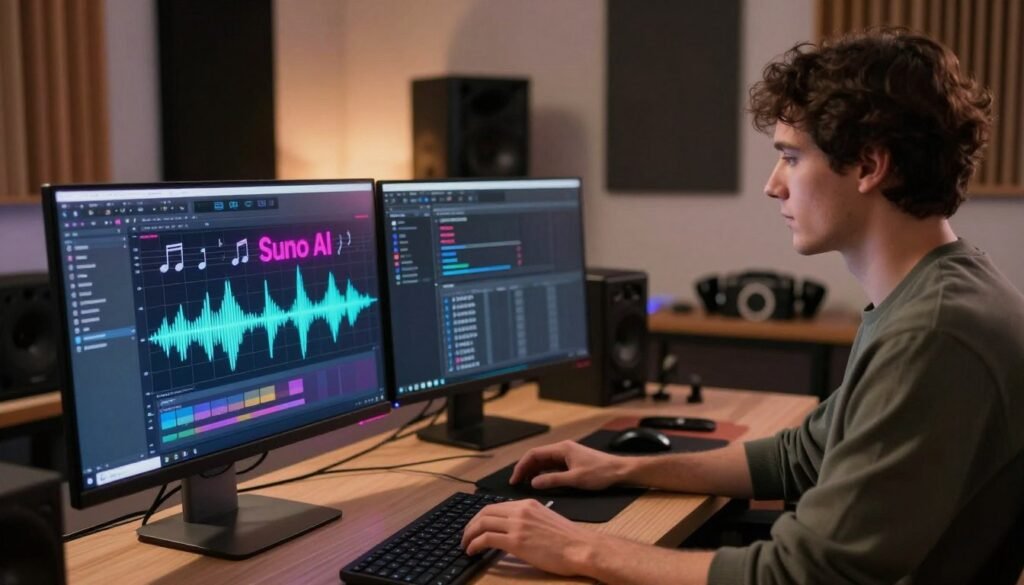
Suno AI is a cutting-edge platform that connects your imagination with music creation. It’s a top ai music generator suno that turns your creative ideas into full musical pieces. You don’t need a studio or pricey software to make your music dreams come true.
This tool’s magic comes from machine learning models trained on huge audio libraries. It uses natural language processing to understand your requests very well. This means the music it creates matches your exact vision, whether it’s a specific genre, mood, or vocal style.
When you give it a prompt, the ai music generator suno breaks down your instructions. It knows about instruments, tempo, and song structure. Unlike old ways that take hours, this tool makes music in seconds. It’s a practical and efficient solution for those who love writing songs but hate the technical parts.
This tech lets you try out new styles easily. It’s a powerful creative partner that helps you work on ideas fast. Whether you’re a pro musician or just for fun, this tool changes how you make music.
Suno AI Key Features
Understanding Suno AI’s core features is key to mastering your music workflow. It uses smart technology to turn your musical ideas into real songs. You don’t need to know how to produce music to use it.
The main suno ai features are based on prompts. Just tell it the genre, mood, and tempo, and it creates a song for you. This ai technology makes creating complex songs fast, saving you hours.
The platform also has great tools for handling lyrics and vocals. You can write your own or let it generate them. This ensures your song has a clear story. Note, it’s not for processing voice recordings, but for creating music.
When using these tools, think about creative control and consistency. You can make many versions of a prompt. This lets you pick the best one for your project. You get to decide the final sound, thanks to ai technology and smart technology.
How well Suno AI works depends on your musical goals. As you get used to it, you’ll see it’s both easy to use and professional. It’s a great tool for any creator.
How to Sign Up for Suno AI

Setting up your profile is the first step to unlock Suno AI’s full power. By signing up, you get instant access to tools that help turn your ideas into top-notch audio tracks.
Step 1: Visit the Suno AI Website
First, go to the Suno AI website using your favorite browser. Make sure you’re on the right site to keep your info safe and have a smooth experience. When the site loads, you’ll see the main page where you can check out what the platform offers.
Step 2: Click Sign Up
Look for the big “Sign Up” or “Get Started” button in the top corner. Clicking it starts the sign-up process. If the site looks different, just find the most obvious sign-up option.
Step 3: Choose a Sign-In Method
The site lets you sign up in several ways. You can use Google, Discord, or Microsoft to link your current accounts. Picking a method you know well can make things faster than signing up manually.
Step 4: Complete Account Verification
After picking your sign-in method, you might need to verify your identity. Use an email or account you can easily check, as you might get a confirmation link or code. Once you’ve verified, your account is set and ready for your first music project.
How to Log In to Suno AI
Getting back to your music projects is easy and secure. Whether you’re a regular creator or just checking your tracks, the steps are the same. Follow these steps for a smooth suno ai login experience.
Step 1: Open Suno AI
First, go to the official website with your favorite browser. Or, use the suno ai app for mobile access. Make sure you’re using the real suno ai mobile app to keep your account safe.
Step 2: Click Log In
After the site opens, find the sign-in button in the top corner. Click it to choose how you want to log in. Remember to use the same login details you set up first to access your library.
Step 3: Access Your Dashboard
Once you log in, you’ll see your personal workspace. This is where all your creative work happens. Here, you can manage your past projects or start something new.
- Check your connection: Make sure you have a good internet connection before logging in.
- Verify the URL: Always check the URL to avoid scams.
- Sync your devices: Use the same account on your browser and suno ai mobile app to keep your work up to date.
- Bookmark the page: Save the login link in your browser for quick access next time.
How to Use Suno AI
Learning how to generate music with suno is easy and fun. You don’t need fancy recording gear or music theory classes. Just tell the system what sound you want, what it’s about, and how it should be structured.
Open the Create Section
First, log in and go to the main dashboard. Look for the “Create” button in the sidebar or menu. Click it to start making music.
Enter Your Music Prompt
The heart of suno ai text to music is your music idea. Be clear about what you want in your song. Think about the genre, mood, tempo, and instruments you like.
- The primary genre or sub-genre.
- The intended mood or emotional tone.
- The tempo or speed of the composition.
- Specific instruments you want to hear.
Add or Generate Lyrics
You can write your own lyrics or use the suno ai lyrics generator. If you generate them, check if they sound right. They should feel natural and match the song’s rhythm.
“The best AI-generated songs often require a human touch to refine the structure, repetition, and emotional resonance of the lyrics.”
Editing your lyrics can make a big difference. It helps your song sound better.
Choose a Music Style
Next, pick a music style. You can say things like “upbeat synth-pop” or “melancholic acoustic folk.” This tells the system how to make your song sound.
How to Create a Song With Suno AI
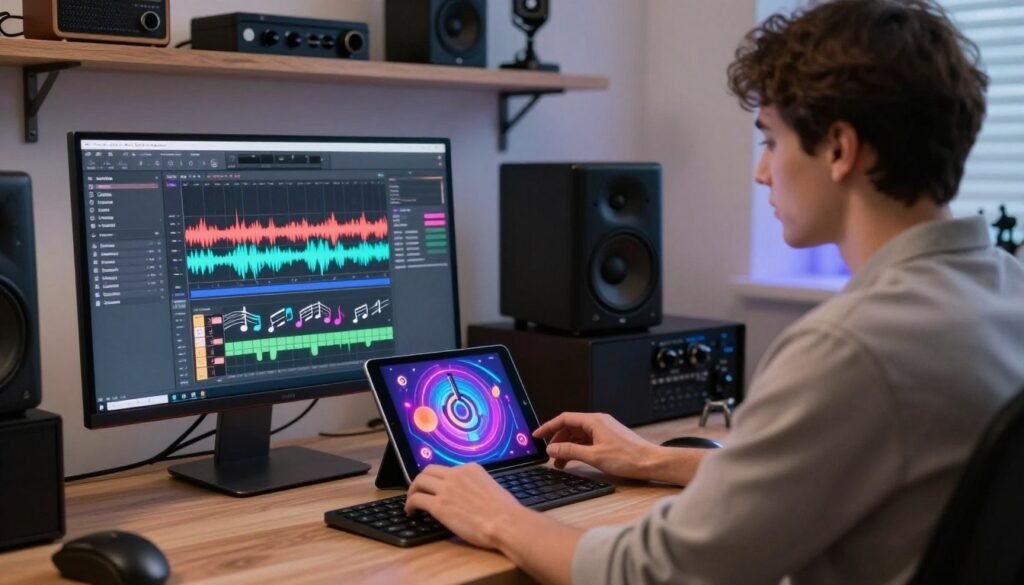
Creating music with Suno AI is a mix of creativity and technical skill. By following a clear process, you can turn simple ideas into great songs. These songs will show off your unique style.
Choose a Genre
The genre is the base of your song. When using Suno AI, picking a genre early helps the AI get the rhythm and chords right.
Whether you like lo-fi hip hop, energetic synth-pop, or acoustic folk, being specific is key. This helps the AI find the right sounds for your song.
Set the Mood and Tempo
The mood and tempo set the song’s feel and speed. Fast tempos can be exciting, while slow ones can be calm or nostalgic.
Think about what story you want your music to tell. Use words like “melancholic,” “upbeat,” or “ethereal” to guide the AI to the right mood.
Choose Instruments and Vocals
Choosing the right instruments adds depth to your song. You might go for a simple piano or a mix of synthesizers and drums.
Don’t forget the suno ai vocals. They’re often the heart of your song. Pick a vocal style, like “soulful” or “operatic,” to fit your song’s mood.
“Music is the shorthand of emotion, and with the right tools, you can translate your inner world into sound.”
Generate and Compare Versions
After setting up your prompt, the suno ai song generator will create different versions. Listen to each one to find the best fit for your vision.
When comparing versions, look at these points:
- Does the melody fit your chosen genre?
- Are the vocals clear and expressive?
- Is the tempo steady throughout?
By checking these, you can pick the best version or use feedback to improve your next try.
How to Write Better Suno AI Prompts

Mastering the art of prompting is key to getting top-notch music from Suno AI. When you give clear instructions, the engine can understand your vision better. By focusing on each musical part, you have full control over the sound.
The best suno ai prompts use clear, detailed language. Try changing one thing at a time. This helps you see how each change affects the sound.
Mention the Genre and Style
Begin by defining the track’s core identity. State the genre, like synth-pop, lo-fi hip hop, or outlaw country. Specific stylistic references help the AI match your desired sound.
Describe the Mood and Tempo
Music evokes emotions, so define the feeling you want. Use words like melancholic, high-energy, or atmospheric. For the pace, describe it as slow-burn or upbeat tempo.
Specify Instruments and Vocals
Don’t guess the instruments. Mention specific ones, like acoustic guitar, distorted bass, or layered harmonies. For vocals, describe the style, such as soulful, breathy, or aggressive.
Use a Clear Song Structure
Organize your lyrics with clear tags. Use [Verse], [Pre-Chorus], [Chorus], and [Bridge] labels. This helps the AI understand the song’s flow and changes.
By following these steps, you’ll create the best suno ai prompts for your projects. Experimenting with these elements will refine your ideas into polished, high-quality tracks.
How to Edit, Extend & Remix Songs in Suno AI
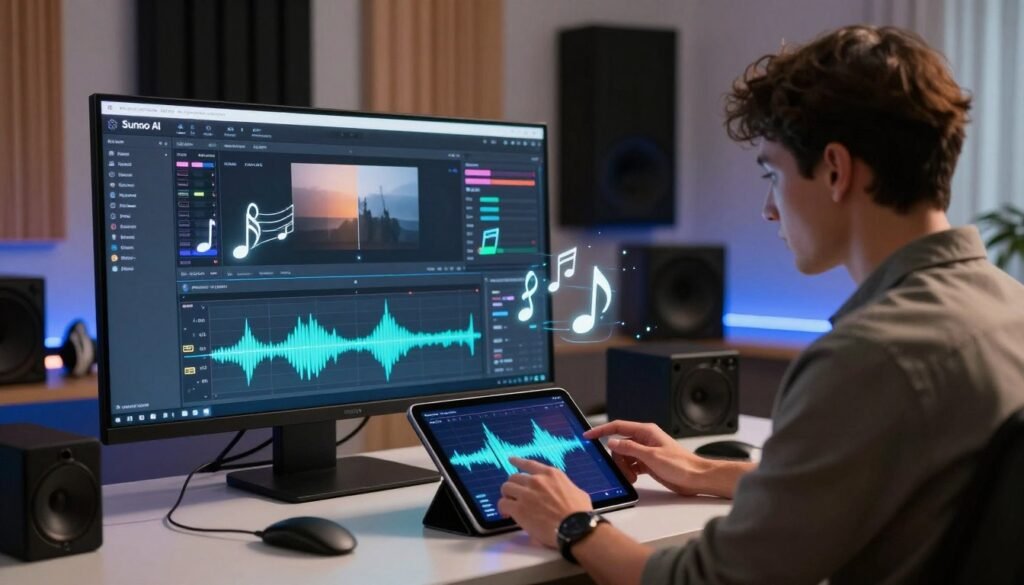
Your journey with Suno AI doesn’t have to stop after the first song. Many creators see their first track as the final product. But, you can explore deeper by using advanced tools. These tools help you refine, expand, and reimagine your music to fit your vision.
Extend a Song
If your song feels too short, the extend feature is perfect. It lets you add new sections while keeping the original melody and style. Consistency is key for growing your song into a full-length track.
Edit a Song
Sometimes, your song’s structure might need a tweak. Editing lets you refine lyrics or adjust the arrangement without starting over. You can fix small issues or polish the flow of your verses to meet your standards.
Remix a Song
For a new vibe, the remix function offers a fresh take. It takes your melody and applies a new style, tempo, or instrumentation. This is a powerful way to experiment with different genres while keeping your song’s essence.
Mastering these three workflows makes your music production flexible and professional. Whether extending a track or remixing it, Suno AI lets you keep creating. It gives you the control to explore new possibilities long after the first song is done.
How to Download and Share Suno AI Songs
Learning how to download and share your music is the final step with Suno AI. After refining your track, listen to the final version in your dashboard. This ensures every detail is just right.
To save your work, find the three-dot menu icon near your track. This menu has download controls. You can choose your file format, like MP3 or high-quality audio. Always choose the format that best suits your intended use case.
When you’re ready to share your music, use the platform’s sharing features. These tools help you create direct links for social media or export files for external projects. Here are some tips for managing your library:
- Rename your files right away to include the genre or mood for easier searching.
- Keep a separate document with your original prompts and version notes.
- Check the platform’s terms of service before planning any commercial distribution.
“Music is the shorthand of emotion, and with the right tools, you can share your unique sound with the entire world.”
Before releasing your music, check your account status for commercial rights. Suno AI offers a powerful workflow for creators. But, knowing your plan’s limits is key for a smooth publishing experience. Organizing your files ensures your creative legacy stays accessible for years.
Suno AI Free vs Paid Plans
Wondering if the free version of Suno AI meets your needs? Or do you need to upgrade? Keep in mind that suno ai pricing can change. Always check the official website for the latest prices before signing up.
Suno AI Free Plan
The free plan is for casual users who want to try out generative music. It’s easy to learn how to use suno ai for free. You get a certain number of daily credits to start.
- Daily credit allowance for song generation.
- Access to standard model features.
- Community-based support options.
- Non-commercial usage rights for your creations.
Suno AI Paid Plans
Paid subscriptions offer more power for serious creators. They remove many limits from the suno ai free tier. This makes your workflow smoother.
Subscribers get these benefits:
- Increased monthly credit limits for higher output.
- Priority generation during peak times.
- Commercial usage rights for your music.
- Access to advanced features and faster speeds.
Which Suno AI Plan Is Best?
Choosing the right plan depends on your goals and how often you create. If you’re a hobbyist who makes music now and then, the free version might be enough.
But, consider a paid plan if you:
- Make a lot of tracks regularly.
- Use your music for commercial projects or to make money.
- Need music generated faster to keep your creative flow.
- Want consistent access without daily credit limits.
Think about your budget and creative needs to choose wisely. Always check the official suno ai pricing page for the latest info.
Suno AI Pros and Cons

Understanding the pros and cons of Suno AI helps you see if it fits your musical goals. It’s a new way to make music, but it comes with its own set of challenges.
The main benefit is how fast you can create music. You can go from a text prompt to a song in seconds. This is great for quick ideas.
Many people like how easy it is to use. It makes music production less technical. Here are some key benefits:
- Rapid Ideation: You can quickly make many song versions to find the best one.
- Low Barrier to Entry: You don’t need music theory or sound engineering skills to start.
- Text-Based Creation: Just describe what you want, and the AI does the rest.
“The future of music creation lies in the collaboration between human intent and machine efficiency, allowing artists to focus on the vision, not the mechanics.”
But, there are downsides to consider before using Suno AI for serious projects. The output can be hit-or-miss, needing many tries to get what you want.
You also have limited control compared to a professional DAW. You can’t easily change individual tracks or fine-tune frequencies after it’s made.
Also, your use is bound by specific plan rules. These might limit how many times you can generate music or what you can do with it. Always check your music to make sure it’s right, as the AI might surprise you with unexpected results.
Who Should Use Suno AI?

Figuring out who’s right for Suno AI helps you see if it fits your creative style. It’s for everyone, from beginners to experienced musicians looking for inspiration.
For songwriters or content creators, Suno AI is great for quick ideas. It makes high-quality demos and mood references fast. This is perfect for starting your projects.
Educators and producers use it to test arrangements or try new sounds quickly. Experimentation is faster with instant results. It’s great for turning rough melodies into polished sounds.
But, Suno AI might not be for everyone. If you need detailed control or precise editing, you might need other software. It’s best as a creative partner, not a full replacement for studio tools.
Choosing to use Suno AI depends on your goals. If you want to streamline your workflow or explore new sounds, knowing your needs is key.
Suno AI Tips for Beginners
To get the most from your creative sessions, follow this suno ai beginner guide. Start with a single, clear musical idea. This avoids confusion during the generation process. Keep your initial prompts concise to let the AI understand your vision clearly.
Consistency is key when learning the platform. Instead of changing your whole prompt, tweak one or two details at a time. This shows how specific keywords shape your song’s final form.
Save your best prompts in a personal document. This library will be your base for future projects. As you improve, this suno ai beginner guide will help you refine your workflow.
When reviewing your tracks, listen carefully to see if they match your vision. Check the song’s structure, intelligibility, arrangement balance, and vocal consistency. These elements help you know if your song is ready for production.
- Structure: Does the song follow a logical flow from intro to outro?
- Intelligibility: Are the lyrics clear and easy to understand?
- Arrangement Balance: Do the instruments and vocals blend well together?
- Vocal Consistency: Does the tone remain stable throughout the track?
Remember, patience is essential in the creative process. Even pros often create multiple versions before finding the right sound. By following this suno ai beginner guide, you’ll quickly become confident in producing quality music.
Is Suno AI Worth Using in 2026?
Deciding if Suno AI is worth it in 2026 depends on your needs. The platform offers innovative solutions for quick musical ideas. It’s up to you to see if it fits your budget and technical needs.
Think about how much control you want over your music. The tool gives great results, but your goals matter most. Quality and flexibility are key to deciding if it’s right for you.
Try the platform with a small project before paying. This lets you see if it fits your creative style. You’ll know if the cost is worth it for your needs.
The tool shines when you use its music as a starting point. Plan to assess, refine, and use the output responsibly. This way, Suno AI can be a great tool for musicians.
Frequently Asked Questions
Mastering modern music production needs clear answers on how tools work. These answers help you move forward in your creative journey with confidence.
Defining the Platform
Suno AI is a strong generative music tool. It turns text prompts into top-notch audio tracks with advanced machine learning.
Access and Pricing
You can get Suno AI with a free tier. It gives you daily credits for trying things out. Paid plans let you make more tracks and use them for business.
Registration Process
To start, visit the official website and make an account. You can use your Google, Discord, or Microsoft account to sign in. This makes it easy to get to the dashboard right away.
Song Creation Workflow
Creating music starts with a descriptive prompt in the creation interface. You pick the genre, mood, and instruments to shape the music. Then, you can edit and extend your tracks with the tools provided.
Starting your journey as a digital composer is easy. Begin experimenting with your unique sound today.