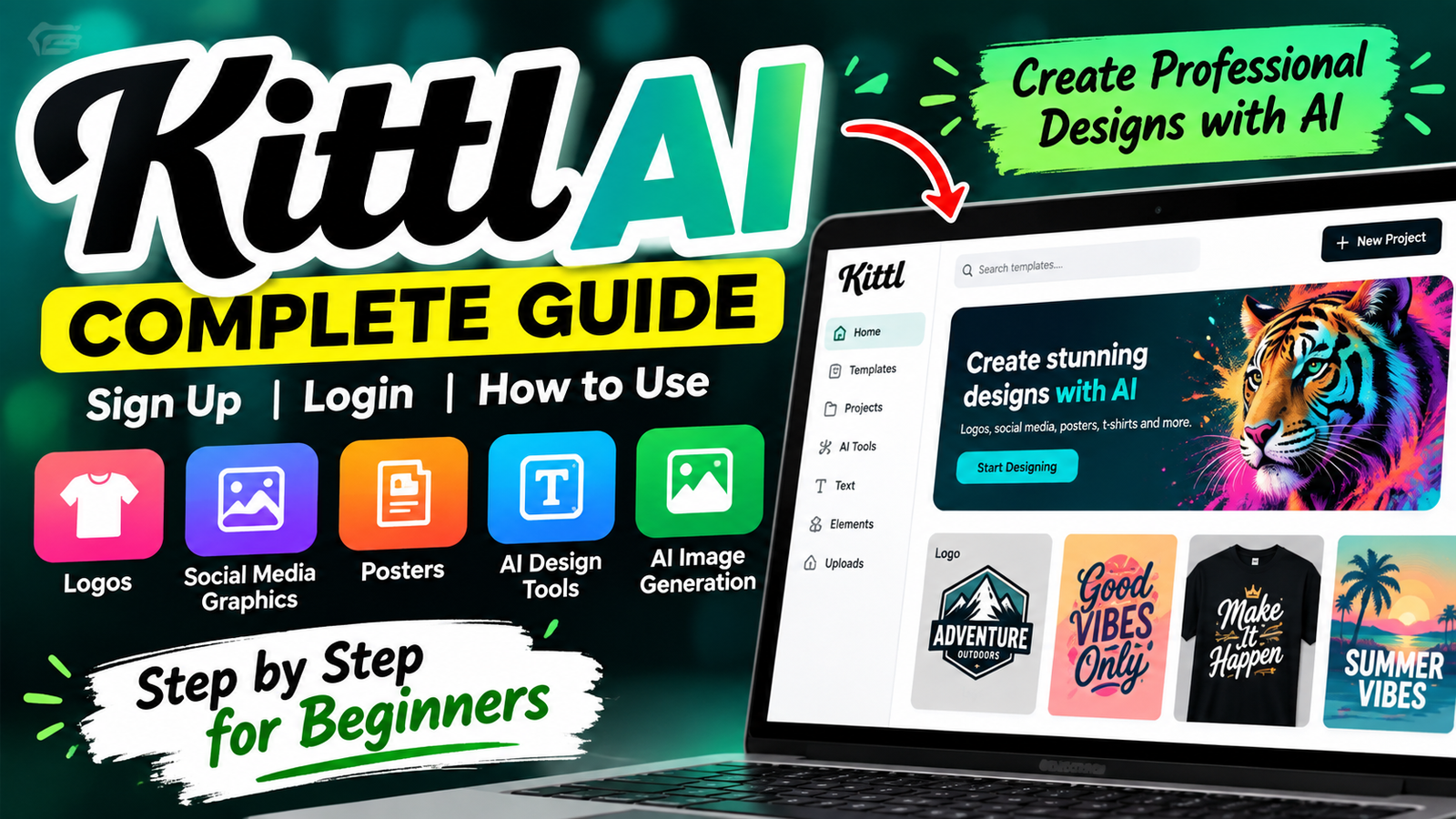
Creating professional graphics can feel hard without advanced technical skills. Complex software may make it difficult to match your creative vision. Fortunately, this kittl ai guide offers a clear way to learn modern design tools.
Kittl ai combines automation with an easy-to-use interface for logos, social media posts, and illustrations. Beginners and experienced creators can turn simple ideas into polished visuals quickly. This guide covers account setup through advanced workflow techniques.
You will learn to navigate the dashboard, use smart features, and select a subscription plan. These steps can simplify your creative process and help you produce high-quality work. Let’s explore the essential steps to start with kittl ai today.
Key Takeaways
- Learn the step-by-step process for account registration and login.
- Discover how to use automated tools to speed up your design workflow.
- Explore various templates for logos, posters, and social media graphics.
- Understand the differences between available subscription plans.
- Gain practical tips for creating professional-looking visuals from scratch.
What Is Kittl AI?
Learning how does Kittl AI work helps you use modern digital design tools. Kittl AI is a complete design ecosystem that moves creative projects from concept to completion.
At its core, Kittl AI is a design-focused platform for creating professional visual assets. It combines high-quality templates, advanced editing controls, and artificial intelligence. Beginners and seasoned professionals can refine ideas quickly with its useful tools.
“Design is not just what it looks like and feels like. Design is how it works.”
Kittl AI supports many tasks, from creating unique visual concepts to improving written content for layouts. Learning how does Kittl AI work helps you customize finished designs with precision. You can align every element with your creative vision and prepare for this guide’s advanced features.
How to Sign Up for Kittl AI

If you are ready to improve your design workflow, the kittl ai sign up process is your first step. Kittl offers a simple registration process, so you can start creating within minutes. Follow these steps to access professional tools for complex graphic design tasks.
Open the Official Kittl AI Website
First, open the official Kittl website in your preferred web browser. It is essential to check that you use the legitimate domain to protect your account. When the homepage loads, find the sign-up button, usually at the top right.
Create Your Kittl Account
After you click the registration button, enter your account details. You can choose from several convenient methods:
- Enter your email address and create a secure password.
- Use your existing Google account for a faster, one-click registration.
- Sign up using your Facebook credentials if you prefer social integration.
After submitting your information, you may need to verify your email address. This quick step protects your account and keeps it accessible for future projects.
Choose Your Account Preferences
After your account becomes active, choose your preferences. Learning how to sign up for kittl ai also includes this final setup step. Sharing your design goals helps tailor the interface to your needs.
Customizing your profile gives you relevant templates and AI suggestions for your skill level. Reviewing these settings creates a personalized experience when you first open your workspace.
How to Log In to Kittl AI
Use these steps to sign in safely and reach your creative tools. This guide helps you regain access and resume your design work.
Open the Kittl Login Page
Open the official website in your preferred web browser. Find the Login button, usually at the homepage’s top right. Click it to reach the kittl ai login portal and enter your credentials safely.
Enter Your Account Details
Enter your account email and password, then check that your Caps Lock key is off. If you forget your password, use the “Forgot Password” link to request a reset email. This reliable step can solve access problems while learning how to login to kittl ai.
Access Your Kittl Workspace
After you submit your details, the system verifies your identity and opens your personal dashboard. This hub holds your creative projects, and you can seamlessly open files or start a fresh design. For persistent errors, update your browser or clear its cache to complete the kittl ai login process.
How to Use Kittl AI

Learning how to use Kittl AI for beginners can unlock your creative potential. Kittl simplifies complex graphic tasks, so anyone can make high-quality visuals. Knowing how to use Kittl AI can save time and improve your design projects.
Start a New Design
Log into your dashboard and find the “New Project” button to begin. It opens a workspace where you can set your project dimensions. Choose a standard size for social media, print, or custom web graphics.
Choose a Template or Blank Canvas
Your goals should guide your choice between a template and blank canvas. If time is short, templates provide a professional foundation you can adapt to your brand. Beginners often like templates because they provide a clear structure.
A blank canvas gives you total creative freedom for a unique layout. Start from scratch when your vision does not fit existing presets. You can build the design layer by layer with complete control.
Use AI-Powered Design Tools
Kittl uses artificial intelligence to speed up your workflow. Type a prompt into the AI tool to generate unique images or text elements. These features help you create custom assets that make your work stand out.
Customize Text, Images and Graphics
Use the editing sidebar to refine every detail of your design. Change fonts, adjust color palettes, and apply stunning effects to your text. Drag and drop your own images, or use the built-in library to add professional graphics.
Save your progress often as you test different styles. The intuitive interface lets you undo or redo changes with one click. Mastering these tools builds confidence and helps you create professional designs consistently.
Kittl AI Features
You can improve your creative process with the powerful kittl ai features and tools available in this platform. These tools work together, helping you move from a simple idea to a polished product in one clear workspace.
AI Image Generation
The image generator creates unique visuals when you type a descriptive prompt. It is incredibly useful for custom illustrations or backgrounds that match your brand identity. You can make designs stand out without relying only on stock photography.
AI Writing Tools
Beyond visuals, smart writing assistants help you create compelling copy. Whether you need a catchy slogan for a t-shirt or a professional headline for a flyer, these tools create text that fits your project goals. This makes your message as impactful as your design.
Templates and Design Elements
A large library of professional templates saves time at a project’s start. You can choose from thousands of pre-made layouts and drag-and-drop elements to build your composition quickly. These assets are fully customizable, so you can keep a unique look while following industry standards.
Typography and Text Effects
Advanced typography controls and text effects make layout work easier. You can add textures, shadows, and warping to fonts, creating titles that pop off the screen. Using these kittl ai features makes text readable and central to your artistic vision.
How to Create an AI Design in Kittl
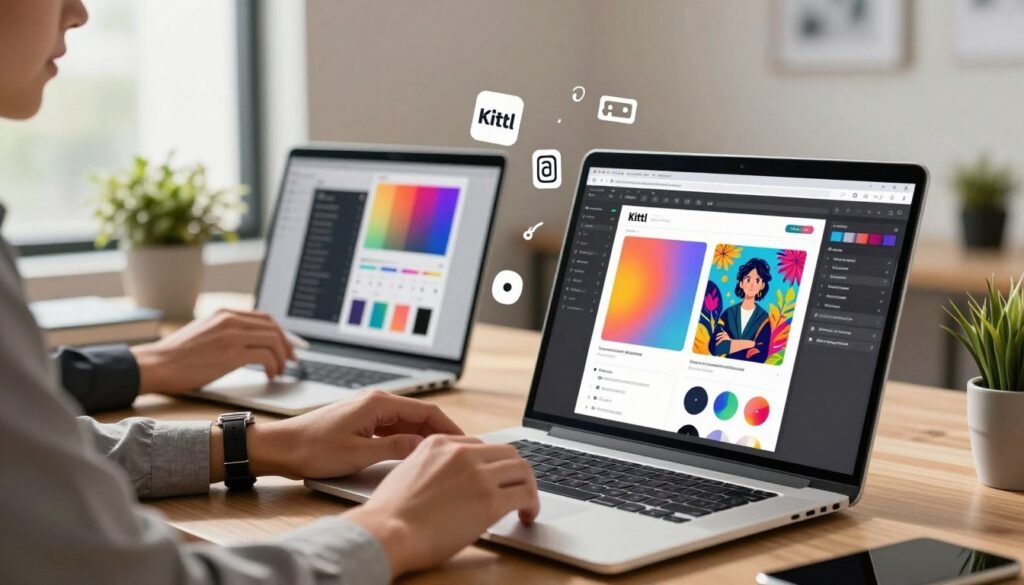
This guide shows the essential steps for making high-quality designs in Kittl. Learning how to create designs with Kittl AI helps you turn a simple concept into a professional visual asset. This workflow keeps you in control while the software handles difficult tasks.
Enter Your Design Idea
Your results depend on a clear prompt. Type a detailed idea into the AI tool, naming the subject, style, and color palette. Specificity is your best friend when you want to avoid generic results.
Describe the mood and intended audience for your graphic. For a vintage logo, name the era or textures you prefer. These details help the AI understand your vision before generating the design.
Generate and Review the Result
After you submit your prompt, the system creates several variations for review. Take time to review each option and find the best match for your original idea. One version may have the best layout, while another may use better colors.
If the first results disappoint you, refine your prompt. Adding or removing keywords can greatly change the outcome. This process is central to the Kittl AI step by step guide for creating professional results.
Customize the Generated Design
Choose your favorite version and move it to the canvas. Adjust text, replace icons, or change background colors to match your brand. Personalization is what turns a raw AI output into a unique masterpiece.
Use the design tools to improve layout and spacing. Make sure the text is easy to read and guides the viewer’s eye. These small changes make your design more useful in real-world applications.
Download or Export the Final Design
Before finishing, check every layer and text element. Confirm that everything aligns correctly and no unwanted artifacts remain. When satisfied, export your file as a PNG, JPG, or vector file.
Choose the right resolution for high-quality printing or digital display. This Kittl AI step by step guide helps prepare your final export for immediate use. You have completed the journey from a simple idea to a polished, professional design.
Kittl AI Free vs Paid Plans
Understanding free and paid access is essential when using the Kittl AI design tool. Many users ask, is Kittl AI free to use for daily projects? The platform lets you explore its features without an immediate cost.
The free tier suits hobbyists and users who want to test the platform before upgrading. It provides many templates and basic editing tools. However, limits may affect saved projects and final export resolution.
A paid plan unlocks more features for professional workflows. These plans usually provide better export quality, more storage, and premium assets. Consider these factors when comparing your options:
- Project Frequency: If you design daily, a paid plan offers better value and fewer restrictions.
- Commercial Needs: Paid tiers often include specific rights or features necessary for selling your designs.
- Asset Access: Premium plans grant you entry to a larger library of fonts, icons, and advanced AI elements.
- Export Quality: Professional projects often require high-resolution files that may be restricted on the free version.
Before subscribing, assess your long-term goals. If you design only for personal use, the free version may be enough. If you build a brand or work with clients, a paid plan’s advanced capabilities can save time and improve results.
Pros and Cons of Kittl AI
Before choosing a design platform, weigh Kittl AI’s benefits and drawbacks. It combines traditional design tools with modern automation, making it popular with creators.
A key advantage is the speed of concept development. You can generate ideas in seconds, reducing time spent on early brainstorming. The interface lets users access powerful kittl ai image generator in their workspace, bringing vision to life without app changes.
Like many automated systems, the output can be inconsistent, so you may need to refine prompts several times for desired results. The platform also has a learning curve for its specific tools and settings.
You should also consider these points when evaluating the software:
- Plan Restrictions: Certain advanced features and high-resolution exports are locked behind paid tiers.
- Manual Review: You must carefully review every generated asset to ensure it meets your quality standards.
- Design Workflow: While the kittl ai image generator is impressive, it works best when combined with manual editing rather than as a standalone solution.
Ultimately, the platform is a powerful asset for users who understand its boundaries. By balancing its automated capabilities with your creative input, you can produce professional-grade designs efficiently.
Who Should Use Kittl AI?
Are you wondering whether this design platform fits your creative needs? Its accessible tools make kittl ai for beginners a strong starting point for new graphic designers. You can create professional-looking visuals without years of experience.
Content creators and small business owners often need high-quality assets quickly. The platform offers a massive template library, so you can skip the blank canvas stage. These pre-made layouts help keep your brand identity consistent across digital channels without a design team.
Marketers and social media managers can use the AI-assisted design controls for fast changes. The platform lets you test ad variations and social media posts by swapping elements and adjusting typography easily. It suits users who want speed without losing creative freedom.
Educators and students can benefit from the intuitive interface. It teaches layout and composition while supporting complex projects. Seasoned designers can use the advanced customization options to move beyond templates and create unique work.
The platform grows with you. Although it is perfect as kittl ai for beginners, it remains a robust tool for power users needing control. It works for a simple flyer or detailed brand asset, adapting to your skills and project needs.
Tips for Getting Better Results With Kittl AI

You can improve your graphic projects by using professional workflow techniques. A solid kittl ai tutorial explains the platform and helps you build better habits. Start with specific AI prompts so the engine understands your creative vision.
Before you begin, define your target audience. Knowing your viewers helps you choose suitable color palettes and imagery. Also, select the correct dimensions early to prevent scaling issues later.
After generating your design, carefully review the typography for errors. AI tools sometimes struggle with complex text, so manual adjustments may improve readability. Test multiple variations to find the layout that resonates most effectively.
Professional results depend on visual consistency. Use the same style, fonts, and color schemes across elements to create a cohesive brand identity. This kittl ai tutorial for beginners recommends previewing your work at the final output size before downloading.
- Write descriptive prompts to guide the AI engine.
- Check all text elements for clarity and alignment.
- Experiment with different templates to find the best fit.
- Review your final export at full resolution.
Is Kittl AI Easy to Use?

Professional graphics often need complex software, but Kittl offers a simpler path. The platform is highly intuitive, so you can start creative projects without a graphic design degree. Its clean interface and drag-and-drop tools remove barriers that may discourage new creators.
Pre-made templates give your projects a useful starting point. Visual controls let you adjust each element with ease. With the kittl ai text to image feature, you can create visuals that match your design vision and save hours.
Even user-friendly tools need practice. Refining your kittl ai text to image prompts may take trial and error. Managing layered elements or balancing typography with generated graphics can feel tricky at first.
“Design is not just what it looks like and feels like. Design is how it works.”
Overall, the platform offers a beginner-friendly workflow that rewards curiosity. Basic tools are easy to use, and your skills grow as you explore advanced features. With regular practice, balancing creative ideas and AI power soon becomes second nature.
Frequently Asked Questions About Kittl AI

These answers cover common questions from our community. They explain Kittl AI’s main tools and subscription options.
Is Kittl AI free?
Kittl uses a freemium model, so many design tools cost nothing at first. You can test templates and basic features before choosing the platform.
Premium tools and higher export resolutions may require a paid subscription. Always verify the current plan details on the official website because terms and features can change.
How do I sign up for Kittl AI?
To sign up, visit the official website and enter your email address. You can also connect an existing social media account.
After verifying your account, customize your profile preferences. This setup tailors your dashboard to your design interests and goals.
Can Kittl AI generate images?
Yes, Kittl AI creates unique visuals from text prompts. Learning how to generate images with kittl ai can add custom graphics to your projects.
Enter your design idea in the prompt box, and the system creates high-quality results within seconds. This tool helps you make original assets without searching stock photo libraries.
Can beginners use Kittl AI?
Kittl AI has an intuitive interface for users of all skill levels. You do not need much graphic design experience to create professional-looking layouts.
The drag-and-drop editor and pre-made templates help you work quickly. With practice, most beginners can manage the learning curve.
Final Thoughts on Kittl AI
Mastering Kittl AI turns your creative process from a complex chore into a smooth digital experience. You can set up your account, open your workspace, and use AI tools to bring your ideas to life.
This guide gives you a foundation for professional graphic design. You can choose templates, customize typography, and export high-quality assets for any project. Kittl AI combines your ideas with cutting-edge technology in a strong design environment.
Start your creative path with a focused project today. Test each AI feature to see how it supports your design goals. Try different layouts and text effects to build a repeatable workflow that saves time and improves output quality.
Your visual skills grow with every design you complete. Explore the Kittl interface and build your portfolio with ease. The tools are ready for your unique touch.