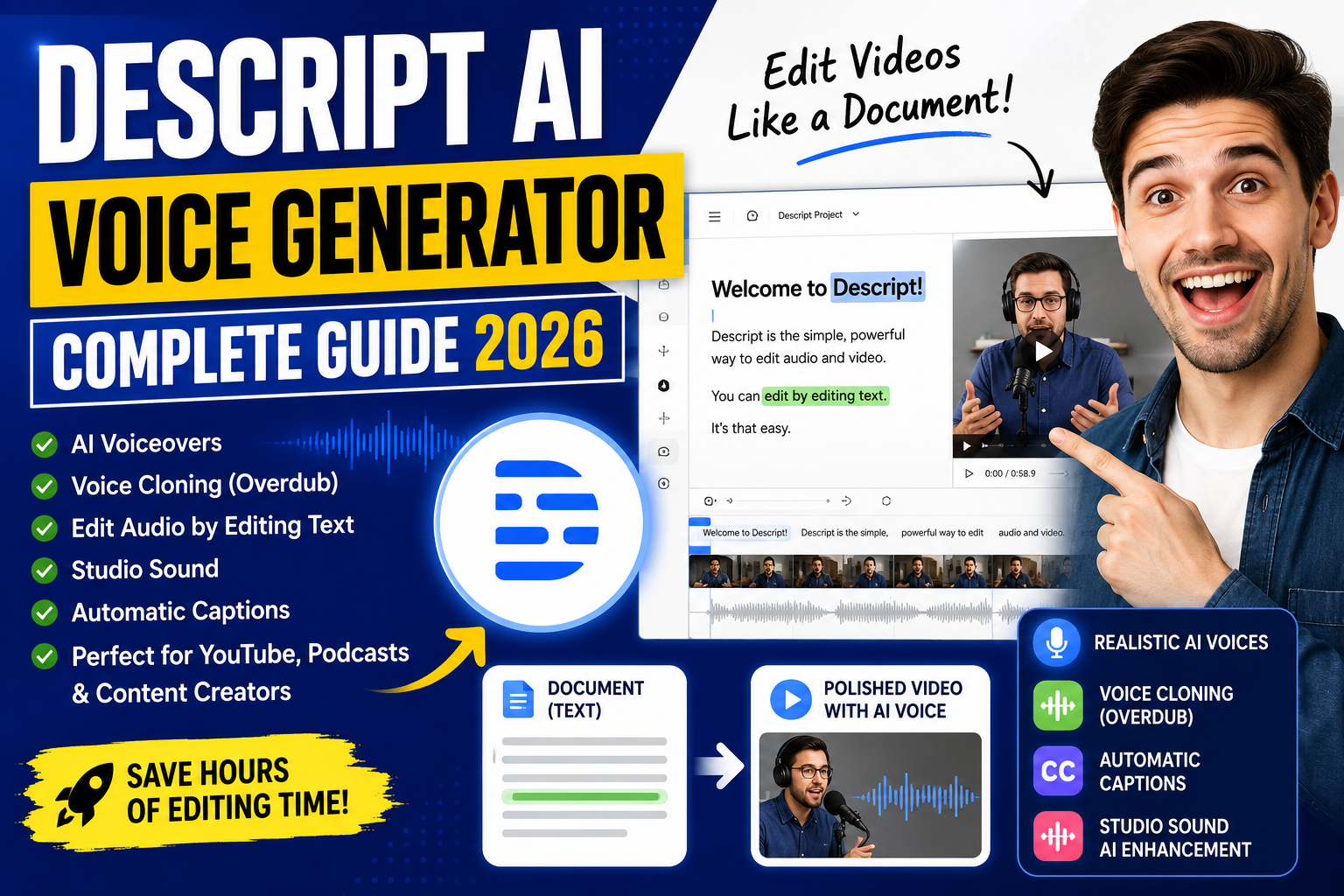
Imagine editing your audio files as easily as you fix a typo in a document. Descript has changed the game, becoming a top-tier tool for creators. It makes complex tasks simple for podcasters and video editors alike.
So, what is Descript? It’s a multimedia editor that uses advanced machine learning. Our descript ai review 2026 shows why it’s a go-to for pros.
With our descript ai beginner guide, you’ll learn key features to boost your content. We share tips to use these tools well. Get set to improve your work and save time.
Key Takeaways
- Learn how to edit audio by simply modifying text transcripts.
- Discover the power of cloning your own voice for seamless narration.
- Understand why this platform is essential for 2026 content production.
- Master professional-grade features designed for both beginners and experts.
- Improve your overall workflow efficiency using automated transcription tools.
Introduction
Imagine editing video files like typing in a word processor. Descript makes this dream a reality, removing technical barriers for creators.
It treats audio and video as text, making editing easy. Whether you’re new or experienced, it simplifies your creative process.
What Is Descript AI?
Descript is a multimedia editor that uses AI to make editing simple. To use it, just read your transcript and delete unwanted words.
The software syncs your text with the media, making it a powerful tool for creating content easily.
Why Is Descript Popular?
Descript is popular because it solves big problems in digital production. It’s great for YouTube videos, making it easy to assemble clips and remove filler words.
Podcasters also find it indispensable for cleaning up audio. It’s a game-changer for turning hours of recording into a polished product in minutes.
Who Should Use Descript AI?
It’s perfect for YouTubers, podcasters, and social media managers. You don’t need advanced technical skills to get professional results.
Many ask, is Descript AI free? Yes, you can start with a free tier to test its features before subscribing. This lets you explore without financial risk.
What Is Descript AI Voice Generator?
Getting to know the descript ai voice generator is key to improving your work. This tool helps turn written text into top-notch audio. It uses advanced tech to make your content sound like it was spoken by a real person.
What Is Descript Overdub?
Overdub is a special feature that helps fix mistakes in your recordings. If you mess up a word or forget a line, you don’t have to start over. Just type the right word, and it will sound like you said it first.
Many people wonder, how does descript overdub work? It creates a digital copy of your voice. After you give it some good quality samples, it learns how you speak. Then, it fills in the gaps with perfect audio.
How Does Descript AI Voice Generator Work?
The tech behind this realistic ai voice generator uses deep learning and lots of speech data. When you give it text, it figures out how someone might say those words. It then makes the audio sound natural, with the right pauses and emphasis.
If you’re curious about how to use descript ai voice generator well, here’s what you need to know:
- Script Processing: It breaks down your text into sounds.
- Prosody Mapping: It adds natural rhythm and tone.
- Synthesis: It makes the audio fit the voice you chose.
“The future of content creation is not just about recording; it is about editing the very fabric of human speech through intelligent software.”
Text-to-Speech vs Voice Cloning
It’s important to know the difference between text-to-speech and voice cloning. A basic ai voice generator offers many voices for your projects. But voice cloning is more personal. It lets you copy your own voice for consistent branding.
Text-to-speech is great for quick narration or for people who need a generic voice. On the other hand, voice cloning gives you a unique sound that connects with your audience. Your choice depends on what you need for your project.
Key Features of Descript AI
Learning the key features of this platform can change how you work on digital projects. It’s great for both pros and hobbyists. This ai voiceover tool lets you make top-notch media easily. It combines many functions into one, making it the best ai voice generator for today’s creators.
AI Voice Cloning (Overdub)
Overdub lets you make a digital copy of your voice. This ai voice software is perfect for fixing recording mistakes without re-recording. It keeps your voice’s tone and rhythm.
Text-Based Audio & Video Editing
Editing media is now as simple as editing text. This ai video editor turns your files into text. You can then edit the text to change your media. It’s a big help for making your ai voice editing work easier.
AI Transcription
Fast and accurate transcription is key for handling lots of content. The ai speech generator tech gives you quick transcriptions. It’s great for:
- Making accurate captions for ai voice for youtube videos.
- Creating searchable notes for ai podcast software.
- Improving accessibility for your ai voice for videos projects.
Studio Sound
Bad audio can mess up your best content. Studio Sound is a top ai audio enhancement tool. It removes background noise and echoes. With this studio sound ai, you can make your recordings sound professional from home. It’s perfect for anyone needing a good ai audio editor to improve their work.
How to Get Started with Descript AI
Setting up your workspace is the first step toward mastering professional content creation. By following this descript ai tutorial, you will build a solid foundation for your future video editing projects.
Create Your Descript Account
To begin, visit the official website and sign up for a new account. You can use your existing Google credentials or a standard email address to register quickly.
Once you provide your details, you will gain immediate access to the platform’s suite of tools. This initial step is essential for unlocking the full software capabilities.
Verify Your Email
After registering, check your inbox for a verification link. Clicking this link confirms your identity and secures your account against unauthorized access.
If you do not see the email within a few minutes, please check your spam or junk folder. Verifying your email is a mandatory step to activate your account features.
Install the Desktop App
For the best performance, you should download and install the desktop application. The app provides a much smoother experience than the web version, descript ai screen recorder included.
This tool is vital for high-quality screen recording, allowing you to capture tutorials or presentations with ease. Simply follow the on-screen prompts to complete the installation on your computer.
Log In to Your Account
Once the installation is complete, launch the application and sign in with your credentials. You are now ready to explore advanced features like audio enhancement and noise removal.
The dashboard provides a centralized hub for all your files and projects. You can now start experimenting with ai automation to streamline your production workflow and save valuable time.
Descript Dashboard Overview
The Descript dashboard is your main hub for creative work. It helps you work faster in podcast editing and managing content. Knowing where your tools are is key to doing well.
The platform’s layout focuses on your content. It has tools like text-based editing and audio transcription right in your workspace. You can also check your descript ai pricing 2026 and plan details from your account settings.
Home Dashboard
The Home dashboard is your first stop every time you log in. It shows your latest work, so you can dive back in easily. You can also see pinned projects or get updates on new tools like ai subtitles and ai dubbing.
Projects
The Projects tab helps you organize your work. You can make folders for different types of content. This keeps your workspace tidy as your collection grows.
Media Library
Your Media Library stores all your files. It keeps your audio and video clips ready for use. This saves time by avoiding the need to upload the same content over and over.
Templates
Templates make your work faster. They let you use consistent styles and branding easily. This is great for regular content, keeping everything looking professional.
How to Create AI Voiceovers in Descript
Turning your written content into audio can really engage your audience. Wondering how to make AI voiceovers with Descript? It’s easy and works well for everyone.
Descript uses speech synthesis tech to make your narration sound professional. You don’t need a studio. This saves time and keeps your tone consistent.
Upload Your Script
To start, upload your text into the app. This is the first step of your descript ai text to speech tutorial.
Just make a new project and paste your script into the text area. The app will format it for you, getting it ready for the next step.
Select an AI Voice
With your text ready, explore the many digital voices available. Many start with the descript ai voice generator free options to find the right tone for their brand.
“The future of content creation lies in the seamless integration of human creativity and artificial intelligence.”
Preview different voices to see how they fit your script. Picking the right voice is essential for connecting with your audience.
Generate Voiceovers
After picking your voice, the platform does the rest. Making ai voiceovers is just a click away. The engine turns your text into natural-sounding audio.
The system works fast to give you a top-quality audio track. You can listen right away and tweak it if needed.
Edit the AI Voice
Now, it’s time to fine-tune your audio. You can adjust speed, volume, or add pauses for a natural feel.
Need to change a word or fix a pronunciation? Just edit the text. The software updates the audio for you, giving you full control.
How to Clone Your Voice with Overdub
You can now keep your audio projects consistent with your own AI voice. The descript ai overdub feature is great for updating scripts without re-recording. It saves time and keeps your voice unique.

Voice Verification
First, you need to verify your voice. This ensures you own the voice being copied. Security is a top priority to prevent misuse.
“The ability to replicate one’s own voice with precision is a game-changer for digital creators who value both efficiency and personal branding.”
Record Your Voice Samples
To clone your voice, start by recording high-quality audio samples. Find a quiet spot to record. Speak clearly and naturally for the best results.
Train Your AI Voice
Upload your samples and start training. The descript ai overdub guide explains how the software learns your speech patterns. This step is key for a natural-sounding clone.
Generate Voice Clones
After training, you can generate audio by typing text. This descript ai voice clone tutorial shows how easy it is to edit or add lines. Yes, can descript clone your voice? Yes, with careful setup. This descript ai overdub tutorial makes professional audio production easy for all.
For a descript ai voice cloning review or your first project, remember quality input is key. Keep your samples consistent for accurate cloning in the future.
How to Edit Audio Using Text
You can now edit your audio files like a word document. This new way makes editing recordings easy, like typing in a text editor. It’s a big change for creators.
Automatic Transcription
Uploading your file starts the descript ai narration tool working on it. It turns spoken words into a readable transcript quickly.
Ever wondered, how accurate is descript transcription? The tool is very accurate, almost like a human, for clear audio. It saves you a lot of time by not having to listen and type manually.
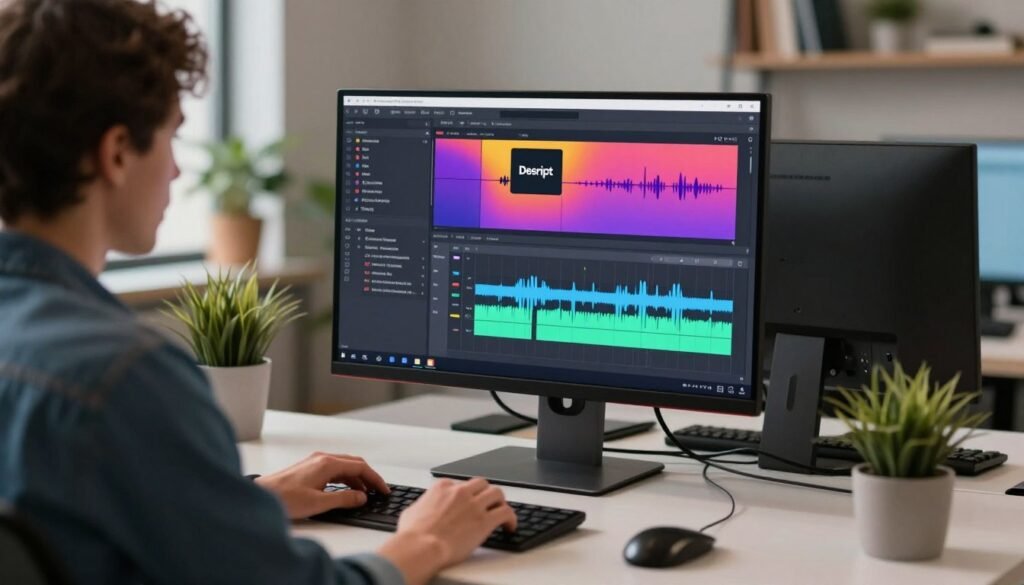
Edit Words Instead of Waveforms
The descript ai podcast editor makes editing easy. You don’t have to look at waveforms. Just highlight the text you want to change.
Deleting a word in the transcript removes it from the audio. This makes your final product sound natural and professional. You don’t need to be tech-savvy.
Remove Filler Words
Keeping your audio clean is key for keeping listeners engaged. This ai voice editor for beginners has a feature to remove filler words like “um” and “you know” easily.
With one click, you can remove these words from your whole project. This makes your final product polished and keeps listeners focused on your message.
Correct Mistakes
Even the best recordings can have small errors. You can fix these by typing the right word into the transcript. This updates the audio to match your text.
Many ask, is descript better than elevenlabs? Both are great, but they work differently. Descript is better for editing existing audio. Choosing the right tool keeps your content real and engaging.
Studio Sound Explained
Many digital storytellers face challenges in achieving professional results at home. Advanced AI tools can transform raw recordings into polished tracks. They clean up background noise and boost clarity, making high-end production values accessible without expensive hardware.
Our descript studio sound review shows it’s a game changer for recording in less than ideal environments. It’s the best ai voice generator for youtube, saving you hours of manual editing. It ensures your listeners hear every word with perfect crispness, making it reliable for podcasts.
Global Reach and Accessibility
Does descript support multiple languages? Yes, it continues to expand its capabilities to help you reach a global audience. It’s a versatile ai voice generator for creators who want to produce content that resonates across different regions and cultures.
Your creative workflow deserves the efficiency these smart features provide. Start experimenting with these tools today. See how they refine your audio projects. Your audience will notice the difference in quality immediately.