Creating professional audio for videos, podcasts, or social media content can feel daunting. If you lack production skills, finding the right background track can become a major challenge. Fortunately, the soundraw ai platform makes this creative process much easier.
This innovative soundraw ai music generator lets you create original compositions in only a few minutes. You can customize moods, genres, and lengths to fit your specific project needs.
In this comprehensive guide, we offer a balanced review and step-by-step tutorial for 2026. You will learn how to use the interface, choose styles, refine tracks, and export high-quality audio files for your media.
Key Takeaways
- Generate custom, royalty-free music tracks in minutes without needing production experience.
- Utilize intuitive tools to adjust the mood, tempo, and length of your compositions.
- Follow a simple workflow from initial style selection to final audio export.
- Benefit from a beginner-friendly interface designed for creators of all skill levels.
- Understand how to integrate unique soundtracks into your YouTube videos and podcasts effectively.
What Is SOUNDRAW AI?
SOUNDRAW AI helps creators make custom music with an intuitive, user-friendly interface. It is a powerful music generator that creates unique tracks for your needs. Advanced algorithms simplify music production.
This soundraw ai tutorial guides you through each step. You will learn to navigate the platform, choose creative preferences, and export a high-quality audio file. Beginners and experienced editors can create professional results with ease.
How SOUNDRAW AI Works
The platform uses a dynamic generation engine to build songs from scratch. Choose a mood, genre, or theme for your project. Then, the AI creates a unique track that you can refine by changing its tempo, length, and instrument intensity.
Learning how to use soundraw ai is easy because the interface gives real-time feedback. You can change music sections so their energy matches your video or podcast. Keep refining details until the track fits your content.
Who Can Use SOUNDRAW?
The platform serves many users, including content creators, filmmakers, and social media influencers. It offers royalty-free music, helps avoid copyright strikes, and can strengthen your workflow. Beginners without formal music theory can also create high-quality audio for projects.
Following this soundraw ai tutorial can help you use the software fully, whatever your technical background. Mastering these tools saves time and raises your work’s production value. This solution streamlines your creative process while keeping you in control of your audio assets.
How to Sign Up for SOUNDRAW AI
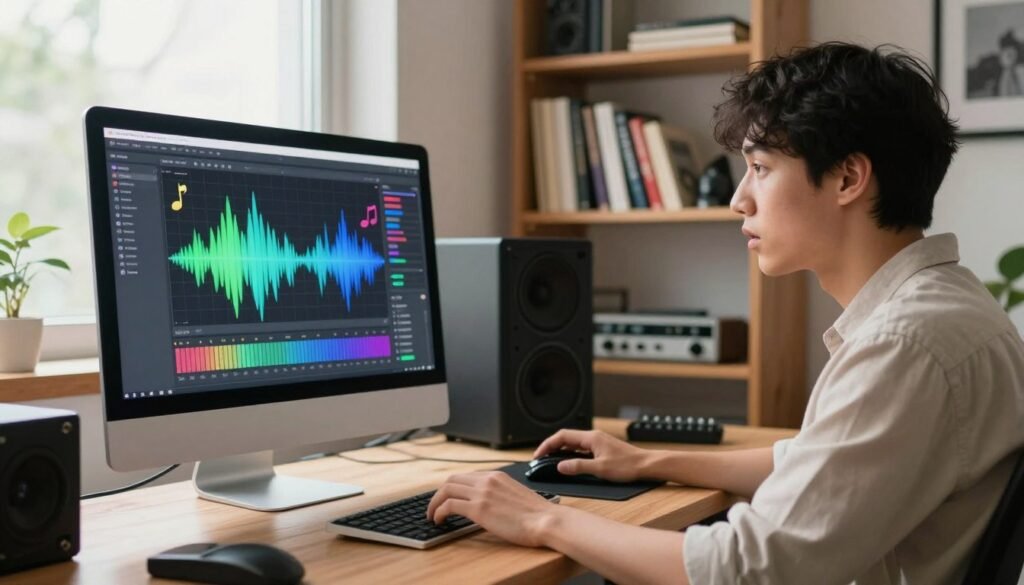
Start your creative work with a simple setup. Before this soundraw ai review, learn how to create your personal workspace. A registered account unlocks the platform’s full potential.
Create a SOUNDRAW Account
Signing up is fast and simple for everyone. You need only a valid email address to generate customized audio tracks for your projects.
Follow these steps to prepare your account:
- Navigate to the official website and click the sign-up button.
- Enter your preferred email address and create a secure password.
- Verify your email address through the confirmation link sent to your inbox.
- Complete your profile details to personalize your experience.
SOUNDRAW Login and Sign In
After registering, you can quickly return to your dashboard. Log in anytime to open saved projects and keep creating soundraw ai music.
Visit the login page and enter your credentials to continue working. If you forget your password, the platform offers a straightforward recovery option. This helps you keep access to your creative library.
How to Use SOUNDRAW AI to Create Music
If you want to know how to create music with soundraw, the process is fast and simple. The platform creates high-quality, royalty-free tracks within minutes. It suits creators who need custom audio without traditional production delays.
Choose a Music Type or Mood
Your journey starts by choosing your project’s emotional tone. Choose uplifting music for a vlog or a tense mood for a cinematic scene. The platform offers many moods to help you begin.
The right mood forms your track’s foundation. The AI uses it to shape the final composition’s harmonic structure and emotional resonance.
Select Genre and Music Style
After choosing a mood, select a genre to refine your sound. Options include electronic, hip-hop, ambient, and classical music.
You can also choose a sub-genre or specific style. This control helps ensure that soundraw ai music generator review results online match the high-quality output expected for your projects.
Set Music Length and Tempo
Technical precision matters as much as creative flair. Set your track’s exact length to match a video timeline or podcast segment.
Adjusting the tempo is just as easy. Choose a slow, relaxed pace or a fast, high-energy beat. This helps the music match your content’s visual rhythm.
Generate Your AI Music
After setting your preferences, click the generate button. The AI will create several unique variations from your inputs.
Preview the tracks at once and choose the best fit. If the first batch fails to satisfy you, adjust your settings and generate new options. Repeat until you find the perfect soundtrack for your work.
SOUNDRAW AI Features

You can improve audio projects with the advanced soundraw features built into this AI music engine. These tools give you creative control, so your final output matches your vision.
AI Music Generation
The platform uses a sophisticated algorithm to create original compositions from scratch. Choose a few parameters, and the software builds melodies and harmonies for your needs. This automated process saves significant time during project pre-production.
Music Customization
After generating a track, you can still change its details. You can adjust instruments, change the song’s intensity, and rearrange sections for your video or podcast. This level of flexibility helps professional creators shape each track.
Genre and Mood Selection
An intuitive filtering system makes finding the right vibe simple. Browse genres and moods to narrow results to your exact needs. You can choose an upbeat track for a commercial or a somber tone for a documentary, with highly relevant options.
Track Length and Tempo Controls
Precision matters when you sync audio with visual content. Set the exact track length and adjust its tempo to match your edit’s pacing. Always check the current soundraw commercial use policies to follow their licensing terms before public distribution.
How to Edit and Customize Music in SOUNDRAW
After generating a base track, the editing suite lets you shape the music. The platform gives you tools to fine-tune your audio. Keep soundraw ai pricing and soundraw copyright policies in mind before finishing, so your workflow stays efficient and compliant.
Change Instruments
If the melody works but the texture feels wrong, you can swap individual instruments. Replace drums, synths, or basslines to match your video’s style. This instrument customization helps your background music support visuals without overpowering them.
Adjust Song Sections
A track may be too long or lack the structure your scene needs. You can rearrange song sections by adding or removing music blocks. This control lets you build or release tension where your content needs it.
“The best music is not just heard; it is felt through the careful balance of every single note and transition.”
Modify Energy and Mood
Use a few simple clicks to adjust the composition’s overall energy and mood. Make a track upbeat for a fast-paced vlog or somber for a documentary; the sliders give instant feedback. Refining your track helps create a professional sound made for your audience.
How to Download Music from SOUNDRAW

Once you perfect your composition, the final step is downloading your file. Understanding how to use soundraw ai step by step helps your vision reach your final video or podcast.
Choose Your Track
Before downloading, listen to your track from start to finish. Check that the tempo, mood, and instruments match your original goals. It is always better to catch small timing issues before exporting the final file.
Ensure the song structure fits your media project. If a section feels too long or short, return to the editor for final adjustments. A quick review prevents another download later.
Select Download Settings
When ready, click the download button to view your export options. You will see file choices, such as MP3 or WAV, which affect your soundraw royalty free music‘s audio quality.
Choose the format that suits your platform. High-quality WAV files work well for professional video editing, while compressed MP3 files suit web content. Always verify your project needs before finalizing your selection.
Save the Final Audio File
After selecting your settings, confirm the download and save the file to your local drive. The process is simple, but you must also confirm your soundraw royalty free music usage rights.
Check the licensing terms for your account plan to ensure compliance. Once saved, you can add your custom AI-generated track to your creative work. Properly managing your files keeps your production workflow organized and efficient.
SOUNDRAW AI for YouTube and Content Creators
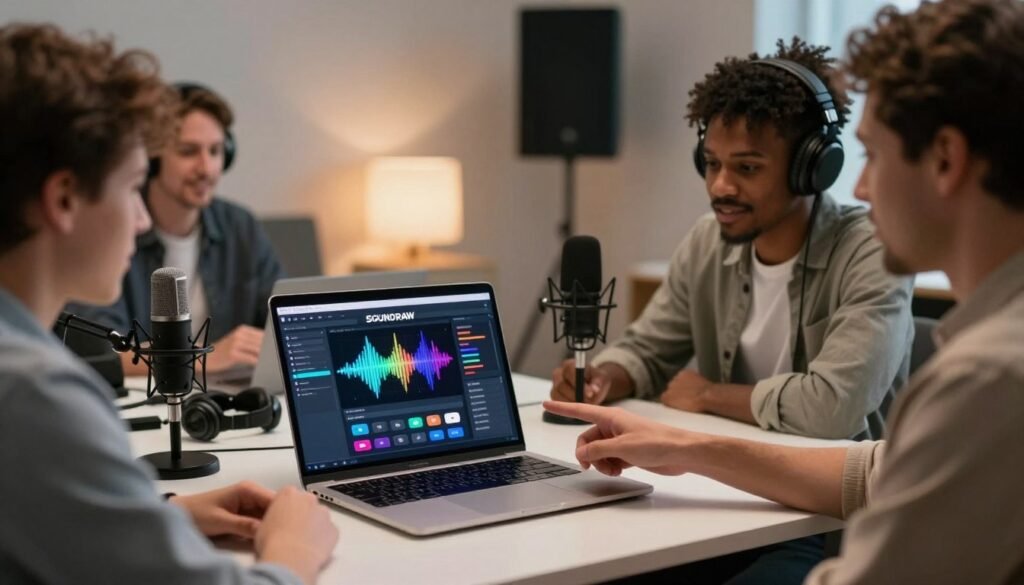
Whether you are a YouTuber or podcaster, finding the right background music is vital to your workflow. First, learn how to sign up for soundraw ai and access the platform’s full library. Once your account is active, you can build a unique sonic identity for your brand.
The process of how to create ai music using soundraw suits creators at every skill level. Select a mood, set the tempo, and adjust the track to match your video length. This simple process helps the music follow your content’s visual pace.
Using SOUNDRAW Music in YouTube Videos
YouTube creators often face copyright claims when they use popular music. Create your own tracks to avoid demonetization while keeping full creative control of your background audio. Then, export the files directly into your editing software.
Using AI Music for Social Media Content
Short-form platforms like TikTok and Instagram Reels need music that grabs attention within seconds. Generate high-energy, short-duration clips that match current trends. This helps you maintain a steady posting schedule without paying licensing fees for every video.
Using SOUNDRAW for Podcasts and Commercial Projects
Podcasters can create custom intro and outro music that reflects their show’s personality. For commercial projects, the platform offers a professional solution for background tracks in advertisements or corporate presentations. Always remember to verify current permissions and licensing terms for your specific project type, ensuring full compliance with your intended use.
SOUNDRAW AI Pricing and Plans

Knowing your music tool’s costs helps you plan long-term projects. Before subscribing, compare each tier’s value with your creative goals.
Is SOUNDRAW Free?
You can explore the platform without paying right away. First, learn how to login to soundraw ai to open the interface and test its generation tools.
The free version lets you experience the creative process firsthand. However, free access mainly supports testing. Downloading high-quality files or gaining full commercial rights likely requires a paid subscription.
SOUNDRAW Paid Plans
Paid plans offer major benefits when you are ready to expand production. They unlock unlimited downloads and licensing for commercial projects.
When comparing plans, study how does soundraw ai work within your chosen tier. Check its export formats and track customization for different media types.
Investing in a paid plan often provides better value when you produce content consistently. The right tier keeps production efficient, affordable, and legally compliant for future projects.
SOUNDRAW AI Copyright and Commercial Use
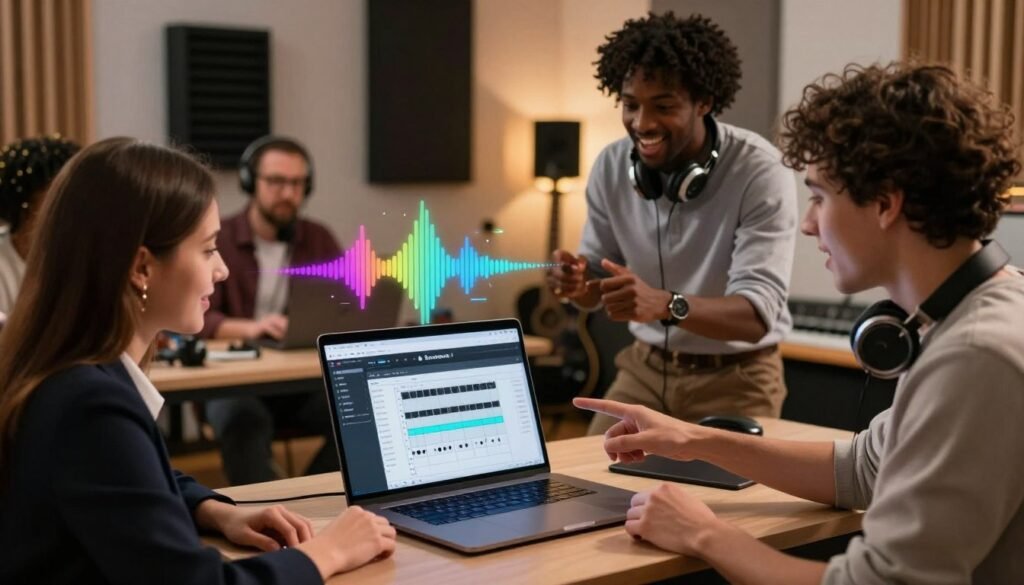
Learning how to make music with SOUNDRAW AI means understanding copyright rules for your projects. The platform offers powerful composition tools, but legal knowledge helps protect your content. Review the current license terms before using tracks in professional work.
Is SOUNDRAW Music Copyright Free?
AI copyright can seem confusing. When you generate a track, the platform grants you a license to use it. The service’s specific terms still control the underlying ownership.
It is important to distinguish between permission to use a file and ownership of its composition copyright.
You can generally use the music in projects when you follow platform guidelines. However, you cannot claim it as original work and stop others from using the same AI-generated patterns. Check the latest documentation to ensure your use follows current policies.
Can You Use SOUNDRAW Music Commercially?
Many creators ask, “is soundraw ai free?” and wonder whether they can monetize content. While access may have conditions, commercial rights often depend on your subscription plan. Client projects and monetized YouTube channels typically require an active paid subscription.
Free users may have fewer rights than users on a paid tier. Always verify your specific license level before publishing content for commercial gain. This protects you from potential claims and helps keep your creative work secure and profitable.
SOUNDRAW AI Pros and Cons
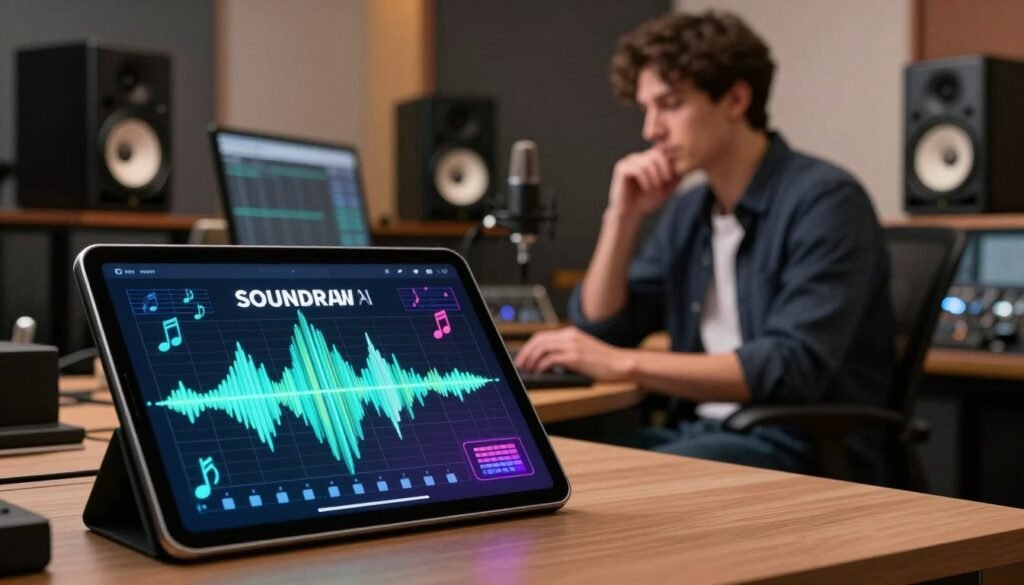
Before adding AI-generated audio to your projects, examine the platform’s main benefits and limits. The best tool for your creative work should balance speed with final sound quality.
Pros of SOUNDRAW
The main benefit is the unmatched speed of custom track creation. You can stop spending hours searching stock libraries for songs matching your video’s length or mood.
Another major benefit is the high level of customization available to users. You can adjust each track’s tempo, energy, and structure to fit your vision. Many creators also value the platform’s soundraw ai copyright free experience, which makes online music clearance easier.
“The future of music production lies in the collaboration between human creativity and machine intelligence, allowing creators to focus on storytelling rather than technical barriers.”
Cons of SOUNDRAW
Despite these benefits, consider the platform’s limits before you subscribe. It is powerful, but it may not match the feeling and depth of a human-composed score for high-end cinematic projects.
Check the licensing terms for how can i use soundraw music commercially in your work. The platform is generally creator-friendly, but match your subscription level to your intended use. Understanding these restrictions helps you confirm whether you can use soundraw music commercially across all platforms without extra fees.
- Rapid generation saves significant production time.
- Intuitive interface for non-musicians.
- Flexible customization options for every track.
- Clear guidelines for soundraw ai copyright free usage.
SOUNDRAW AI Alternatives
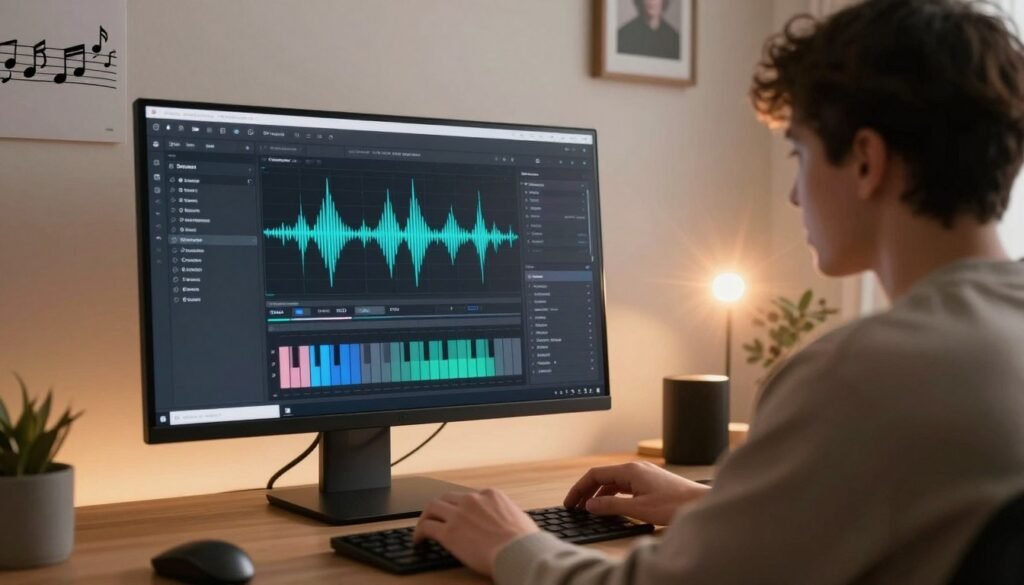
SOUNDRAW is powerful, but other options may fit your creative workflow better. Many creators use soundraw ai for youtube videos for its intuitive interface and royalty-free licensing. Other platforms may better match your project and artistic goals.
SOUNDRAW vs Suno
Suno can create full songs, including vocals and lyrics, from simple text prompts. SOUNDRAW focuses on instrumental background music, while Suno creates radio-ready tracks with human-like vocals. If your content requires a narrative song or a vocal-heavy track, Suno is often the superior choice.
SOUNDRAW vs Udio
Udio offers high-fidelity audio and complex musical arrangements. It supports deeper sound exploration for producers seeking professional-grade quality.
“The future of music production lies in the seamless blend of human creativity and machine intelligence,”
A leading industry expert shared this view about platforms like Udio.
SOUNDRAW vs Stable Audio
Stable Audio uses prompt-based generation and gives you strong control over the final output. It suits sound designers who need specific textures or sound effects, not only background loops. Its technical environment rewards users who enjoy fine-tuning audio settings.
When choosing a tool, consider these key factors:
- Ease of Use: Is the interface friendly for your skill level?
- Customization: Do you need to edit individual instruments or sections?
- Licensing: Does the platform provide the commercial rights you need?
- Output Quality: Are you looking for background music or a full song?
Ultimately, the best soundraw ai music generator for beginners is the one that fits your existing video editing process. SOUNDRAW remains a top choice when you need fast, easy background tracks. For vocals or specific sound design, these alternatives can help your content stand out.
SOUNDRAW AI Frequently Asked Questions
This soundraw ai complete guide 2026 answers common questions about automated music production and helps you make informed creative choices.
Is the platform free to use?
You can explore the interface and generate tracks without a subscription. High-quality downloads and full commercial rights require a paid plan.
Is this tool effective for YouTube videos?
Many creators use this software to make background tracks that help avoid copyright strikes. It also matches audio energy with your visual story.
Can I use the music commercially?
Subscribers gain the right to use generated audio in commercial projects. Always verify the current terms on the official website, as licensing policies can change over time.
Does the system generate original music?
The engine creates unique compositions from your specific inputs. This soundraw ai complete guide 2026 shows how mood, tempo, and length create distinct audio files each time.
Mastering this workflow means choosing your preferred style, refining the track structure, and exporting the final file. Keep testing settings to find the perfect sound for your next project.