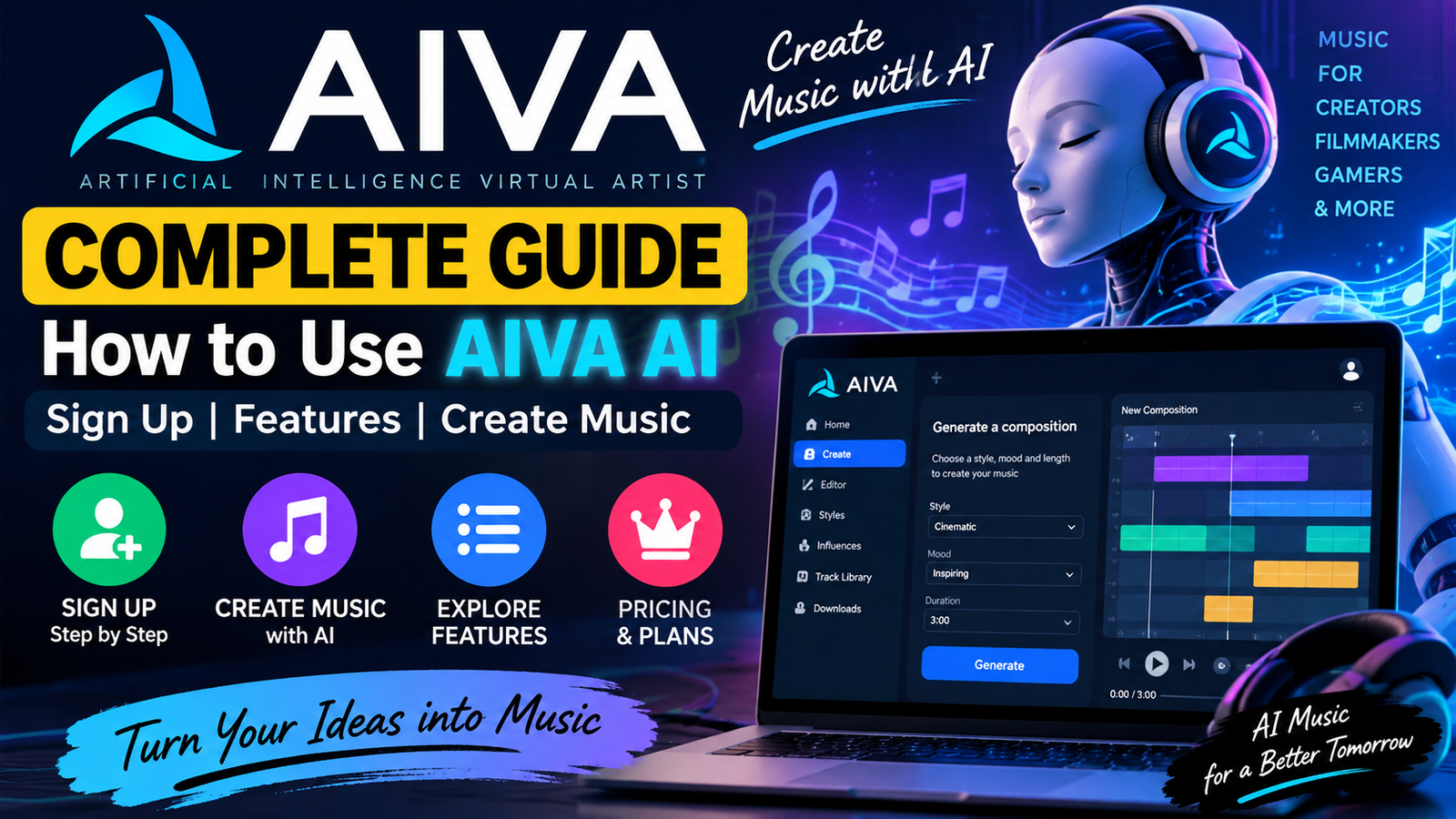
Imagine producing professional-quality soundtracks in minutes without formal musical training. Modern technology lets you create original compositions with an advanced intelligent music generator. This aiva ai platform helps creators explore many moods and styles with ease.
In this aiva ai complete tutorial 2026, we provide a clear roadmap for your creative journey. Create background audio for podcasts, games, or personal videos with this simple software. You will learn to use the interface, customize tracks, and export high-quality files for projects.
Our aiva ai tutorial covers account setup and advanced composition techniques. We will review pricing tiers and practical use cases, helping you gain value from your subscription. By the end, you can build unique melodies from scratch with confidence.
Key Takeaways
- Master the basics of automated music generation for professional results.
- Learn the step-by-step process for creating original tracks from scratch.
- Understand how to customize moods and styles to fit your specific project needs.
- Explore various subscription plans to find the best value for your budget.
- Discover practical tips for integrating generated audio into videos and games.
What Is AIVA AI?
AIVA AI works as a virtual composer that turns your creative vision into complex musical scores. This advanced platform uses deep learning to support your creative process. To learn how to use AIVA AI, treat it as a partner that handles technical work while you keep creative control.
To understand how does aiva ai work, follow its basic workflow. First, choose settings such as the genre, mood, or key signature for your track. The engine then creates unique music from a large library of classical and modern compositions.
After generation, you can refine and edit the composition to fit your exact needs. Adjust individual notes, change instruments, or modify the tempo to match your project goals. This process helps beginners and gives experienced producers room to test new sounds.
After learning these steps, you can explore the software’s advanced features. Create background music for videos or original melodies with this bridge between human intuition and machine intelligence. In this way, you are automating the composition process without losing your music’s emotional quality.
What Can You Create with AIVA AI?

Whether you are a filmmaker or podcaster, the aiva ai music generator offers flexible ways to create unique soundscapes. You can explore many musical styles to match your creative project’s mood. This platform acts as a digital partner, helping you turn your artistic vision into sound.
An ai music generator helps you make high-quality background tracks that fit your project. These tracks suit presentations, social media clips, and digital advertisements. You no longer need to spend hours searching stock libraries for the right track.
The aiva music generator is especially useful for creators who need custom video music. You can create scores that follow your visual story’s pace and emotional arc. Precision is key when syncing audio to video, and this tool lets you adjust compositions.
If you produce podcasts, you can easily create professional-sounding intro and outro cues. The aiva ai music generator helps maintain a consistent brand identity across every episode. You can adjust each cue’s length and complexity for your podcast format.
Beyond functional audio, this ai music generator helps you craft original compositions from scratch. You can explore genres ranging from classical symphonies to modern electronic beats. It offers a strong starting point for musical exploration, regardless of your formal training.
The aiva music generator supports your creative goals by streamlining production. When you understand your project’s needs, you can make better choices and improve your content. It is a practical tool for adding a professional touch to digital media.
How to Sign Up for AIVA AI
Start your musical journey with this aiva ai login and sign up guide. It helps you access powerful composition tools. Before starting, visit the official website to protect your personal information.
Visit the Official AIVA Website
Open your preferred web browser and visit the official AIVA platform. Always double-check the URL in your address bar to confirm the site is legitimate. This precaution helps keep your account data secure from the start.
Choose a Sign-Up Method
On the homepage, find the registration button to begin the aiva ai sign up process. You can usually register with your email address or an integrated social media account. A social media login may save time by syncing your existing credentials.
Create Your AIVA Account
To learn how to sign up for aiva ai, provide a valid email and create a strong, unique password. Review the terms of service before finalizing your registration. This step sets up your profile so you can explore the interface.
Verify and Log In
After submitting your details, check your inbox for the platform’s verification link. Click the link to confirm your identity and activate your account. After verification, complete your first aiva ai login and explore the available music generation features.
AIVA AI Dashboard Explained
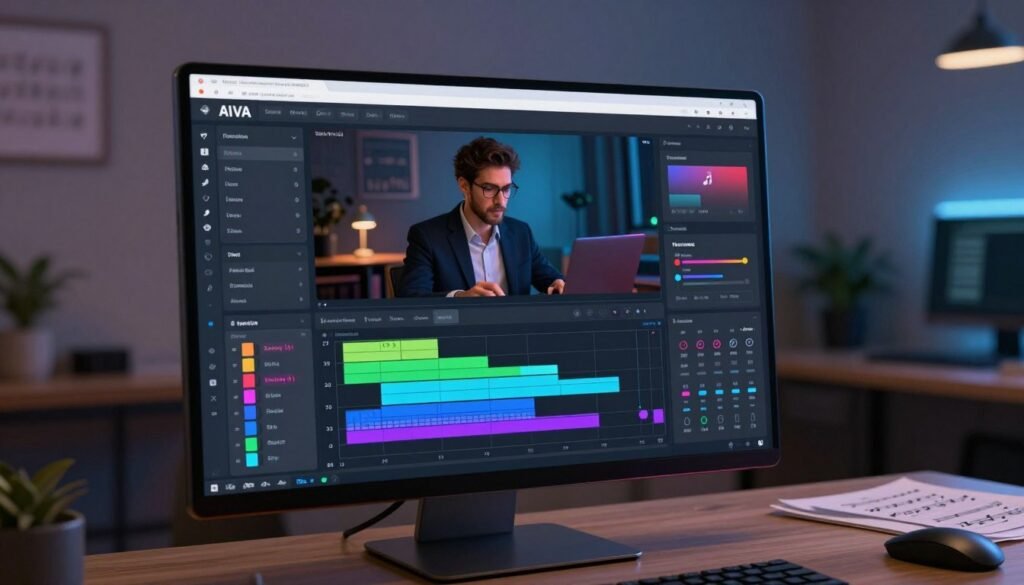
Your journey into AI-generated music starts when you open the intuitive AIVA AI dashboard. This central hub keeps your creative work organized and efficient. The available aiva ai features help you move from a blank screen to a complete musical composition.
The main interface gives you quick access to existing projects and saved tracks. A clear navigation menu helps you manage your library, export files, and start sessions without clutter. Simplicity is the ultimate sophistication. The layout follows this idea by keeping essential tools within easy reach.
“The best way to predict the future is to create it, and with the right tools, your musical vision becomes reality.”
For those seeking aiva ai for beginners, the dashboard feels welcoming. It avoids complex technical jargon and uses a simple workflow focused on creative output. From your profile menu, you can adjust account settings, check subscription status, and find support resources.
Whether you are a seasoned producer or a complete novice, the dashboard works as your personal studio assistant. It gives you the necessary controls to try new styles and refine your sound each time you log in. Learning this interface prepares you for your first successful project with aiva ai for beginners.
How to Create Music with AIVA AI
If you want to learn how to create music with AIVA AI, this guide shows a clear path. The platform helps beginners and experienced producers turn ideas into music through an easy interface.
Follow this step-by-step approach to match your creative goals. You can score a video or write a song with the same efficient process.
Start a New Composition
Log into your account and open the main dashboard. Click the “Create Track” button to open the composition menu. This sets your project’s foundation.
You will see several ways to begin your work. Create a track from scratch or choose a pre-existing template to work faster.
Choose a Music Style
Choosing the right genre matters when learning how to create music using AIVA AI. The platform offers styles such as cinematic, electronic, pop, and jazz.
Consider these factors when selecting your style:
- Mood: Does the track need to feel energetic, sad, or suspenseful?
- Instrumentation: Do you prefer orchestral strings or modern synthesizers?
- Tempo: Choose a beats-per-minute (BPM) that matches your project requirements.
Customize Your Composition
After choosing a style, refine the details to make the music your own. Adjust the key signature, time signature, and piece duration.
Fine-tuning these settings helps the output match your vision. Review your choices before moving to the final stage.
Generate the Music
Now that your settings are ready, learn how to generate music with AIVA AI. Click the “Create” button to let the engine process your request.
The system produces a high-quality composition in seconds. Then, listen to the preview, make edits, or download the file for your projects. Learning how to use aiva ai step by step helps you create professional audio easily.
Key Features of AIVA AI
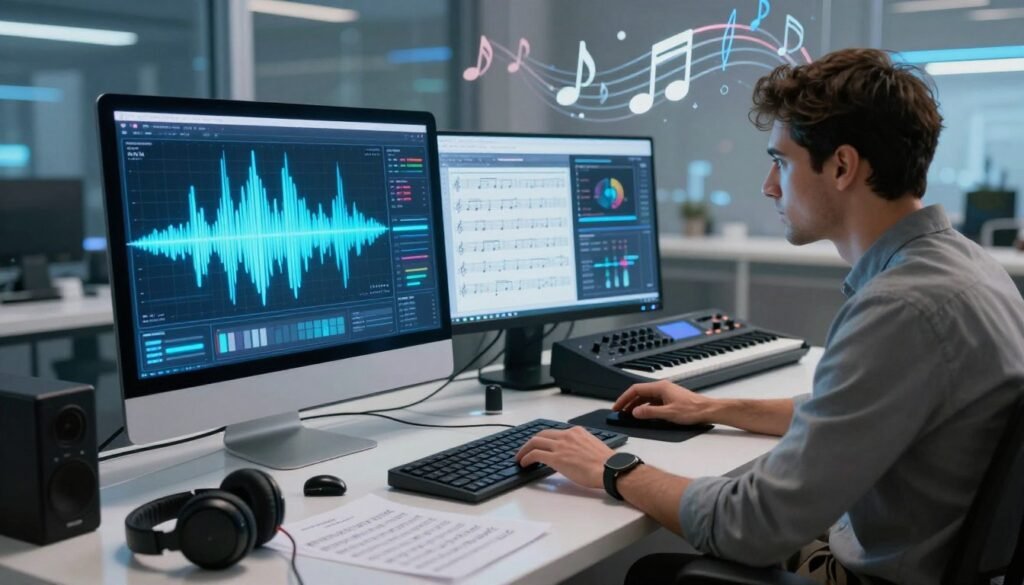
Use the software’s advanced tools to improve your creative workflow. It can create background scores and complex melodies for many projects. As a sophisticated aiva ai composer, it turns raw ideas into polished music.
AI Music Generation
The platform centers on powerful ai music generation technology. Enter specific settings, and it creates unique compositions in seconds. It offers instant ideas that help overcome creative blocks.
Music Styles and Genres
The software offers many presets, from cinematic and orchestral music to modern electronic styles. Choose a genre that fits your project and artistic goals. This range makes the aiva ai song generator useful for diverse creative needs.
Music Customization
After creating an idea, you can refine every detail. Adjust the tempo, change the key, or modify the instruments to match your preferences. This music customization makes the final track feel personal and tailored to your vision.
Track Editing
Professional-grade track editing is the final workflow stage, building on the strong initial output. Use the built-in editor to tweak individual notes or rearrange sections. Separating ai music generation from manual refinement gives control; this aiva ai composer helps polish work to the highest standards.
How to Use AIVA AI for YouTube Videos
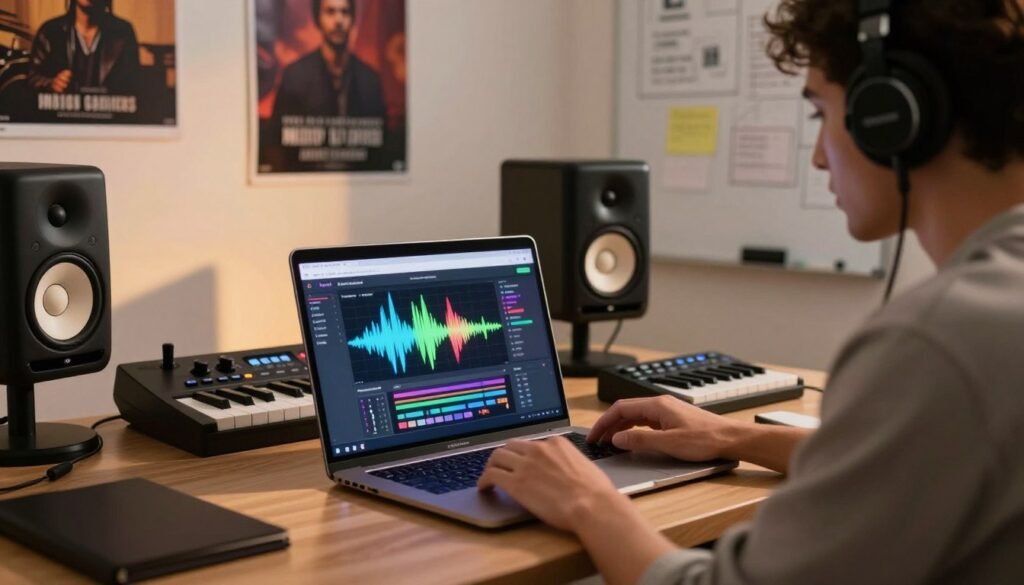
An AI music generator helps match your visual content’s mood and pace. Whether you make a fast-paced vlog or cinematic documentary, this aiva ai music generator tutorial helps match audio to your audience’s expectations. Choose styles and tempos that support your story without causing distractions.
For the best results, use a clear workflow based on your project’s needs. First, define your video’s length and emotional tone before generating music. After creating your track, make small edits so transitions match your video cuts.
Consider this professional workflow for your next project:
- Define Requirements: Identify the mood, tempo, and length needed for your video.
- Generate Music: Use the platform to create a custom composition based on your parameters.
- Edit and Refine: Adjust the track length or instrumentation to fit your specific scene.
- Export and Verify: Download your file and confirm all licensing rights before uploading.
Review your account’s licensing terms before publishing your content. If you use an aiva ai free music generator, certain rules may govern platform credit or video monetization. Check your plan to confirm commercial use permissions on YouTube. Taking these steps early prevents potential copyright claims and protects your channel’s growth.
How to Use AIVA AI for Podcasts and Other Projects
If you want to improve your audio brand, AIVA AI offers useful options for podcasts and other projects. While many users focus on video, this aiva ai review shows how the platform supports many creative projects. You can quickly create custom soundscapes that match your project’s mood.
AI-generated music can bring professional results to your workflow without a large budget. Whether you build a brand identity or score a story, the tool offers strong flexibility. Consider these common uses for your next project:
- Podcast Intros and Outros: Create catchy, branded themes that set the tone for your episodes.
- Transitions: Use short, melodic clips to bridge segments and keep listeners engaged.
- Documentary-Style Content: Generate atmospheric background tracks that build emotional tension.
- Gaming and Interactive Media: Develop dynamic loops that adapt to the pacing of your game.
- Professional Presentations: Add high-quality audio beds to make your slides stand out.
When you conduct your own aiva ai review, you will see that careful refinement brings the best results. Do not accept the first output automatically because the platform allows deep customization. Adjust the tempo, instruments, and key signature so the music fits your project’s purpose.
Your workflow may need extra editing in a digital audio workstation (DAW). Although AI provides a strong foundation, manual control is essential for a polished, professional sound. Always check the licensing terms to ensure your plan covers your distribution needs.
Ultimately, this aiva ai review confirms that the tool helps many kinds of creators. Match the music to your project’s needs to create high-quality audio that captures your audience’s attention. Try different styles to find the right sound for your creative vision.
AIVA AI Pricing and Plans

Understanding aiva ai pricing requires reviewing your project’s needs. Whether you are a hobbyist or professional content creator, choose a tier with the tools your work needs.
Before deciding, verify the latest terms on the official website. This 2026 guide shows the general structure, but limits may change to serve the community better.
Free Plan
The free tier helps users explore the platform without an upfront cost. It lets you create a limited number of compositions each month and test the software’s capabilities.
Remember, this plan is strictly for non-commercial use. You must give the platform proper attribution whenever you share your creations. It suits personal projects and learning how the engine works.
Paid Plans
Upgrading to a paid subscription unlocks the software’s full potential for professional use. These tiers offer commercial rights for monetizing videos or podcasts on platforms like YouTube.
When comparing aiva ai features and pricing, consider these benefits of choosing a paid plan:
- Increased monthly download limits for your projects.
- Access to high-quality audio formats like MIDI and WAV.
- Full ownership of the copyright for your generated tracks.
- Priority processing for faster music generation.
Your ideal plan depends on your work volume and professional licensing needs. Matching your budget with your creative goals supports a smooth, productive experience.
Is AIVA AI Free to Use?
Is AIVA AI free to use for your next big project? The platform offers creators a generous starting point, but understand what aiva ai free access includes. You can test the software at no cost, but generated files have usage limits.
When you ask, is aiva ai free to use, consider your long-term goals. The free plan supports personal exploration and testing the engine. However, it does not provide the flexibility of a paid subscription.
Before publishing your work or monetizing content, remember these critical limitations:
- Commercial Rights: The free version typically does not include full commercial ownership of the music.
- Attribution: You may be required to provide credit to the platform if you use tracks generated under the free tier.
- Download Restrictions: There are often limits on the number of downloads or the file formats available to free users.
- Licensing: Always verify the current terms of service, as licensing rights for monetization are usually reserved for paid members.
It is essential to check your account’s specific terms before using music in a professional project. The aiva ai free option helps you learn the interface, but full creative freedom often requires an upgrade. Follow the latest platform policies to protect your content from copyright issues.
Pros and Cons of AIVA AI
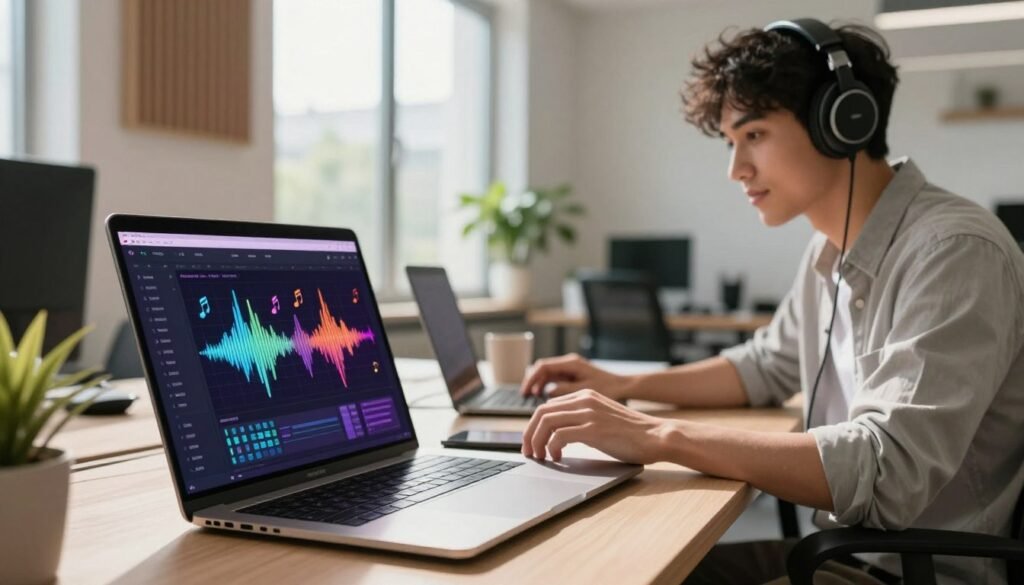
To decide if this tool fits your workflow, review its strengths and limits. An aiva ai music generator for beginners gives you powerful technology that simplifies complex tasks. Still, weigh these benefits against the platform’s limits to meet your creative needs.
Pros of AIVA AI
The platform’s main advantage is its incredible speed. It creates professional-sounding tracks in seconds for creators who need background music for videos or podcasts on a tight deadline. It also removes the steep learning curve of music theory and production software.
Another major benefit is the intuitive interface. For users of an aiva ai music generator for beginners, it offers easy style and mood controls without composition training. You can adjust the tempo, key, and instrumentation to match your project’s tone.
Cons of AIVA AI
Despite its convenience, the tool has limits. Its licensing structure can be complex, especially in the free version, which often limits commercial usage rights. Review your plan’s terms carefully to avoid possible copyright issues with your content.
Although the tool is powerful, it cannot fully replace the nuance and emotional depth of a human composer. The output may need significant manual editing to create a truly unique sound. Solely relying on an aiva ai music generator for beginners may produce generic results without extensive track customization.
AIVA AI vs Other AI Music Generators
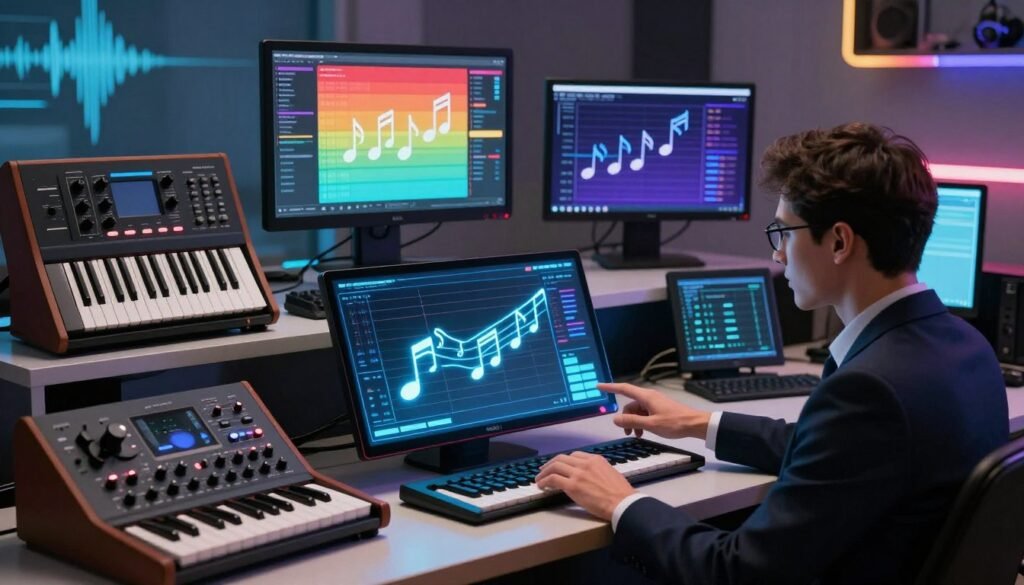
When exploring generative audio, comparing aiva ai vs other ai music generators guides your creative process. Each platform offers unique strengths for creators, from hobbyists to professional composers.
To choose wisely, evaluate these tools using criteria that affect your workflow. Consider how much creative control you need and how much automation you prefer. Some platforms favor fast, text-to-audio generation, while others focus on deep MIDI editing and structural composition.
When comparing aiva ai vs other ai music generators, use these factors to match your choice with your project goals:
- Creative Control: AIVA AI excels in providing granular control over MIDI files, which is ideal for users who want to tweak individual notes.
- Music Styles: While some competitors focus on vocal-heavy pop tracks, AIVA AI is often preferred for cinematic, orchestral, and background instrumental scores.
- Editing Features: Look for platforms that allow you to export stems or MIDI data if you plan to refine your tracks in a Digital Audio Workstation (DAW).
- Licensing and Pricing: Always verify the commercial usage rights, as some free tiers restrict how you can monetize your content on platforms like YouTube.
- Learning Curve: Evaluate whether you need a simple “one-click” generator or a robust tool that requires a bit more technical setup.
Ultimately, choose based on your specific requirements for 2026. If you need high-quality, royalty-free orchestral music with editable underlying scores, AIVA AI stands out as a highly reliable choice. However, if you need quick, lyrical vocal tracks, you might find other specialized generators better suit your immediate needs.
Tips for Getting Better Results with AIVA AI
Professional results with AIVA AI require creative intent and technical adjustments. Refine your workflow to turn simple generated melodies into polished, high-quality soundtracks that match your vision.
First, define your project’s specific mood before generating music. Choose a suitable style, then test genres and instrumentation settings. These aiva ai tips can narrow the vast sound library and find the right fit for your content.
- Generate multiple alternatives: Never settle for the first result. Create several variations to see which chord progressions or rhythms resonate best.
- Contextual evaluation: Always judge your tracks against the intended video or podcast. A song might sound great in isolation but fail to support the pacing of your visual media.
- Refine through editing: Use the built-in editor to tweak specific notes or instrument volumes. Small adjustments often make the biggest difference in the final mix.
Always review your licensing and plan conditions before publishing your work. Understanding your rights is essential, especially with a free or entry-level account. Following these aiva ai tips keeps your creative process smooth, legal, and effective for all your future projects.
Is AIVA AI Worth Using?
Is aiva ai worth using in your 2026 production workflow? The answer depends on whether you value speed or close control in your creative process. For many creators, the platform supports fast music ideas.
Content creators and filmmakers may value generating royalty-free soundtracks in seconds. AIVA AI excels at creating high-quality background music for specific moods, without music theory training. However, professional composers may find that the automated nature of the tool limits control over every note.
To decide if aiva ai worth using fits your goals, consider these factors:
- Speed of Production: Ideal for those needing quick turnaround times for social media or video projects.
- Creative Control: Best for users who want a starting point rather than a final, unchangeable masterpiece.
- Licensing Clarity: Essential for commercial users who need to ensure their music rights are secure.
- Learning Curve: Highly accessible for beginners, though advanced users may want more complex MIDI editing features.
For deep manual composition, the platform may feel restrictive beside traditional Digital Audio Workstations (DAWs). You may need to export MIDI files and refine them in external software for a unique sound. This hybrid approach often produces the best results for serious producers.
Ultimately, aiva ai worth using is a subjective choice based on your project requirements. If your goal is to streamline your workflow and overcome creative blocks, the investment is likely justified. By comparing subscription costs with time saved, you can decide whether this tool belongs in your digital toolkit.
Frequently Asked Questions About AIVA AI
New AI tools can raise questions. These answers explain how to use AIVA well and save time during production.
What is AIVA AI used for?
AIVA helps composers, content creators, and developers create high-quality musical scores. You can make video background tracks, game soundtracks, or starting points for original compositions.
Is AIVA AI free?
AIVA uses a freemium model. You can test the software with a free tier and create a limited number of tracks. Upgrade to a paid subscription for full commercial rights or higher download limits.
Can I use AIVA AI music on YouTube?
Yes, you can use generated music on YouTube, but your rights depend on your subscription level. Review the platform’s licensing terms to keep your content compliant. Learning how to use AIVA within these rules helps protect your videos from copyright claims.
Can AIVA AI create original music?
AIVA uses advanced algorithms to compose original music from your selected parameters. The AI creates the structure and melody, while you can edit and customize the output for your vision. This powerful tool helps anyone create unique audio without starting from scratch.
Final Verdict: Should You Try AIVA AI?
AIVA AI gives creators a simple way to build professional tracks from scratch. You can set up your account, create unique melodies, and refine compositions with easy editing tools. It helps people find background music for videos or podcasts.
Your decision depends on your creative goals and budget. Beginners may like the easy interface, while experienced producers may value faster music generation. Compare these benefits with your personal licensing needs.
Test the workflow with your own projects before choosing a subscription. Read the current plan terms on the official website to understand your rights for public music use. Exploring the software is the best way to see whether it suits your artistic vision.